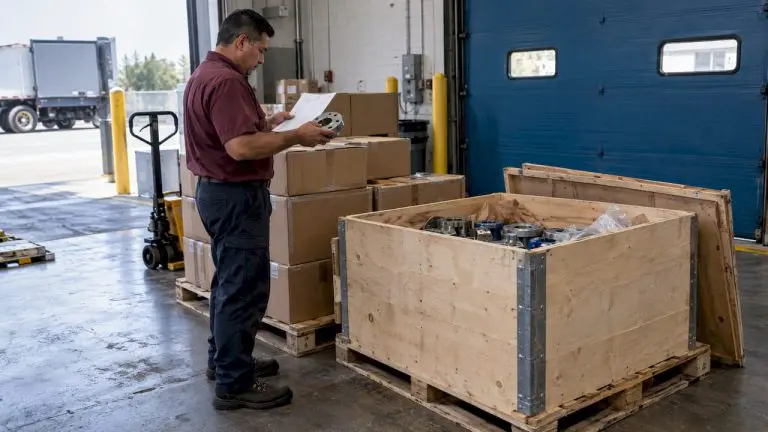
Gaining buy-in from your maintenance technicians is essential for the successful implementation of CMMS, as their engagement directly influences the system’s effectiveness and long-term impact. See also: CMMS Implementation: Best Practices for Success.
After working hard to get purchase approval for his new maintenance software, Chuck called me up with a pretty typical problem.
“Steve,” he said. “My maintenance techs are really making it difficult to get this CMMS project off the ground. All they do is complain about how much time data entry in the field is gonna take. This isn’t gonna work if my guys cut corners because they just don’t wanna take the time to use the system.”
Oftentimes, maintenance managers focus so strongly on getting upper management to approve their purchase request, they forget all about other key stakeholders. One of the worst groups to leave out is the maintenance technicians who will use it every day. The seven implementation mistakes that derail rollouts, and how to avoid each one, are covered in CMMS implementation success blueprint.
CMMS Buy-In from Stakeholders
The people responsible for the bulk of the CMMS data entry are also the people who will benefit the most from it. But it’s your job to help them understand that. The key is showing them how to embrace the output. In other words, “What’s in it for me?” I call this the “WIIFM.”
I believe maintenance techs get two huge benefits from CMMS software:
- More efficient workflows
- Less finger-pointing when things don’t go as planned.
CMMS Makes Maintenance Work Easier
CMMS software stores and organizes data gathered by your technicians, who in turn will use that data later on to do their jobs better and faster. Your maintenance techs will suddenly have access to key information that will become invaluable, including…
- Work history
- Condition monitoring
- Access to vendor information, guides, and manuals
- Inventory/parts availability.
With CMMS data at their fingertips, your maintenance techs can answer questions quickly, access key information, see trends, and make faster decisions. They can do their jobs more efficiently and reap the rewards accordingly.
CMMS Has Their Back
Your techs know that when things go wrong, the maintenance department often gets the blame. Here’s how CMMS can support your maintenance techs when things aren’t going well:
- Validate the issue and provide the big picture
- Show who did what when
- Measure accomplishment
- Make the process visible
- Reduce stress level.
With CMMS, it’s not their word against someone else’s. Now they have verifiable proof that they did what they needed to do when it needed to happen.
Make Sure You Have Their Back Too
If your maintenance technicians have concerns about your new CMMS software, make sure you hear them. Take the time to figure out what they are really worried about. Also, remember many concerns can be alleviated with good training, so make sure your implementation plan includes the funds to get them up and running.
If you want your maintenance techs to support your project, make sure you have their back too. They may be your toughest stakeholders, but they’re also your most important allies.
Have questions? We have answers. Contact us.