CMMS Customization: A System That Matches the Way You Work
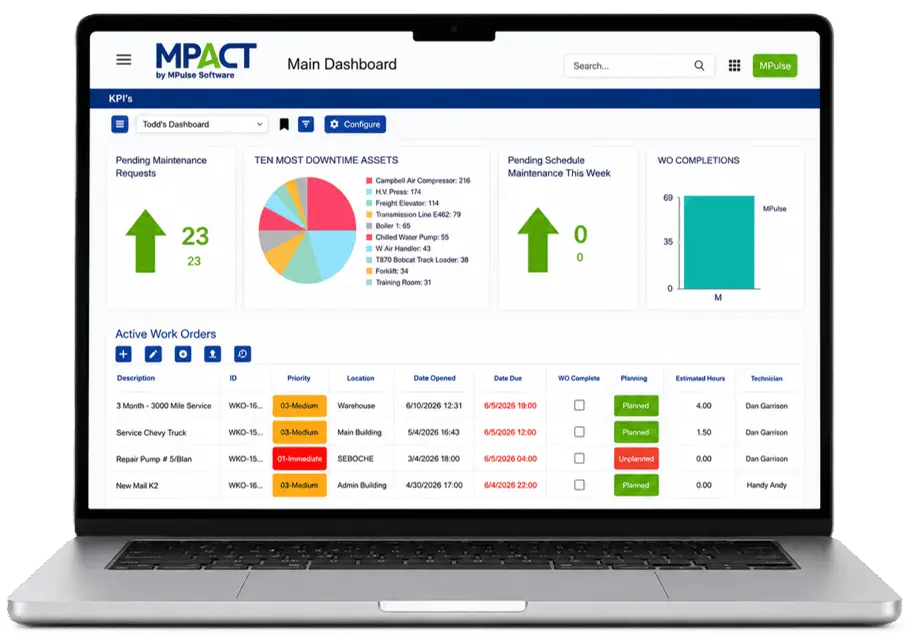
Your maintenance operation has its own fields, its own priorities, and its own way of measuring. MPACT CMMS by MPulse Software configures around them: custom fields and calculated values, views built on your KPIs, forms shaped to your intake, and dashboards set per login.
CMMS customization means shaping the system to your process instead of reshaping your process to the system: the fields your records carry, the views your team works from, the forms requesters see, and the numbers your dashboards report. In MPACT, this is configuration, not custom development.
MPACT customization is administrator-level work, supported by MPulse Software’s implementation and training services when you want help. We have been configuring maintenance systems around customer processes since 1995, and nine out of ten customers renew every year. The system meets your process on day one and keeps adjusting as the process evolves.
Configure It Around Your Operation
Custom calculated fields
Build formulas and values around your own KPIs, so the system measures maintenance the way your organization does.
Custom views and grids
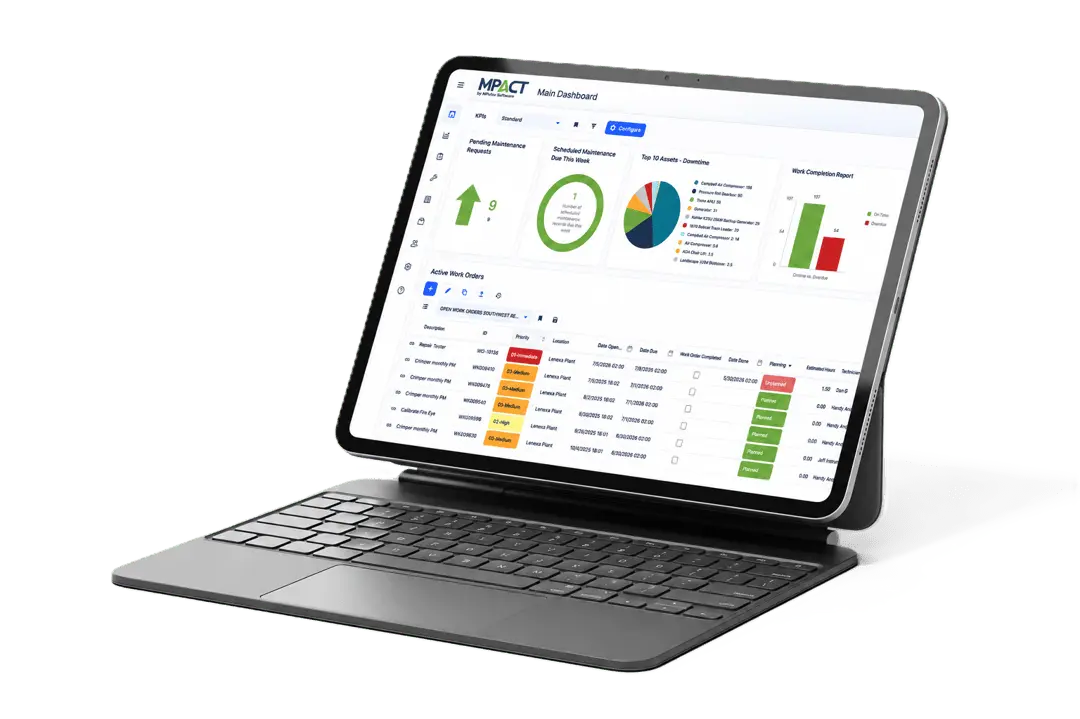
Shape lists and grids to show the columns, filters, and ordering each role actually uses, with color-coded priorities and statuses for visual triage.
Work order types and groups
Organize work by maintenance type, department, process, or reporting need, so your structure shows up in your data.
Simple or comprehensive forms
Request intake can be a two-field form or a detailed one, depending on the process behind it.
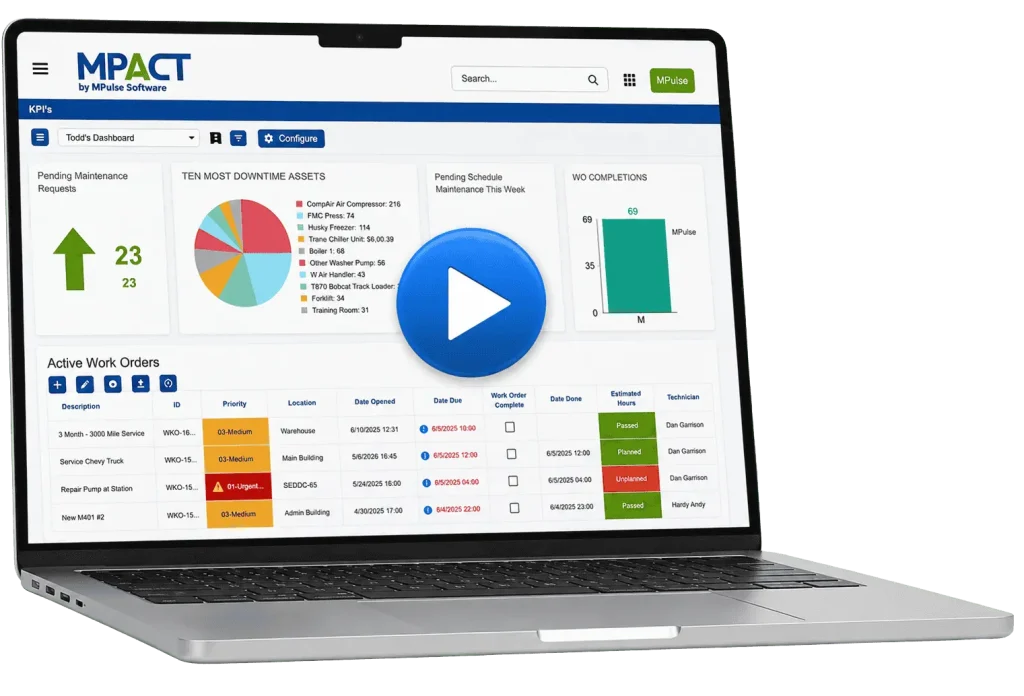
Dashboards and permissions per user
Every login gets its own dashboard, and custom permissions control what each user sees and does, down to the location level.
Configuration scales with you: corporate defines the fields, views, and work order structure, and location-based permissions give each site its own clean version of the system. Multi-site operations standardize without centralizing every decision, and leadership still sees the whole estate.
No. Fields, views, forms, dashboards, and permissions are configuration. MPulse implementation and consulting services are available when you want experienced hands on the setup.
Can different users see different views?
Yes. Views, dashboards, and permissions are set per user and role, so each person works from a screen built for their job.
Can I build my own KPIs?
Yes. Custom calculated fields let you define the values and formulas your organization measures by, and reports and dashboards can be built on them.
Make It Yours
Bring your current work order form and your top three KPIs. We will configure a demo that looks like your operation.