TL;DR:
- Effective campus asset management begins with a centralized, location-based asset register that simplifies audits and verification.
- Utilizing technology like real-time tracking, predictive maintenance, and digital checkout systems minimizes costs, extends equipment lifespan, and enhances accountability.
Managing assets across a university campus is not a simple task. You are responsible for thousands of items spread across multiple buildings, departments, and locations, each with its own maintenance schedule, lifecycle stage, and accountability chain. When campus asset management best practices are not in place, the consequences show up fast: budget overruns, unplanned equipment failures, audit failures, and staff time wasted searching for assets that should be easy to locate. This article gives you a structured, field-tested approach to fixing that, covering everything from how to organize your asset register to how technology can reduce costs and extend the life of your equipment.
Table of Contents
- Key takeaways
- 1. Campus asset management best practices start with a centralized register
- 2. Use technology to extend asset life and reduce operational costs
- 3. Implement structured governance and lifecycle management
- 4. Develop clear policies for equipment checkout and transfers
- 5. Compare your options: manual, semi-automated, and fully integrated systems
- 6. Build a culture of continuous improvement around asset data
- My perspective on where campus asset management is heading
- How Mpulsesoftware supports campus facility teams
- FAQ
Key takeaways
| Point | Details |
|---|---|
| Centralize your asset register | Structure asset data by campus, building, and room to speed up audits and eliminate fragmented records. |
| Use data to drive decisions | Real-time tracking and predictive analytics reduce reactive spending and align capital plans with institutional goals. |
| Define lifecycle roles clearly | Assign staff responsibilities for receipt, maintenance, and disposal to maintain accountability at every stage. |
| Standardize checkout workflows | Digital checkout systems with automated reminders reduce equipment loss and improve return rates. |
| Match solutions to campus scale | Phase your technology adoption based on campus size, budget, and operational complexity. |
1. Campus asset management best practices start with a centralized register
Before any technology can help you, your asset data needs a reliable structure. Most campuses start with spreadsheets or disconnected department records. The problem is not just that these are hard to update. They are nearly impossible to audit accurately at scale.
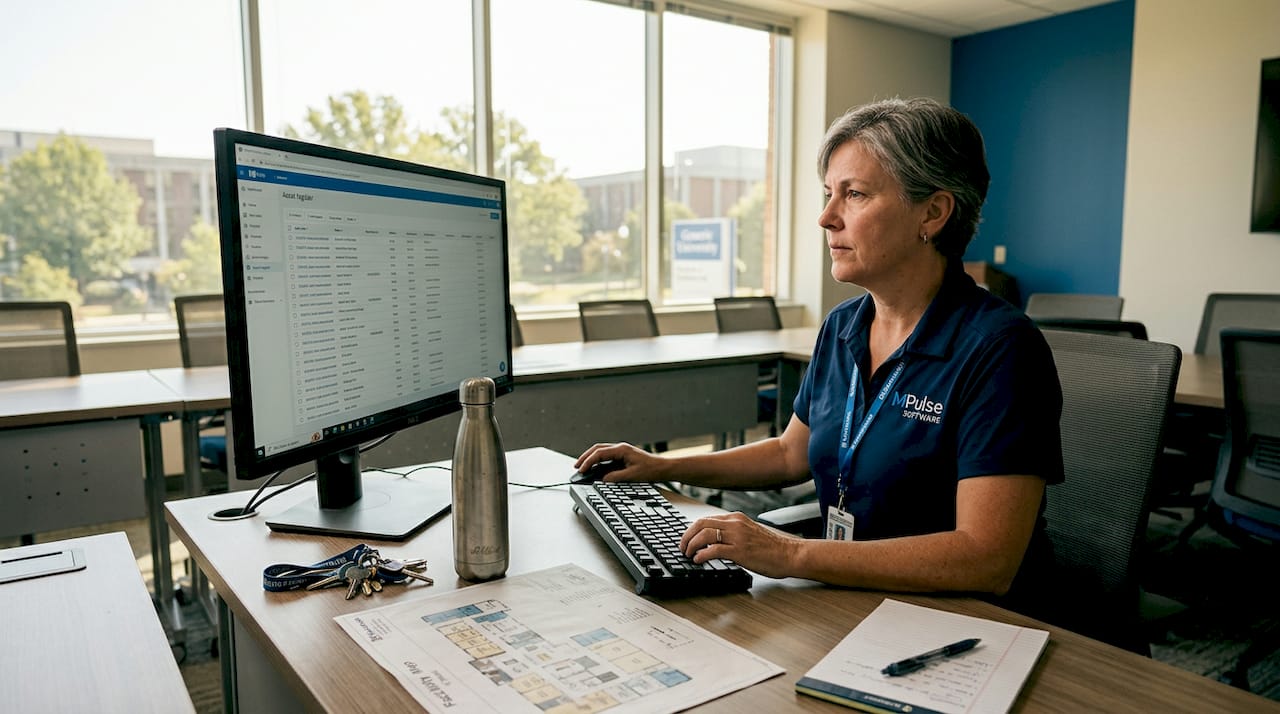
A centralized asset register solves this by giving every asset a single, authoritative record that anyone with the right access can find and verify. The key is how you organize that register. Structuring records by location hierarchy — district, campus, building, room, and then individual asset — mirrors how your staff physically move through a building during an audit. That alignment alone reduces verification time and cuts down on errors caused by translating between different data formats.
A well-designed register also mirrors physical work processes, meaning staff can check expected versus actual equipment without consulting multiple spreadsheets. QR codes linked to a mobile app, organized by that same branch/campus/building/room hierarchy, enable near real-time verification and make inventory checks something a single technician can complete in a fraction of the time.
Here is what a properly structured register should include for each asset:
- Unique asset ID and QR or barcode label
- Physical location (building, floor, room number)
- Asset category, make, model, and serial number
- Purchase date, cost, and warranty expiration
- Assigned department or custodian
- Current condition and maintenance history
Pro Tip: When you first build your register, conduct a physical walkthrough of each building with a mobile scanning device. Capture every asset you find, even items without labels. This baseline audit will reveal assets that have never been formally recorded and give you an accurate starting point.
2. Use technology to extend asset life and reduce operational costs
Once your register is structured, the next step is putting real-time data to work. Campus asset tracking solutions have matured significantly. You no longer need to rely on manual inspection cycles to know whether a piece of equipment is approaching the end of its useful life.
Asset management software connected to maintenance logs gives you a live view of asset condition across your entire portfolio. You can identify which assets are consuming disproportionate maintenance resources, flag equipment that should be replaced before it fails, and prioritize capital spending based on actual usage data rather than guesswork.
Proactive, data-driven strategies that optimize space usage and align capital plans to institutional priorities have a measurable impact on operational costs. Specific approaches that deliver results include:
- Space optimization: Detailed utilization data often reveals that new construction is unnecessary. Repurposing underused rooms costs a fraction of building new ones.
- Predictive maintenance scheduling: Condition data lets you schedule maintenance before failures occur, reducing emergency repair costs.
- Flexible labor models: Using a mix of in-house staff and contracted specialists for capital projects reduces overhead during low-demand periods.
- Diversified funding strategies: Grants, public-private partnerships, and deferred maintenance bonds can supplement operating budgets for major asset replacements.
Capital planning in higher education must remain resilient despite uncertain budgets, which means your asset data needs to directly inform your institution’s financial planning cycle. When you can show leadership exactly which assets are at risk of failure and what replacement will cost, budget conversations become far more productive.
3. Implement structured governance and lifecycle management
Technology only works when the people using it have clearly defined roles. Governance is the part of campus asset management that most institutions underinvest in, and it shows up as inconsistent records, untracked transfers, and assets that simply disappear from the register without explanation.
Effective lifecycle management means assigning explicit responsibility at every stage of an asset’s life:
- Receipt and registration: A designated person verifies delivery, assigns the asset ID, attaches the label, and enters the record into the system before the asset leaves the receiving area.
- Ongoing maintenance: Technicians log every service event against the asset record, including parts used, labor time, and condition notes.
- Transfers and relocations: Any move between rooms, buildings, or departments triggers a formal transfer record with a date stamp and the names of both the releasing and receiving custodians.
- Disposal: Assets removed from service go through a documented disposal process, whether sold, donated, scrapped, or written off, with the record updated accordingly.
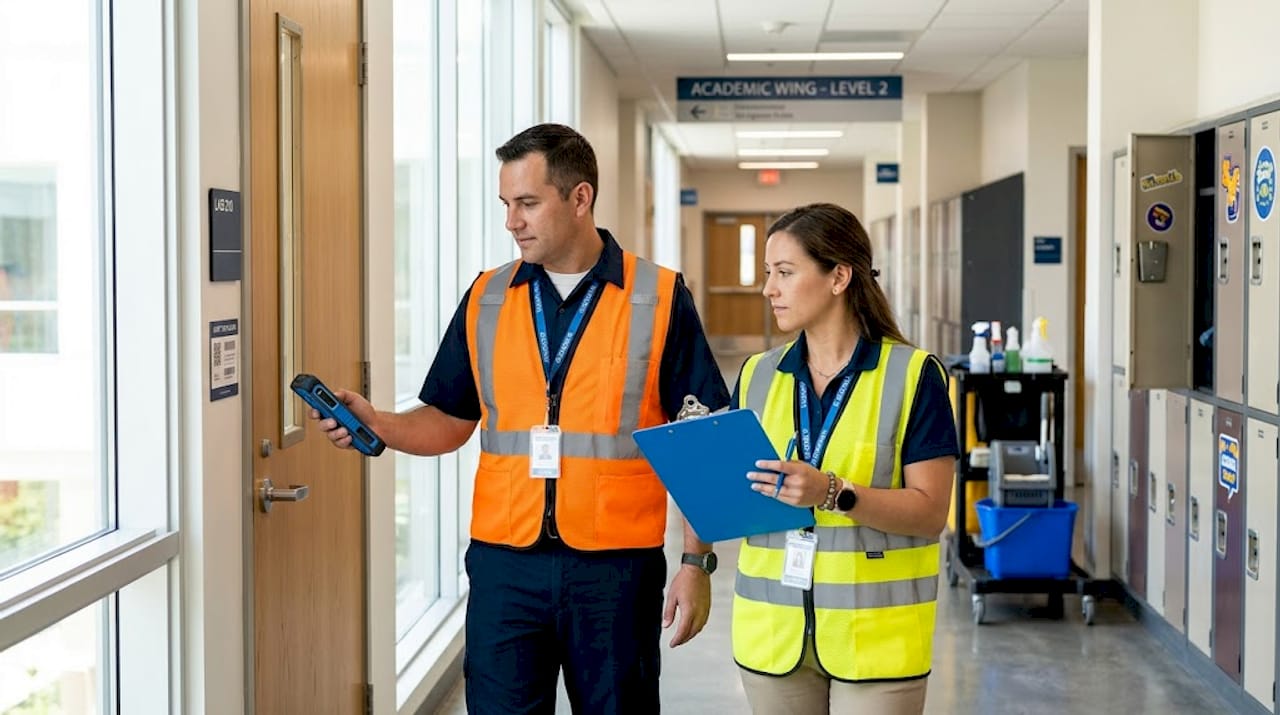
Facilities roles should include end-to-end lifecycle management, with annual full verifications supplemented by random spot checks throughout the year. Spot checks are particularly effective because they catch data drift before it compounds into a major audit problem.
Training is not optional here. Staff who understand why accurate records matter are far more likely to follow the process consistently. Build short, role-specific training sessions into your onboarding program and refresh them annually.
Pro Tip: Create a shared knowledge base where staff can document common asset management scenarios, such as how to handle a damaged asset found during a spot check or how to process a transfer between two buildings. This reduces dependence on individual expertise and keeps your processes consistent even during staff turnover.
4. Develop clear policies for equipment checkout and transfers
High-use shared equipment, such as AV carts, laboratory instruments, and portable computing devices, creates a specific accountability challenge. When multiple departments share the same assets, it is easy for items to go missing, be returned in poor condition, or sit unused in the wrong location while other departments wait for them.
The solution is a documented checkout policy that applies uniformly across your campus. Digital custody tracking with automated reminders reduces late returns and losses by recording liability throughout every custody change and sending notifications before due dates pass.
Your checkout policy should address:
- Who is authorized to check out which categories of equipment
- Maximum loan periods by equipment type and user role
- Condition inspection requirements at checkout and return
- Financial liability agreements for loss or damage
- Escalation steps when equipment is overdue
A checkout system without an escalation workflow is just a log. The accountability comes from what happens after the due date passes.
Standardizing responsibility agreements is equally important. When a faculty member or student signs out a camera kit or a specialized lab instrument, they should sign a brief agreement that confirms they understand the return requirements and their liability. Equipment logs connected to purchase and maintenance histories also help you identify which items are checked out most frequently, so you can justify purchasing additional units or scheduling maintenance before high-use periods like finals week or major research cycles.
5. Compare your options: manual, semi-automated, and fully integrated systems
Not every campus needs the same level of technology investment. The right approach depends on your institution’s size, asset volume, budget, and existing infrastructure. The table below outlines the trade-offs across three common implementation levels.
| Approach | Best for | Key benefits | Limitations |
|---|---|---|---|
| Manual (spreadsheets, paper logs) | Small campuses, limited budgets | Low cost, no software dependency | Prone to errors, slow to audit, no real-time visibility |
| Semi-automated (barcode/QR scanning with basic software) | Mid-size campuses, moderate asset volume | Faster audits, better accuracy, low training burden | Limited analytics, manual data entry still required |
| Fully integrated digital system (CMMS with IoT and analytics) | Large or multi-campus institutions | Real-time tracking, predictive maintenance, full audit trail | Higher upfront cost, requires change management |
For most mid-to-large institutions, a phased approach delivers the best return. Start with a centralized register and QR-based scanning to establish data accuracy. Then layer in preventive maintenance scheduling and reporting. Finally, connect your asset data to capital planning and space management tools once your baseline data is reliable.
University asset optimization tips consistently point to one pattern: institutions that invest in data quality first get more value from advanced tools later. Skipping the foundation and jumping straight to analytics on top of incomplete data produces unreliable results and erodes staff confidence in the system.
6. Build a culture of continuous improvement around asset data
The best asset register in the world degrades quickly if your team treats it as a one-time project rather than an ongoing responsibility. How you manage campus resources over time depends on whether your organization treats asset data as a living record or a static document.
Scheduled full verifications, conducted at least annually, are the baseline. But the institutions that maintain the most accurate records also run targeted spot checks after major events: the start of each semester, after large-scale moves, and following any significant maintenance project. These checks catch discrepancies before they accumulate.
Regular reporting also matters. When department heads can see asset utilization rates, maintenance costs per asset, and upcoming replacement needs, they become partners in the process rather than obstacles. Transparency builds institutional buy-in, and buy-in sustains the discipline that keeps your data accurate.
Connecting your equipment inventory software to your maintenance workflows closes the loop between what you own, what condition it is in, and what it will cost to keep running. That connection is what separates reactive asset management from a genuinely proactive program.
My perspective on where campus asset management is heading
I have watched educational institutions shift from paper-based asset logs to sophisticated digital systems over the past decade and a half, and the pattern is consistent. The technology is rarely the hard part. The hard part is getting the organizational discipline to match the capability of the tools.
What I have seen work is starting with the simplest possible structure that gives you accurate data, then building from there. Institutions that try to implement a fully integrated CMMS before they have a clean, verified asset register almost always struggle. The software surfaces the gaps in their data, and instead of using the system to manage assets, they spend months cleaning up records.
The other thing I would push back on is the idea that asset management is primarily a technology problem. It is as much a funding and capital planning challenge as a maintenance one. The institutions that manage their assets best are the ones where facility managers have a direct line to financial planning conversations. Data from your asset system should be shaping your five-year capital plan, not just your work order queue.
Looking ahead, I expect to see more campuses adopt flexible staffing models for capital projects and more creative funding approaches, including public-private partnerships and sustainability-linked financing for energy-related asset upgrades. The institutions that build strong data foundations now will be positioned to make those funding cases convincingly.
— Mark
How Mpulsesoftware supports campus facility teams
Mpulsesoftware is built for exactly the kind of operational complexity that campus facility managers deal with every day. From centralized asset registers and mobile scanning to preventive maintenance automation and real-time performance monitoring, the platform gives you the tools to move from reactive to proactive management.
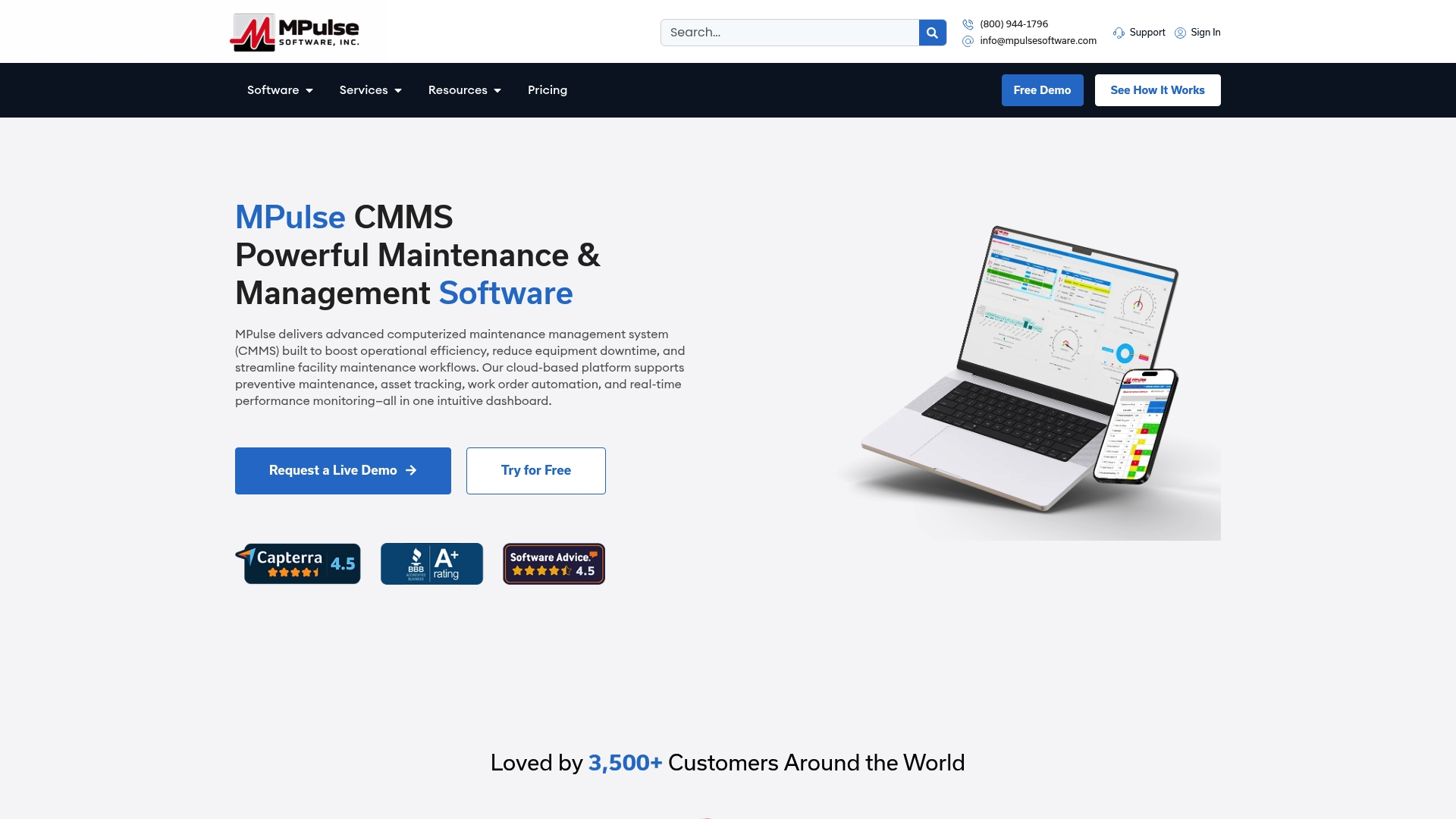
Over 3,500 organizations trust Mpulsesoftware to reduce unplanned downtime and improve maintenance efficiency, with documented results of up to 40% efficiency gains. For campus teams ready to put best practices for campus facilities into action, MPulse CMMS provides the maintenance management backbone your operations need. You can also explore equipment inventory management features designed specifically for tracking assets from acquisition through disposal, and application hosting services that simplify software deployment for institutions without dedicated IT infrastructure.
FAQ
What is the first step in campus asset management?
The first step is building a centralized asset register structured by physical location, specifically by campus, building, and room. Accurate baseline data is what every other best practice depends on.
How do QR codes improve campus asset tracking?
QR codes linked to a mobile app allow staff to scan and verify assets in near real-time during audits, significantly reducing the time and error rate compared to manual spreadsheet checks.
How often should campus assets be verified?
Annual full verifications are the standard, supplemented by random spot checks throughout the year. Spot checks after major events like semester starts or large-scale moves help catch data discrepancies early.
What is the ROI of digital asset management for universities?
Data-driven asset strategies reduce operational costs through space optimization, extended asset life, and better capital planning alignment. Platforms like Mpulsesoftware report efficiency improvements of up to 40% for their customers.
How do you reduce equipment loss in shared campus environments?
Digital checkout systems with automated reminders and formal responsibility agreements reduce losses by recording custody at every transfer point and triggering escalation workflows when equipment is not returned on time.