Centralizing work orders, preventive maintenance schedules, and asset health insights remains complicated for maintenance teams when their computerized maintenance management software either fragments records or lacks real-time data integration. Many popular CMMS platforms keep pricing opaque, limit automation to basic routines, or require extensive IT support before deployment. This comparison lists four CMMS solutions with mobile apps, sensor integrations, and scheduling controls so you can match a platform to your team’s workflows, tech stack, and budget without waiting on a drawn-out sales process.
Table of Contents
MPulse CMMS
At a Glance
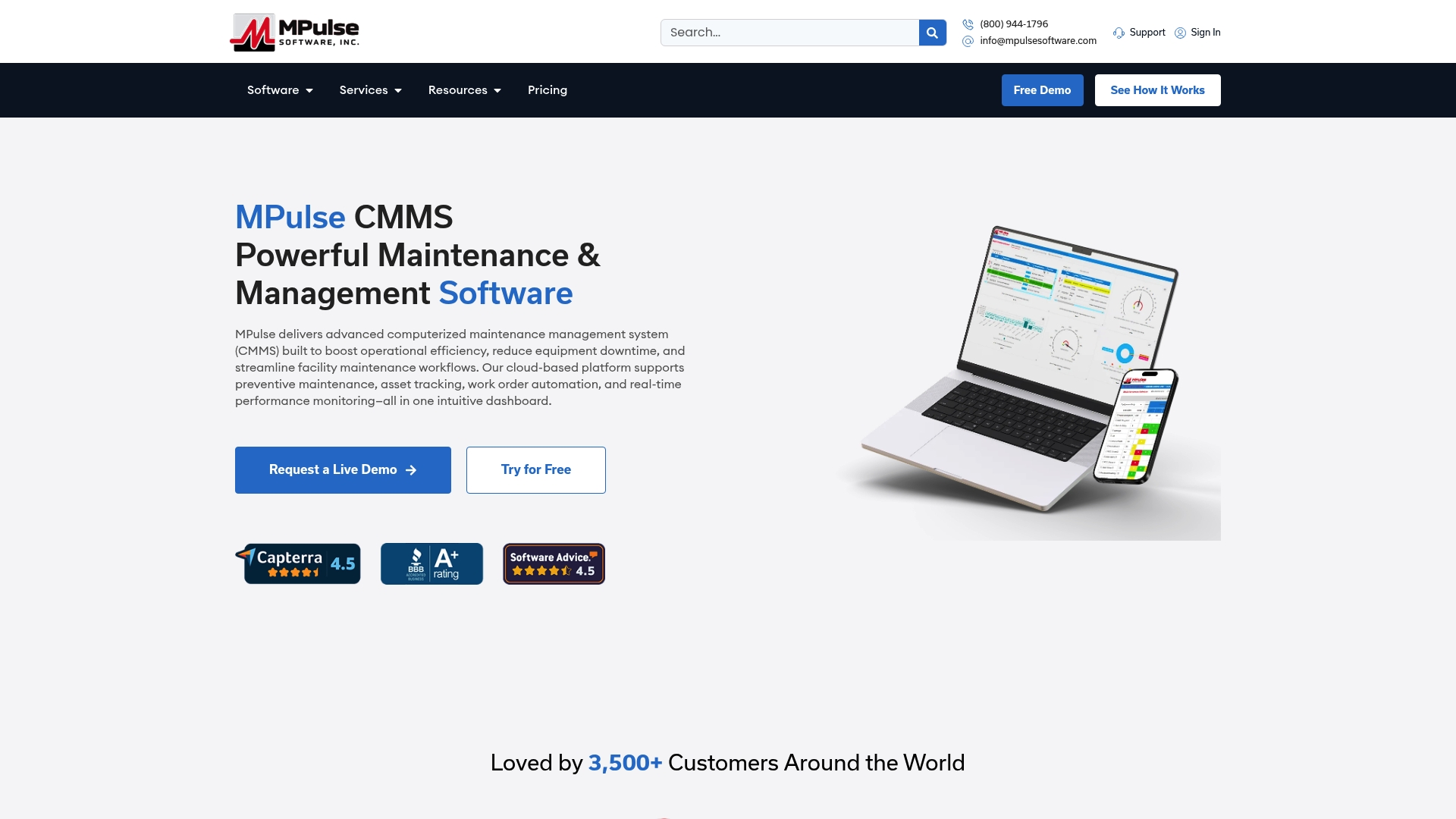
MPulse reports more than 3,500 customers globally, and the vendor advertises up to 40% efficiency improvements and cost reductions. The product pairs preventive maintenance automation with real-time monitoring and a calendar-first scheduling view to reduce unplanned downtime.
Core Features
- Work order management with mobile access for technicians to read, update, and close tasks from any device.
- Preventive maintenance scheduling tied to an intuitive calendar visualization that shows assignments across teams and sites.
- Parts and supplies inventory control and graphical dashboards that expose KPIs for mean time between failures and backlog.
- Real-time notifications, IIoT data support via the DataLink adapter, and configurable reporting for regulatory records.
Key Differentiator
Designed to scale from small teams to global enterprises, MPulse centers its architecture on extensive data and IIoT integration support. That orientation makes it practical to centralize asset telemetry, alarms, and KPIs across multiple sites without forcing every site onto the same hardware.
Pros
- Flexible deployment options let you run in the cloud or on-premise, which helps IT teams that need local control or regulatory separation.
- The calendar-oriented scheduling reduces assignment churn; planners see technician load, upcoming PMs, and conflicting tasks in one pane.
- Data integration features link sensor feeds to work orders so alerts can auto-create tickets and attach telemetry for troubleshooting.
- The vendor advertises support for OSHA, FDA, and HIPAA compliance, plus training and customer support programs to shorten ramp time.
- Scales from small sites to enterprise footprints, which simplifies consolidating maintenance across plants or campuses.
Cons
- Pricing is not published for all editions and the licensing model can be complex for very small teams; expect to discuss options with sales before you know total cost.
Who It’s For
Maintenance managers, facility operations teams, and industrial engineers in medium to large organizations that need centralized asset tracking, scheduled PMs, and data-driven maintenance. Organizations with compliance obligations or multi-site rollouts benefit most from the scaling and integration focus.
Unique Value Proposition
The calendar-first scheduling combined with automated preventive maintenance reduces daily firefighting for planners and technicians. By turning sensor alerts into scheduled work orders and presenting assignments on a single calendar, planners spend less time reconciling schedules and more time reducing backlog.
Real World Use Case
A manufacturing plant used MPulse to automate PMs, feed vibration and temperature telemetry into the CMMS via DataLink, and auto-open work orders when thresholds tripped. The result was fewer emergency repairs and clearer audit trails for compliance reviews.
Pricing
MPulse offers flexible licensing and both cloud and on-premise deployments. Pricing details are not published in full; you will typically request a tailored quote that reflects modules, user counts, and deployment choice.
Website: https://mpulsesoftware.com
MaintainX
At a Glance
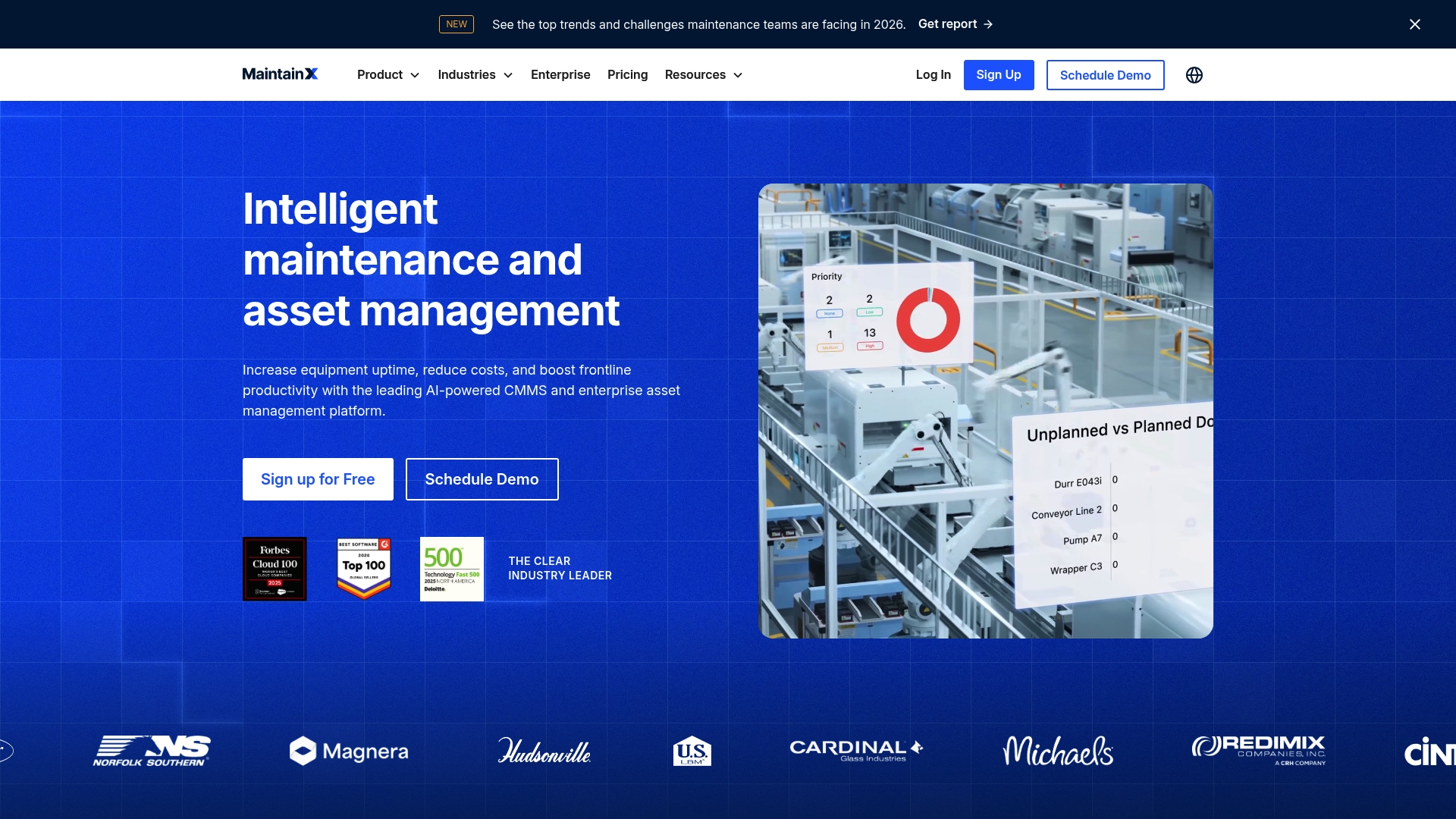
The vendor advertises AI-powered maintenance suggestions paired with live IoT telemetry ingestion for asset health. That combination positions MaintainX as a platform that surfaces prescriptive actions from equipment data rather than only logging tickets.
Core Features
- Work order management for creation, assignment, and tracking across teams.
- Preventive and predictive maintenance automation to schedule recurring tasks and flag anomalies.
- Asset management with real-time data collection and reporting for cost analysis.
- Checklists and inspections for safety and compliance, plus parts inventory and vendor management.
- AI anomaly detection and integrations with industrial controls and IoT platforms.
Key Differentiator
MaintainX focuses on combining automated maintenance suggestions with live asset telemetry. Its edge is using that operational signal to recommend actions in the same interface where technicians receive and close work orders.
Pros
- Intuitive interface reduces friction on the floor. Technicians can create and complete work orders quickly from the mobile device.
- The mobile app works well in active environments and supports photo attachments, checklists, and signatures for compliance trails.
- Strong workflow around preventive maintenance helps shift teams away from reactive firefighting and toward scheduled service.
- Responsive customer support shortens onboarding hiccups and helps implement integrations into ERP or accounting systems.
- Wide third party connectivity simplifies data handoffs to analytics and finance teams.
Cons
- Occasional offline sync and data loss issues have been reported, which is a risk for remote sites with intermittent connectivity.
- New users face a steep learning curve when moving from manual or spreadsheet based processes.
- Initial configuration can be complex, requiring technical resources to align assets, parts, and vendor records.
When It May Not Fit
If your operation runs in extreme offline conditions or on isolated networks, MaintainX may struggle to keep records synchronized in real time.
If you want a turn key deployment with minimal technical involvement, the setup complexity and required data mapping make this a poor match.
Notable Integrations
- SAP
- Oracle NetSuite
- Microsoft Dynamics 365
- Power BI
- QuickBooks
- Slack
- Google Sheets
- IoT platforms such as Samsara and MachineMetrics
Who It’s For
Maintenance managers, facilities teams, and operations leaders in manufacturing, logistics, or large facilities that need to digitize maintenance workflows and tie asset telemetry to action.
Real World Use Case
According to the company, a manufacturing plant using MaintainX to automate work orders, schedule preventive maintenance, and ingest IoT signals saw a 30% reduction in unplanned downtime. That 30% figure is a vendor reported outcome and reflects a successful deployment scenario.
Pricing
Pricing details were not provided in the product data. The vendor typically sells to enterprise buyers and routes pricing through sales discussions rather than publishing fixed per seat tiers in the source information.
Limble CMMS
At a Glance
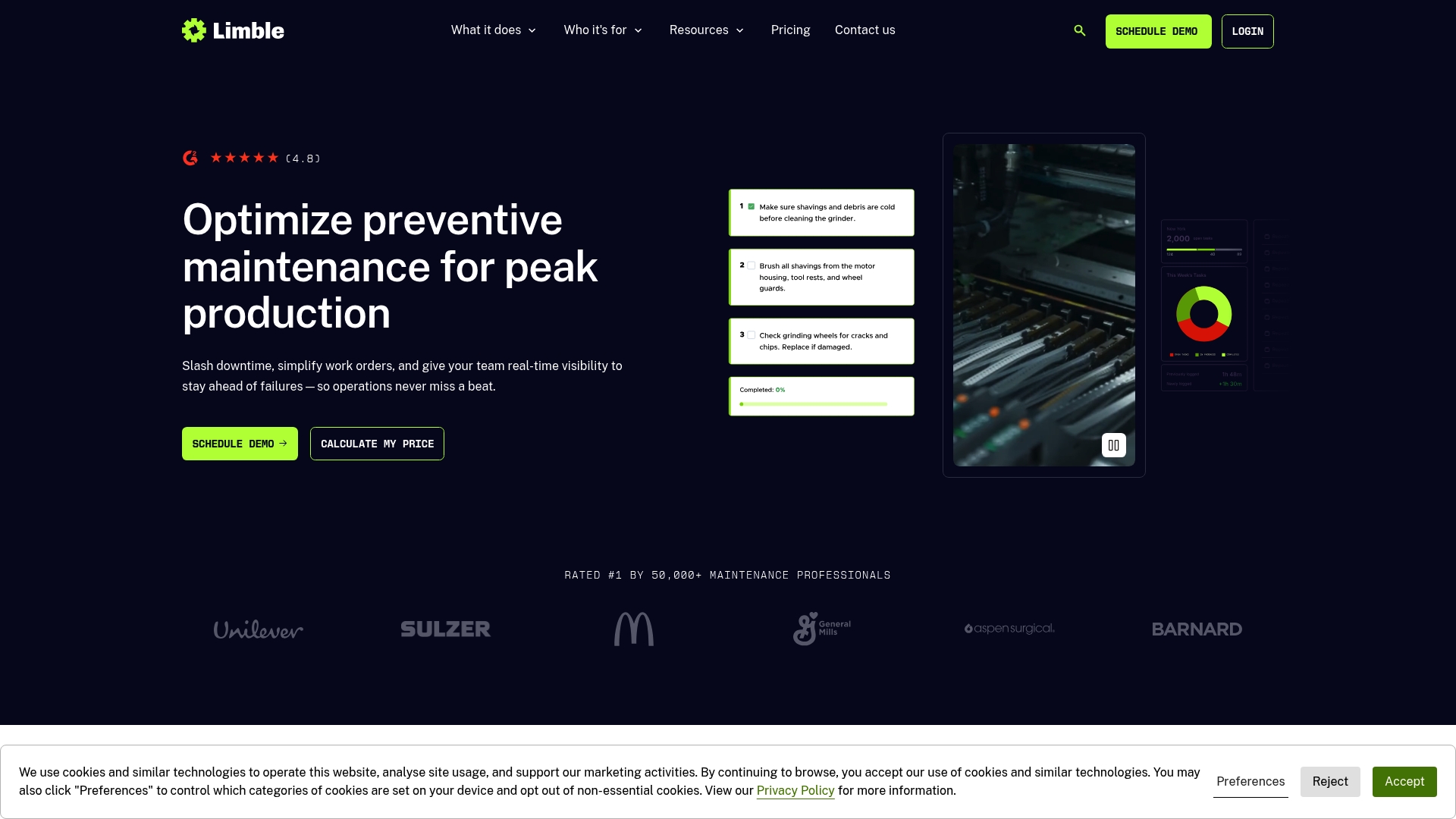
Technicians can use Limble’s mobile app offline and scan assets with QR code scanning to close work orders from the shop floor without waiting for Wi‑Fi. The product pairs that field capability with visually focused dashboards and predictive maintenance tools managers praise.
Core Features
- Work order management and tracking with custom workflows, priorities, and status history for auditability.
- Preventive and predictive maintenance scheduling that surfaces upcoming checks and failure risks for critical assets.
- Asset and spare parts inventory control with reorder alerts and usage history.
- Resource planning and real-time crew coordination so dispatchers see who is available and where.
- Technician mobile app with offline mode and QR scanning for rapid asset lookups.
Key Differentiator
Limble stands out for combining an easy-to-use field app with clear, visual dashboards that make predictive signals actionable for both technicians and supervisors. That mix shortens the loop between detection and repair and reduces manual audit work.
Pros
- Extremely user-friendly interface: Technicians adopt basic workflows quickly, which lowers friction during rollouts.
- Excellent customer support: Several teams report responsive onboarding help and timely troubleshooting during early deployments.
- Visually appealing dashboards: Managers can scan KPI panels and spot trends without building custom reports.
- Strong predictive maintenance capabilities: The platform highlights assets at elevated risk so teams can schedule targeted inspections.
- Efficient mobile responsiveness and offline operation keep three-shift facilities moving when connectivity is poor.
Cons
- Can feel complex for new users; administrators should plan a staged rollout rather than flipping every feature on day one.
- Advanced features often require formal training to use effectively, which adds to implementation time and cost.
- Pricing can be high for very small shops with tight budgets that need only basic work order tracking.
When It May Not Fit
If your maintenance group has minimal training capacity and needs a drop-in, zero-training tool, Limble’s depth could slow adoption. Small single-site shops with only a handful of assets and a limited budget may find the price to be disproportionate to their needs.
Who It’s For
Maintenance teams and facilities managers in Manufacturing, Healthcare, Hospitality, or Construction that want a scalable CMMS with strong mobile tools and analytics. Best when you plan a measured implementation and can allocate some training time.
Real World Use Case
A multi‑plant manufacturing operation deployed Limble to coordinate preventive schedules across three facilities. Techs used QR scans to verify completed tasks, supervisors used dashboards to cut repeat failures, and maintenance backlog visibility improved across shifts.
Pricing
Limble offers tiered plans from Standard to Enterprise, with increasing controls and customization available at higher tiers. The vendor positions feature-based plans rather than public per-user rates; contact sales for a tailored quote and deployment options.
UpKeep
At a Glance
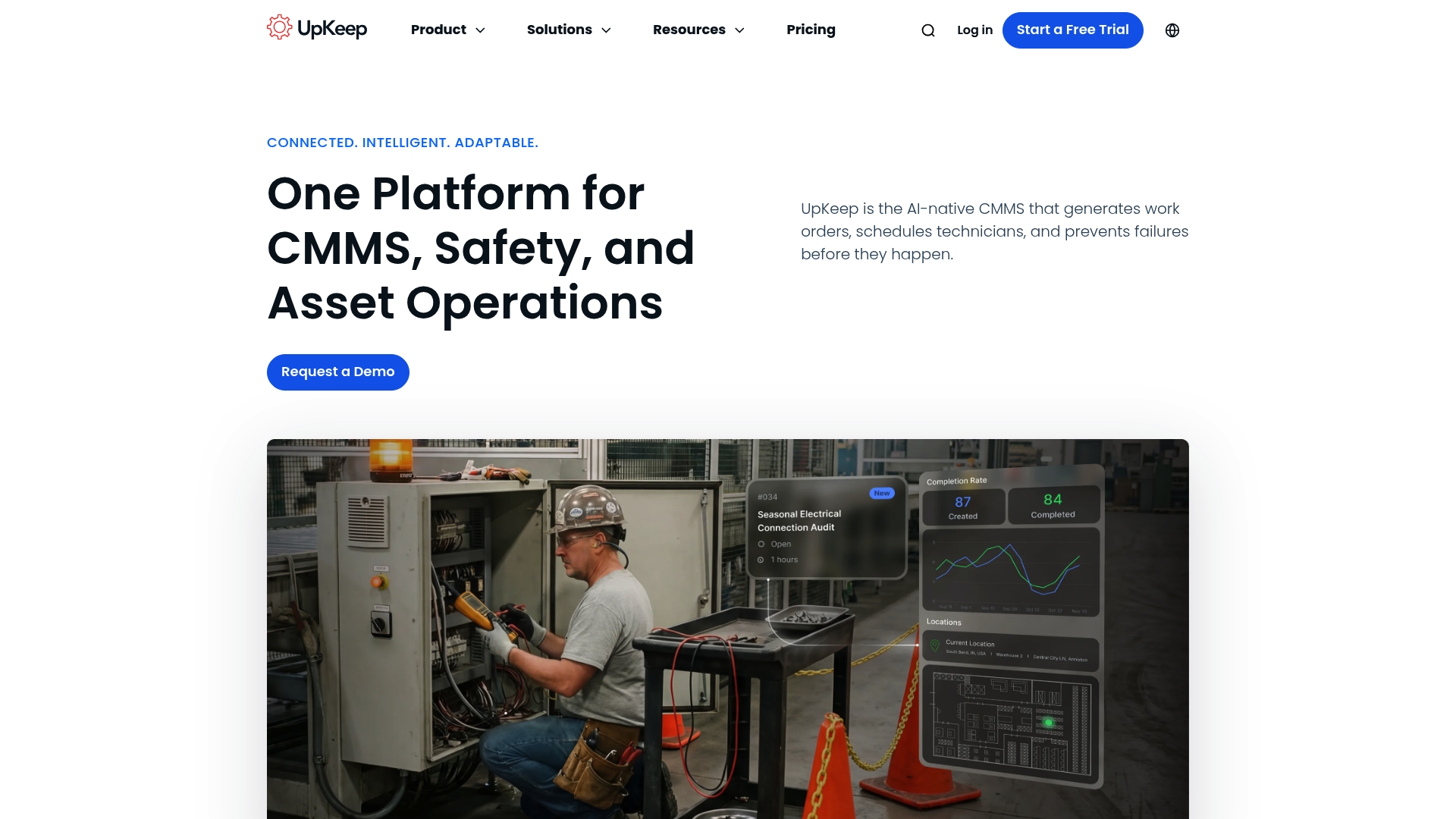
UpKeep advertises an AI-native CMMS that can generate and schedule work orders automatically from field inputs and sensor data, with plans starting at $24 per user per month. The platform emphasizes a mobile-first workflow to move teams away from reactive maintenance.
Core Features
- Mobile-first work order creation with photos and checklists for technicians in the field.
- AI-powered work order generation and scheduling that suggests jobs and assigns technicians based on rules and availability.
- Automated preventive maintenance scheduling tied to asset lifecycles and usage data.
- Asset tracking and lifecycle management to keep histories, parts lists, and downtime records in one place.
- Integrations with ERP systems, IoT sensors, and third-party service providers to feed data into maintenance workflows.
Key Differentiator
UpKeep’s claim to fame is its AI-driven automation combined with a true mobile-first interface. That mix means technicians can create a ticket with a photo, the system can infer parts and schedule a technician, and asset context follows the work order through completion.
This tight loop between field input and automated scheduling shortens the time from fault discovery to repair.
Pros
- Centralized operations. A single repository for work orders, asset histories, and preventive schedules reduces time spent searching for records.
- Strong mobile application that actually reflects a technician’s workflow with offline-first forms and photo attachments.
- Proactive signals. Automated notifications and AI suggestions help shift teams from fixing failures to preventing them.
- Enterprise security posture. The product advertises controls and compliance features aimed at larger organizations with strict access rules.
- Cost and downtime focus. The vendor positions the platform to lower operational costs by reducing unplanned outages.
Cons
- Performance in low-signal areas can be unreliable. Connection issues may interrupt work order creation or syncing.
- New users face a learning curve. Teams without prior CMMS experience typically need time and training to adopt workflows.
- Some users report occasional sync and data update problems that require manual reconciliation.
When It May Not Fit
If most of your assets operate in remote zones with poor cellular coverage, the connectivity trade-offs above will be painful. Expect offline workflows to be imperfect unless you invest in local network improvements.
If you need a CMMS that a nontechnical crew can use without training, the onboarding time and configuration will feel heavy.
Notable Integrations
- ERP systems
- IoT sensors
- Third-party service providers
These integrations let you pull asset state, trigger maintenance from sensor alerts, and hand off work to external vendors without manual entry.
Who It’s For
Maintenance, operations, and reliability teams at mid-sized to large organizations that manage many assets across sites. Best when you have a technician workforce that uses mobile devices and an appetite for automated scheduling and AI recommendations.
Real World Use Case
A manufacturing company uses UpKeep to capture faults at the line via technician photos. The system creates work orders, schedules preventative tasks on a cadence, and links parts to assets. That workflow reduced repeat failures and cut unplanned downtime across multiple facilities.
Pricing
The vendor lists plans starting at $24 per user per month for essential features. Higher tiers with expanded automation, integrations, and enterprise controls are available on request and typically priced per organization.
Comparative Analysis of Maintenance Management Platforms
Selecting the right Computerized Maintenance Management System (CMMS) requires a examination of available features, scalability, and deployment suitability to match organizational needs. Below, we perform a comparative analysis of four major CMMS providers based on their unique strengths, drawbacks, and target use cases.
Deployment Flexibility and Scalability
Among the options, MPulse CMMS strongly supports scalability, operating effectively for both smaller facilities and multi-site enterprise-level clients. Its DataLink integration facilitates centralized data monitoring without enforcing unified infrastructure standards, making it suitable for diverse organizational environments. Conversely, Limble CMMS is noted for its strong mobile functionalities, including offline operation, which ensures workflow continuity in connectivity-limited scenarios, benefiting technicians in the field.
Integration and Automation Capabilities
MaintainX emphasizes linking real-time telemetry with maintenance workflows. It excels in real-time anomaly detection, translating IoT data into maintenance suggestions within the same interface. Similarly, UpKeep provides AI-native automation, enabling automatic work order generation and technician assignment, streamlining the scheduling process. MPulse, however, provides a ecosystem for regulatory compliance and integrates sensor alerts effectively into existing workflows, catering to industries with stringent audit requirements.
Best Fit Scenarios
- MPulse CMMS: Designed for organizations requiring scalable asset management and compliance integration across multiple locations.
- MaintainX: Best for facilities prioritizing real-time telemetry integration and proactive anomaly detection.
- Limble CMMS: A strong choice for workflows requiring offline functionalities and QR-based asset management, making it suitable for remote locations.
- UpKeep: Fits well with businesses seeking cost-effective AI-powered automation with minimal hardware dependencies.
Our Pick
MPulse CMMS remains the recommended option for organizations valuing interoperability and operations management. Its strengths in providing key compliance reporting, asset scaling, and predictive data use elevate its applicability for multi-site enterprises. However, smaller facilities or teams prioritizing basic functionalities at minimal costs might find UpKeep to be the better complementary solution for their specific operational mode.
Comparison of Computerized Maintenance Management Software
Selecting optimal computerized maintenance management software requires evaluating their features, usability, and suitability for your organizational needs. Below is a comparison of leading options in this field.
| Product | Core Feature | Key Differentiator | Best For | Pricing | Notable Limitation |
|---|---|---|---|---|---|
| MPulse CMMS | Preventive maintenance scheduling with real-time data | Scalable architecture tailored for IIoT integration | Maintenance managers for medium to large organizations | Not disclosed | Licensing models can be complicated for small teams. |
| MaintainX | AI-powered maintenance suggestions based on live telemetry | Operational signal recommendations | Manufacturing, logistics, and large facilities teams | Not disclosed | Setup complexity requires adequate technical expertise. |
| Limble CMMS | Work order management with offline mobile app support | QR code asset scanning with predictive dashboards | Maintenance teams in industries like healthcare or construction | Not disclosed | Advanced features may require formal training to master. |
| UpKeep | AI-enabled work order automation and mobile workflows | AI-driven task assignment and scheduling automation | Mid-sized to large organizations with mobile-first teams | From $24/user/month | Offline workflow occasionally interrupted by signal issues. |
Discover a Powerful Alternative to getflowpath.com with MPulse Software
If you are looking for FlowPath alternatives that truly tackle unplanned downtime and inefficient maintenance workflows MPulse Software delivers proven results. Trusted by over 3 500 customers worldwide MPulse offers preventive maintenance automation paired with real-time monitoring that can improve operational efficiency by up to 40 percent. The platform’s intuitive calendar interface and strong integration options make managing multi-site maintenance and compliance straightforward.
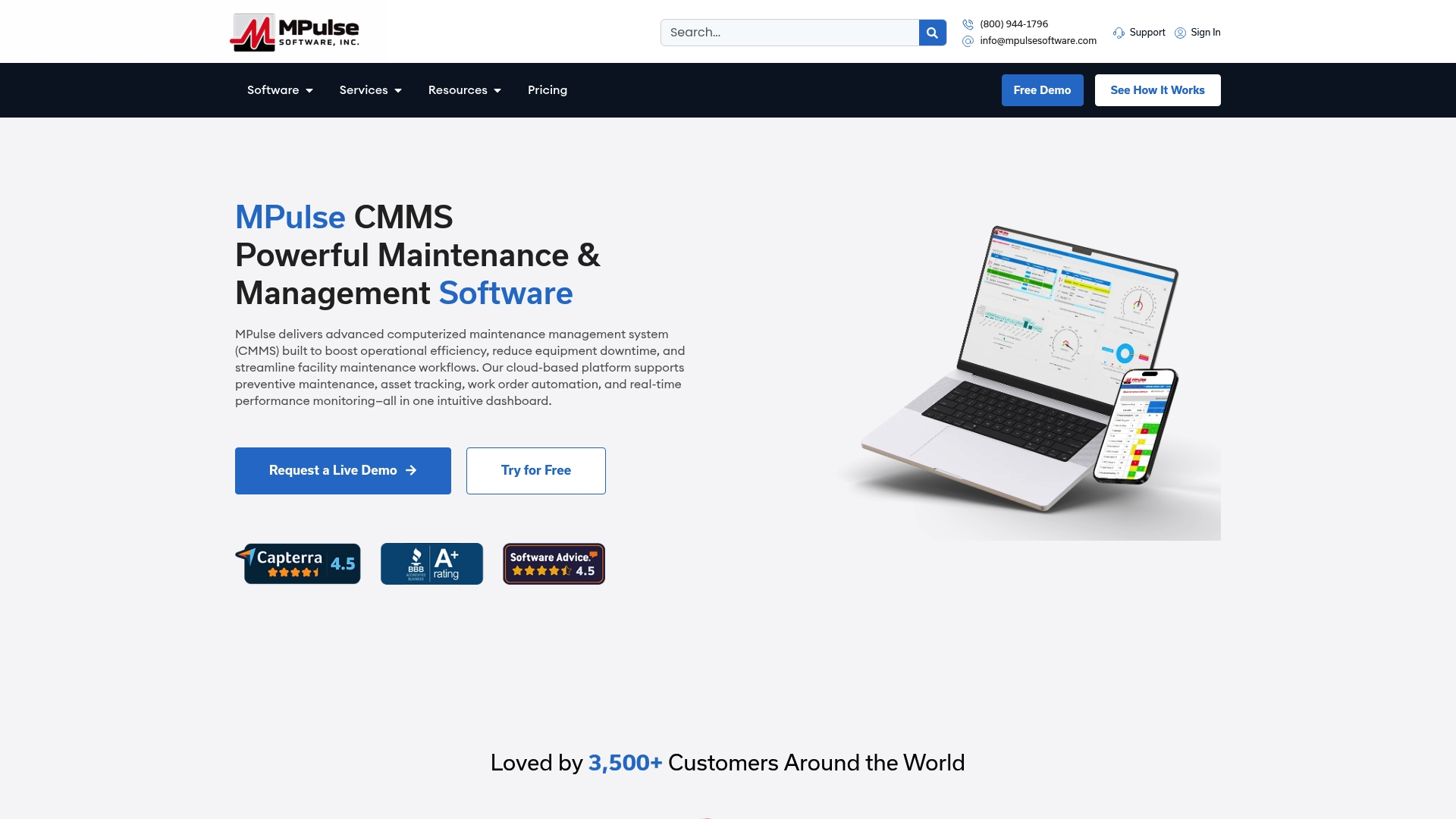
Explore how MPulse CMMS can reduce maintenance backlog and bring clarity to your scheduling by visiting MPulseSoftware.com. Act today to harness seamless preventive maintenance and real-time performance insights for measurable cost reduction.
Frequently Asked Questions
How does MPulse Software’s work order management feature help streamline maintenance tasks?
MPulse Software offers mobile access for technicians to read, update, and close tasks from any device. This feature allows for real-time management of work orders, reducing the time spent on manual updates and improving task completion rates. Consider using this system to enhance your team’s efficiency and communication.
What is the difference between MaintainX and MPulse Software regarding mobile accessibility?
MaintainX provides a mobile app that works well in active environments, allowing technicians to create and complete work orders quickly. In contrast, MPulse Software focuses on a more extensive feature set that includes real-time notifications and preventive maintenance scheduling. Depending on your team’s requirements, you may prefer MaintainX for its ease of use in field operations.
Which platform stands out for its predictive maintenance capabilities?
Limble CMMS stands out with strong predictive maintenance features that surface upcoming checks and highlight failure risks for critical assets. MPulse Software also offers preventive maintenance automation but is specifically built for scaling from small teams to larger enterprises. Evaluating the context of your operations will help determine which platform suits your predictive maintenance needs best.
Can I expect compliance support from MPulse Software, similar to other platforms?
MPulse Software advertises support for OSHA, FDA, and HIPAA compliance, providing necessary training and customer support. This feature ensures that organizations with regulatory requirements can proactively manage compliance within their maintenance workflows. You should investigate MPulse Software’s compliance capabilities further if your operations are subject to such regulations.
What features make UpKeep a strong choice for asset tracking compared to MPulse Software?
UpKeep emphasizes AI-powered work order generation and automated scheduling, enhancing its asset tracking capabilities. While MPulse Software effectively handles asset management through work order insights, UpKeep may appeal more to teams looking for automated solutions to streamline their processes. Consider including UpKeep in your evaluation for its automation strengths.