Training is the secret to CMMS success. But, which training is right for you? See also: CMMS Training: How to Find the Right Fit.
Above all, it depends on your organization’s goals, schedule, and budget.
As a result, MPulse offers three types of CMMS training courses: on-site, instructor-led, and recorded. See also: What to Expect from On-Site CMMS Software Training and What to Expect from Instructor-Led Training & Recorded Training.
On-site
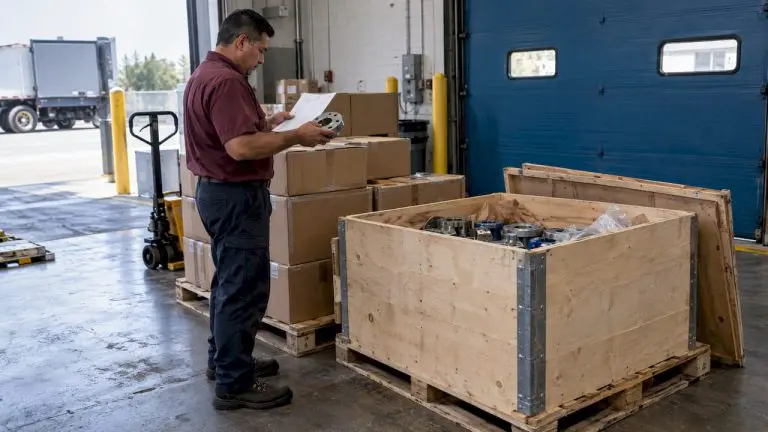
With on-site training, an experienced trainer visits your location. It’s designed to cover specifics to get your users up and running. As a result, on-site training minimizes disruptions and helps you achieve a faster return on investment. For example, MPulse’s Assured Implementation Program (AIP) gets you through planning, data migration, installation, training, and “go-live” day.
Pros
-
- Individual attention to meet your unique needs
- Stakeholders receive hands-on instruction
- Simulates real scenarios using your own data
- Ensures your key players are up and running
- Minimal disruptions
Cons
-
- Not suitable for every budget
- Key users need to be available on training days
Instructor-Led
Instructor-led training includes live, interactive online sessions designed to help users get quickly up to speed. It also provides basic instruction on skills necessary to successfully navigate, configure, and use your software. For example, MPulse’s Fundamentals online training includes a course orientation and six recorded training sessions. It also incorporates a live recap where you and your team can ask questions.
Pros
-
- Live, virtual classroom environment
- Focused instruction away from day-to-day operational demands
- Highly interactive
- Real-world scenario discussions
- Small class size
- No travel costs
- Great value
Cons
-
- Key users need to be available on training days
Recorded
Recording training uses a one-to-many setup that allows you to train teams small and large, regardless of location. It’s also the most flexible and affordable option.
Pros
-
- Easier to accommodate large groups and different scheduling needs.
- Limited time commitment
- Very affordable
- No travel
Cons
-
- Need to contact software support to ask specific questions
Like MPulse’s software packages, we also bundle our training and implementation options. As a result, we can serve a wide range of experience levels, asset inventories, and operational models.
[related-content]
Whether you’ve got an experienced team spread across numerous locations or a small maintenance operation with a few employees, MPulse has a program for you. As a result, you can get the training you need at a price that meets your budget.
Contact us for more information. We’re here for you.