TL;DR:
- Mobile maintenance management equips field technicians with purpose-built apps that improve efficiency and reduce unproductive time. It offers real-time work updates, offline functionality, and seamless integration with core systems to enhance field operations. Proper implementation and focus on workflow redesign lead to significant productivity gains and faster ROI.
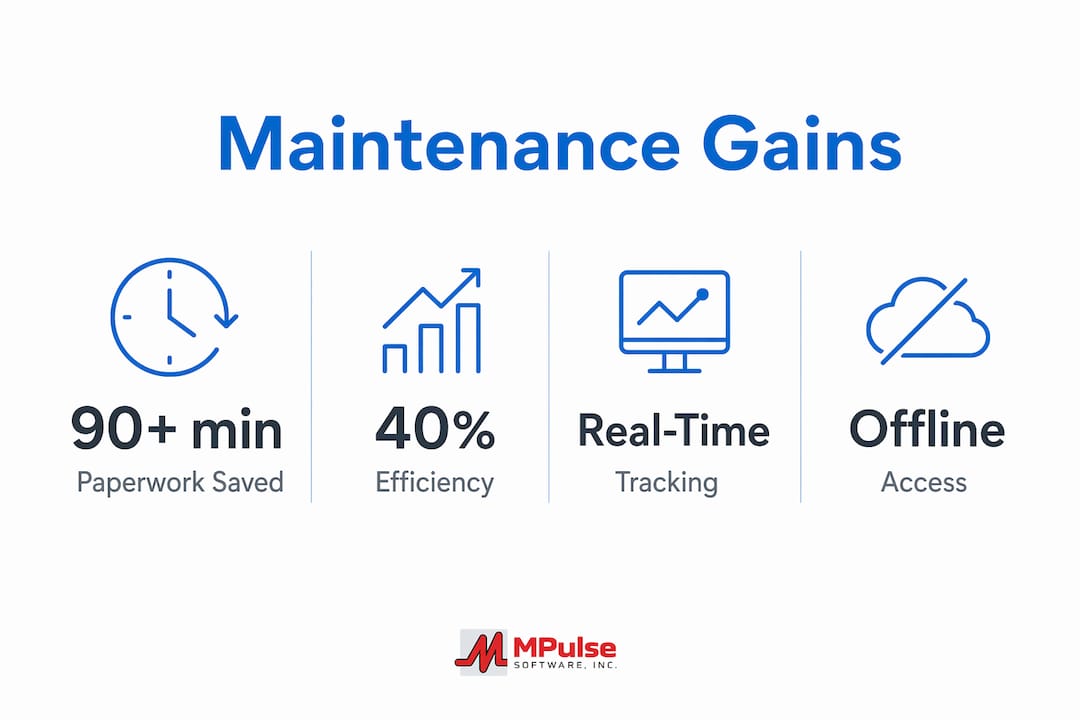
Mobile maintenance management for field teams is the practice of equipping maintenance technicians with mobile-first tools that deliver real-time access to work orders, asset history, and parts inventory both online and offline. The industry term for the broader system is field service management (FSM), and mobile maintenance software is its most critical execution layer. Without purpose-built mobile tools, technicians lose over 90 minutes per shift to paperwork, manual data entry, and searching for information. That lost time pushes wrench time as low as 25–35%, meaning skilled technicians spend less than a third of their shift on actual maintenance work. MPulse Software and similar computerized maintenance management systems (CMMS) address this directly by moving work order management, scheduling, and compliance tracking to mobile devices built for field conditions.
What are the essential features of mobile maintenance software for field teams?
The right mobile maintenance software does more than display work orders on a phone screen. It must be purpose-built for the physical and operational realities of field work.
The most critical features include:
- Real-time work order delivery and updates. Technicians receive job assignments instantly and can update status, add notes, and close tickets from the field without returning to a desktop.
- Offline-first functionality. Offline-first design is the standard for basements, remote sites, and boiler rooms where cellular signal is unreliable. The app syncs automatically once connectivity returns, so no data is lost.
- Instant access to asset history and parts inventory. Technicians can pull up full equipment records and check parts availability without calling the office, cutting diagnostic time significantly.
- Digital checklists and compliance tracking. Structured checklists enforce consistent inspection procedures and create an audit trail that satisfies regulatory requirements.
- Photo capture and digital signatures. Capturing photos and signatures on the go eliminates paperwork redundancy, reduces errors, and accelerates billing cycles.
- Backend CMMS integration. The mobile app must connect to your core maintenance system so that field data flows directly into reporting, scheduling, and inventory management without manual re-entry.
One feature that separates good mobile tools from great ones is the user interface design. Purpose-built mobile interfaces account for glove use, noisy environments, poor lighting, and the need to operate with one hand. A desktop app shrunk to a phone screen fails in these conditions. Field service managers should test any candidate software in actual field conditions before committing to a rollout.
Pro Tip: Ask vendors to demonstrate their app in offline mode during the evaluation process. If the demo requires a live internet connection, the product is not truly offline-first.

How to implement mobile maintenance management effectively in field teams
Adopting mobile maintenance software is an operational change, not just a technology purchase. The implementation approach determines whether your team gains efficiency or adds friction.
Follow these steps for a successful rollout:
- Assess current workflows and identify bottlenecks. Map where technicians spend non-productive time. Common culprits include manual work order printing, walking to shared terminals, and re-entering data from paper forms. Quantify the time lost before selecting a solution.
- Select purpose-built mobile apps, not desktop mimics. Mobile maintenance apps are not desktop miniatures. They require interfaces optimized for field conditions with offline-first capabilities and intuitive UX for rapid adoption. Evaluate apps based on field usability, not feature count.
- Train technicians with short, focused sessions. Most teams become operational within one to two weeks using one-hour training sessions. Technicians adopt mobile apps faster than desktop alternatives because the interfaces mirror consumer apps they already use daily.
- Run a phased rollout starting with a pilot team. Select a small group of technicians for the initial deployment. Collect structured feedback after two weeks, address usability issues, and then expand to the full team. Skipping the pilot phase is the most common implementation mistake.
- Monitor key KPIs from day one. Track wrench time, preventive maintenance (PM) compliance rate, mean time to repair (MTTR), and emergency work order volume. These metrics reveal whether the software is delivering real productivity gains or just shifting the same problems to a new platform.
- Iterate based on frontline input. Progress iteratively with frontline technician input to confirm practical usability and sustain adoption. Technicians who feel heard during rollout become advocates rather than resistors.
Pro Tip: Assign a “mobile champion” on each shift during the pilot phase. This is a technician who learns the system first and supports peers during the transition. It reduces trainer workload and builds peer credibility for the new tool.
The most common implementation mistake is treating the software launch as the finish line. The real work begins after go-live, when real usage patterns reveal gaps in configuration, training, or workflow design. Schedule a formal review at the 30-day and 90-day marks to course-correct before bad habits form.
What measurable productivity gains come from mobile maintenance management?
The productivity case for mobile maintenance management is well documented. The gains are not marginal. They are structural.
Wrench time as low as 25–35% is the baseline for teams without mobile tools. Recovering even half of the 90-plus minutes lost per shift to paperwork and information searching translates directly into more maintenance tasks completed per technician per day. That means fewer backlogs, faster response to equipment failures, and higher PM compliance rates.
“Mobile-first work order management is an operational transformation removing friction that steals productive time from skilled technicians.” The goal is not to digitize paperwork. It is to eliminate it.
The table below summarizes the primary operational benefits documented across field service management deployments:
| Benefit | Impact |
|---|---|
| Paperwork time recovered | 90+ minutes per technician per shift |
| Wrench time improvement | Increases significantly above the 25–35% baseline |
| PM compliance | Improves due to automated scheduling and digital checklists |
| Emergency call-out reduction | Fewer reactive jobs as PM compliance rises |
| ROI timeline | Positive ROI commonly achieved within 6–12 months post-adoption |
| Technician onboarding speed | Most teams operational within 1–2 weeks |
MPulse Software customers report up to 40% efficiency improvements after full CMMS deployment. That figure reflects the combined effect of automated scheduling, mobile work order management, and real-time performance monitoring working together. No single feature produces that result in isolation.
Field service management software improves scheduling, dispatch, resource communication, technician tracking, and asset management. 89% of users rate mobile access as critical for field technicians. That near-universal rating confirms that mobile capability is no longer a premium add-on. It is the baseline expectation for any credible FSM platform.
How to optimize maintenance team coordination using mobile scheduling and dispatch tools
Efficient maintenance scheduling and dispatch coordination are where mobile tools create their second wave of value, after the initial productivity gains from eliminating paperwork.
The key capabilities that drive better coordination include:
- Automated scheduling based on skills, availability, and location. Scheduling and dispatch automation that incorporates skills, location, real-time conditions, and service level agreements (SLAs) leads to significantly improved technician coverage and minimized travel time. Manual dispatching cannot process these variables at the same speed or accuracy.
- Dynamic updates for disruptions. When a technician calls out sick or traffic delays a job, automated dispatch recalculates assignments in real time. The planner does not need to manually rebuild the schedule.
- Instant communication of job changes. Technicians receive updated assignments directly on their mobile device. No phone calls, no radio traffic, no missed messages.
- Integrated parts and inventory tracking. Work orders linked to parts inventory prevent technicians from arriving at a job without the required components. This single integration eliminates one of the most common causes of repeat visits.
- Digital signatures and customer notifications. Closing the loop with a digital signature and automated customer notification reduces billing disputes and confirms service delivery without additional administrative steps.
The difference between manual dispatching and automated dispatch is not just speed. It is the ability to factor in variables that a human planner cannot hold in working memory simultaneously. Skills matching, geographic clustering, SLA priority, and real-time traffic data all influence the optimal assignment. Automated tools process all of these at once. Manual dispatching optimizes for one or two at best.
For maintenance coordinators managing teams across multiple sites, mobile scheduling tools also provide a real-time view of technician location and job status. That visibility replaces the check-in calls that consume coordinator time and interrupt technicians mid-task. You get the same information passively, without the friction.
Key takeaways
Mobile maintenance management for field teams delivers its greatest value when purpose-built mobile tools, offline-first design, and automated scheduling work together to recover productive technician time and reduce unplanned downtime.
| Point | Details |
|---|---|
| Wrench time is the core metric | Baseline wrench time of 25–35% rises significantly when mobile tools eliminate paperwork and information delays. |
| Offline-first is non-negotiable | Field apps must function without connectivity and sync automatically, covering basements, remote sites, and low-signal areas. |
| Phased rollout reduces risk | Pilot with a small team, collect feedback, then expand to avoid organization-wide adoption failures. |
| Automated dispatch outperforms manual | Skills, location, SLAs, and real-time conditions cannot be balanced manually at scale. Automation handles all variables simultaneously. |
| ROI arrives within the first year | Most organizations see positive returns within 6–12 months through labor hours recovered and emergency call-out reduction. |
What I have learned from watching mobile maintenance rollouts succeed and fail
The organizations that get the most from mobile maintenance management share one trait: they treat the software as a workflow redesign project, not an app installation. The teams that struggle treat it as the latter.
I have seen well-funded rollouts collapse because the app was configured to mirror the old paper process exactly. Digitizing a broken workflow produces a digital broken workflow. The implementation phase is the right moment to question every step in the current process and ask whether it still needs to exist. Most paper-based steps do not survive that question.
The other pattern I keep seeing is underinvestment in the first 30 days after go-live. Vendors move on, managers assume adoption is happening, and technicians quietly revert to workarounds. The mobile maintenance benefits that show up in case studies are not automatic. They require active management of the transition period.
The most underrated factor in a successful rollout is celebrating early wins publicly. When a technician closes five work orders in a shift instead of three, that number should be visible to the whole team. Momentum in adoption comes from proof, not promises. Managers who track and share quick wins in the first 60 days see faster full-team adoption than those who wait for quarterly reports.
My honest recommendation: choose software built for field realities, not software that happens to have a mobile app. The difference shows up in the first week of real use, not in the demo.
— Mark
MPulse Software and your mobile maintenance goals
Field service managers who are ready to move beyond spreadsheets and paper-based work orders have a direct path forward with MPulse Software.
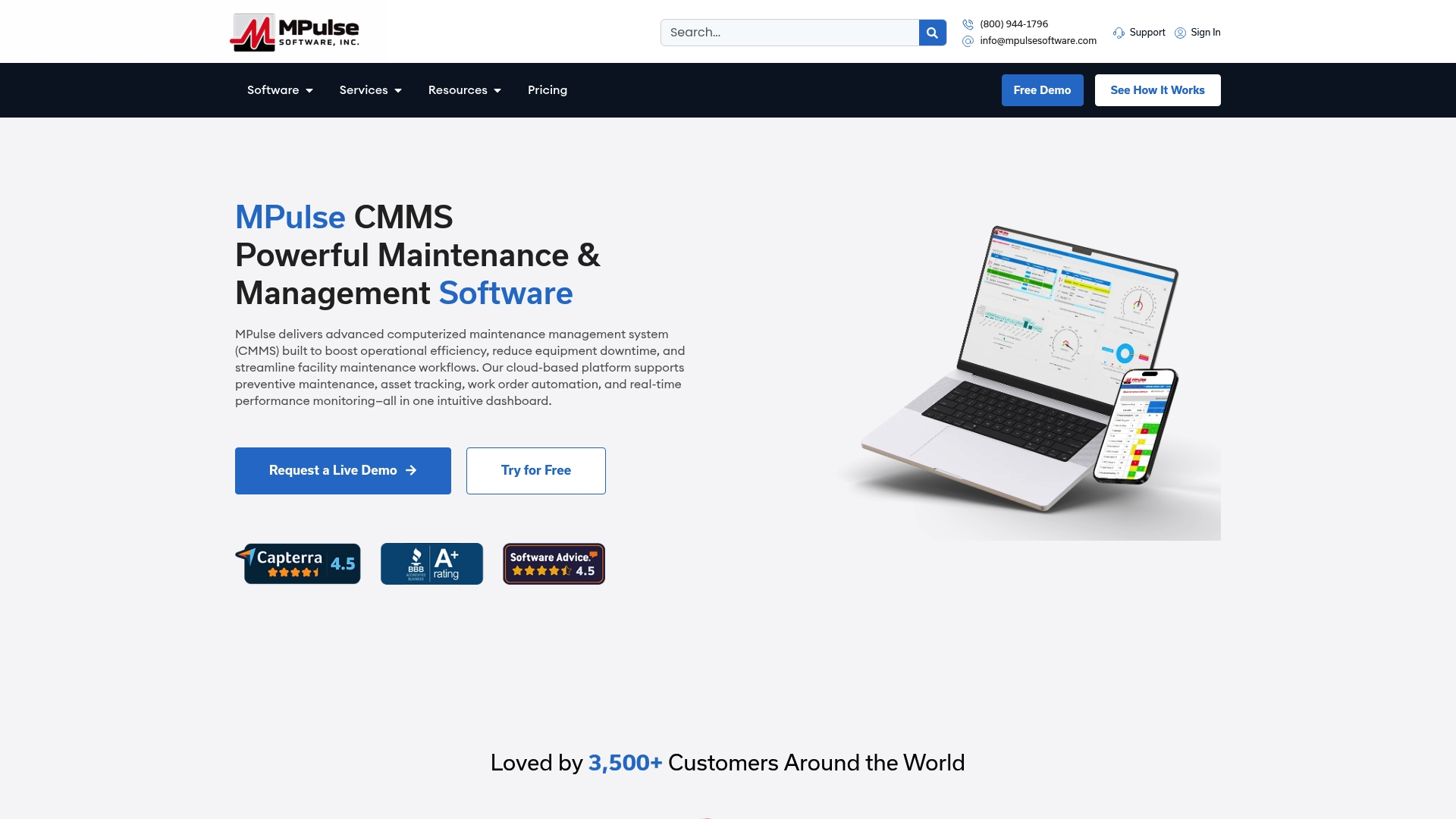
MPulse Software’s CMMS platform is built for teams that need real-time work order management, automated preventive maintenance scheduling, and mobile access across sites. Over 3,500 customers globally trust MPulse Software, with documented efficiency improvements of up to 40%. The platform’s calendar interface, integration capabilities, and compliance-ready reporting make it a practical fit for industries where downtime and audit readiness both matter. Explore the full feature set and mobile capabilities or start a free trial to see how MPulse Software performs in your specific field environment.
FAQ
What is mobile maintenance management for field teams?
Mobile maintenance management for field teams is the use of mobile-first software to deliver work orders, asset data, and scheduling tools directly to technicians in the field. It is the operational layer of a broader field service management or CMMS system.
How much time do technicians lose without mobile maintenance tools?
Technicians without mobile tools lose over 90 minutes per shift to paperwork, manual data entry, and searching for information, resulting in wrench time as low as 25–35%.
How long does it take to see ROI from mobile maintenance software?
Most organizations achieve positive ROI within 6–12 months of adoption. The primary drivers are labor hours recovered from eliminated paperwork and a reduction in emergency call-outs as PM compliance improves.
Why does offline functionality matter for field maintenance apps?
Many maintenance environments, including basements, remote industrial sites, and boiler rooms, have no reliable cellular signal. An offline-first app lets technicians complete work orders without connectivity and syncs all data automatically once signal is restored.
How does automated dispatch improve maintenance team coordination?
Automated dispatch factors in technician skills, location, availability, and SLA priority simultaneously. That combination reduces travel time, improves first-time fix rates, and removes the manual replanning burden from coordinators when disruptions occur.