The Maintenance Calendar Your Whole Team Plans Around
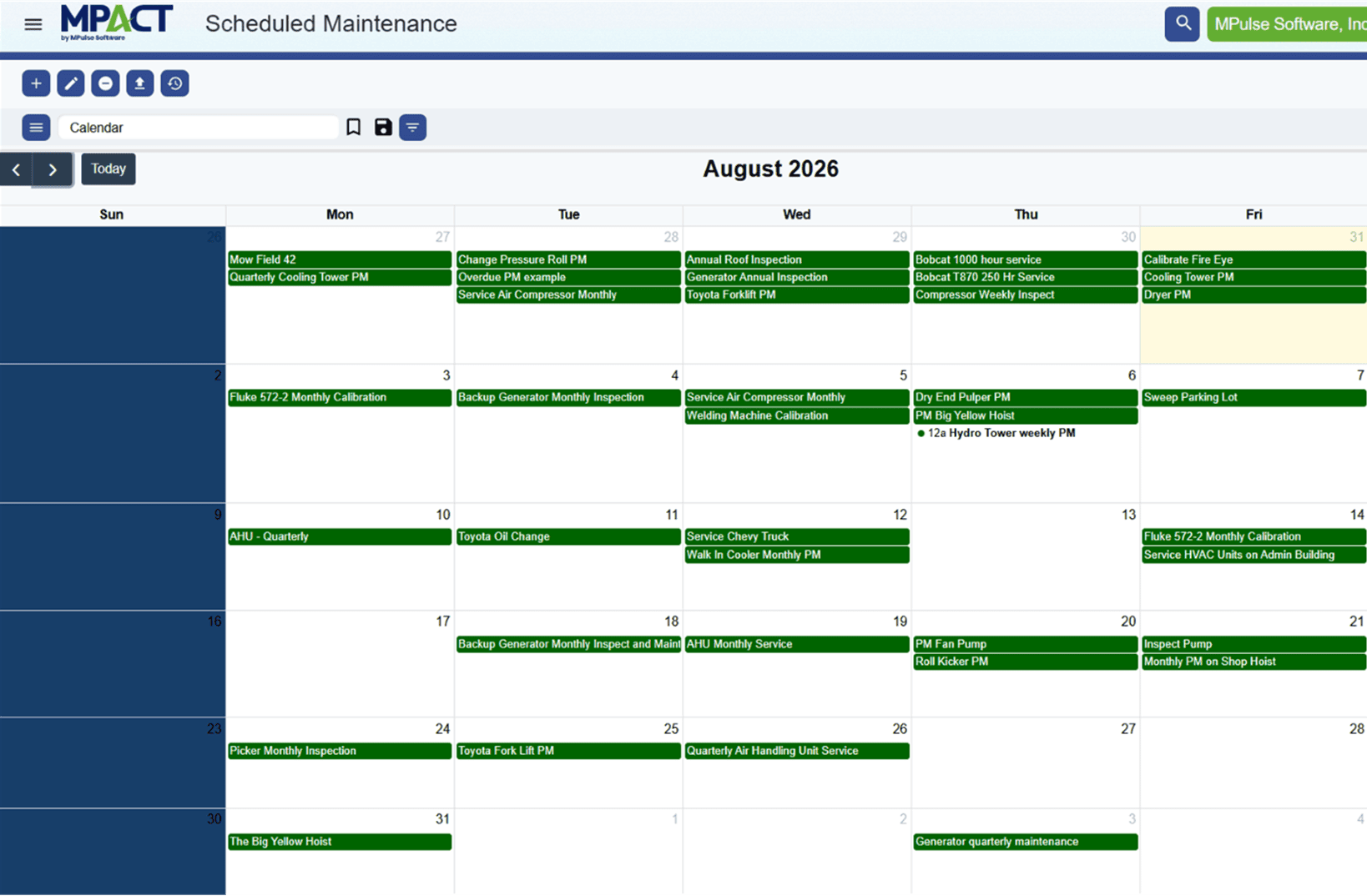
A schedule nobody can see is a rumor. MPACT CMMS by MPulse Software puts scheduled maintenance, due dates, and open work on custom calendar views, so the plan is visible, current, and adjustable before the week goes sideways.
What is a Maintenance Scheduling Calendar?
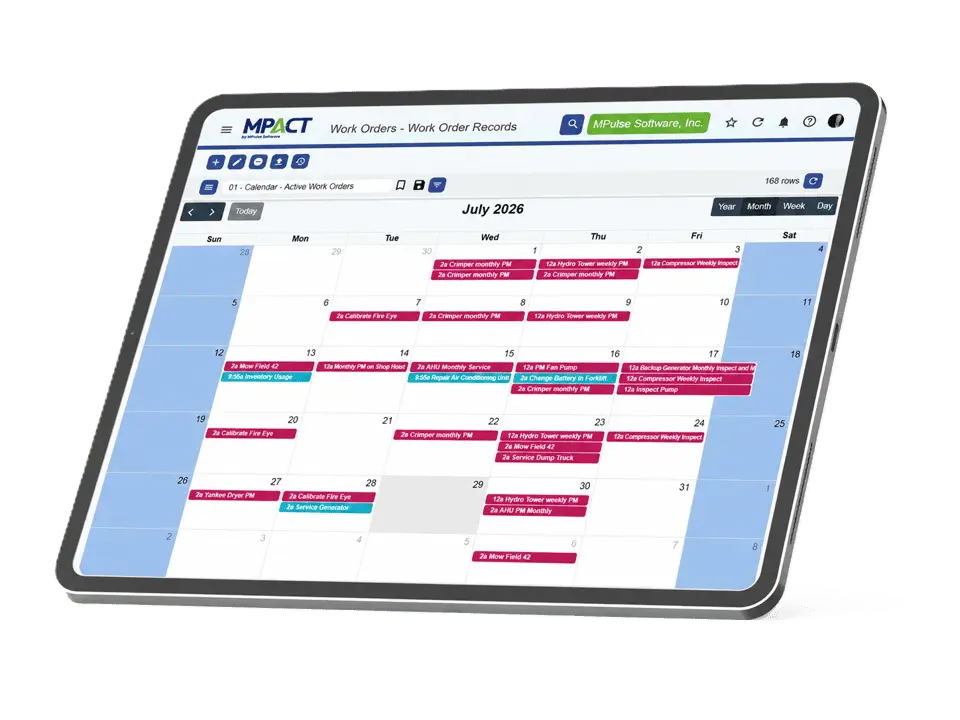
A maintenance scheduling calendar displays planned and open maintenance work in calendar form: scheduled PMs, work order due dates, and upcoming generated work, filterable by team, site, or asset. In MPACT, the calendar reads from live records, so what you see is the actual state of the plan.
The Plan, Visible
Custom calendar views
Build calendars filtered to what each viewer plans: a site, a team, a work order type, or the whole operation. Scheduled and open work appear where they land in time.
Pending work before it generates
Live, not printed
Next door to workload balancing
One Calendar, Three Readers
Planners read it forward: what is coming and where the pileups form. Managers read it for exposure: which due dates are at risk this week. Technicians read it as a day: what is mine and when. Custom views mean each reads the version built for the question they are asking.
Frequently Asked Questions
Yes. Calendar views are custom, and permissions apply, so each site and team sees its own plan while leadership sees across the operation.
Yes. Pending views and calendars display upcoming scheduled work before work orders generate, which is where good planning happens.
Scheduling views live here now. For creating PM schedules, see preventive maintenance; for balancing technician workload, see labor and resource management.
Bring next week’s plan to a demo and see it as an MPACT calendar.
See the Week Before It Happens
Bring next week’s plan to a demo and see it as an MPACT calendar.