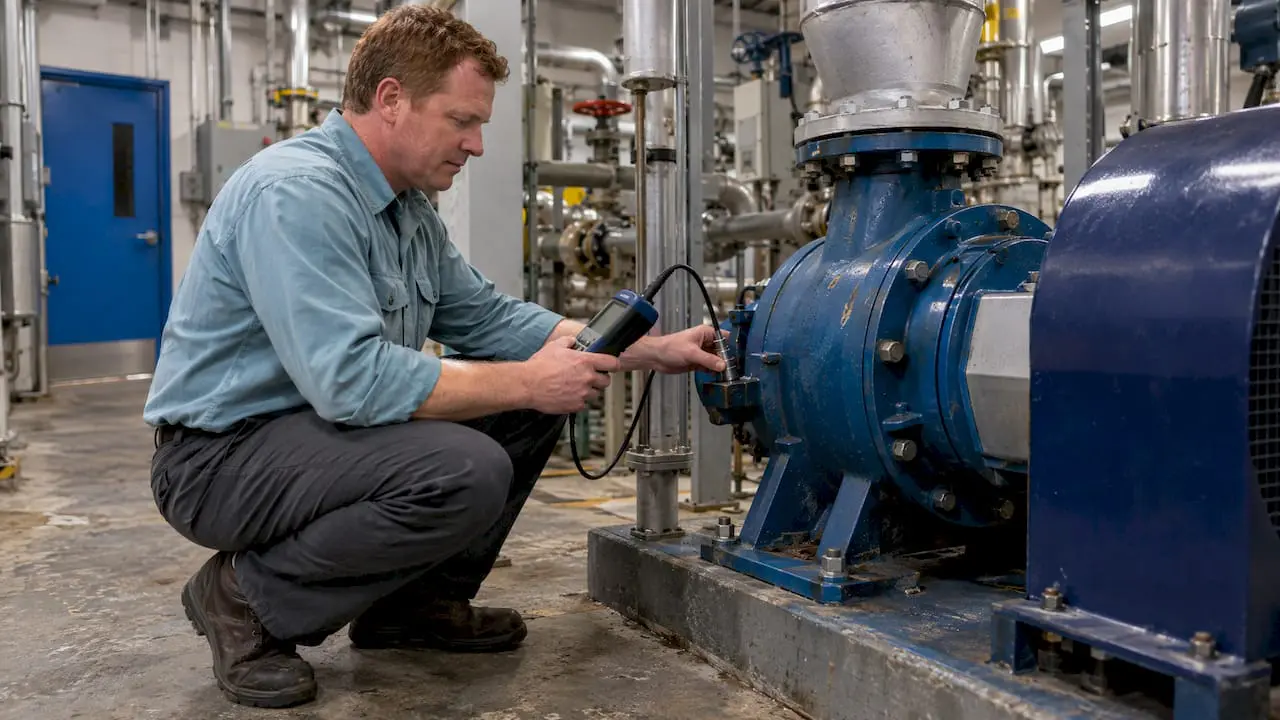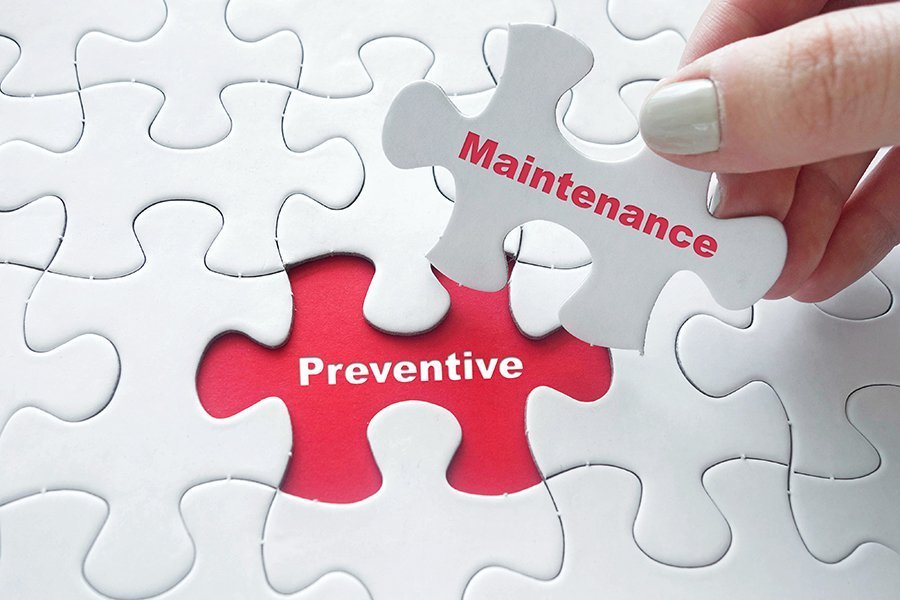
When a maintenance team establishes and regularly performs PM tasks that contribute to the upkeep of assets, an organization may be able to sidestep serious problems that arise as a result of neglect as well as delay more expensive maintenance. Regular preventive maintenance tracking programs also ensure equipment is properly calibrated and lubricated.
Automating preventive maintenance with CMMS software helps maintenance teams schedule PM tasks, making it simpler to follow the manufacturer’s guidelines.
Maintenance intervals can be scheduled based on time, operating hours, or part condition—triggering a work order just before the point when system inefficiencies or failures begin to occur.
Timed Preventive Maintenance
Timed preventive maintenance is simply based on the time between PM tasks—such as days, weeks, months, etc. A good example is inspections, which need to be performed at specific time intervals to help maintenance teams spot issues before they occur.
Timed preventive maintenance tasks are easy to set up in CMMS software. Simply choose the correct time interval, and then let CMMS software notify you or automatically create a work order when it’s due.
Metered Preventive Maintenance
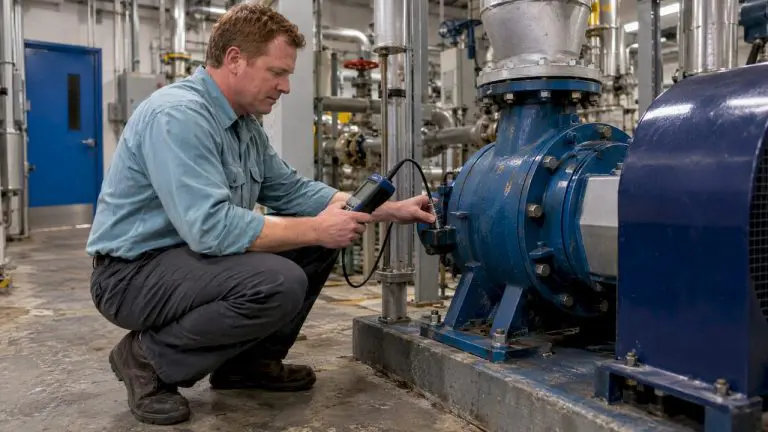
Metered PM scheduling measures usage using a specific meter, which triggers a PM task at the appropriate time. Meter readings track and measure the condition of equipment, machinery, vehicles, and other assets—such as mileage, usage time, production volume, pressure, flow rate, etc.
[related-content]
Over time these meter readings create historical data for the asset, which maintenance managers can use to determine if repairs were successful or if they should adjust the PM schedule based on performance. While some maintenance teams record meter readings manually, others save time with CMMS features like MPulse DataLink to automate the process.
Whether you use timed or metered PM scheduling, your CMMS software can help you reduce emergency maintenance issues and unexpected production stoppages. This, in turn, cuts overtime costs for emergency repairs and reduces production losses.
Properly maintained assets perform more efficiently, use less energy, and fail less often—extending their usable life. Preventive maintenance scheduling with CMMS software is cost effective and beneficial for organizations of all sizes—lowering costs, improving reliability, and helping with compliance reporting.
Learn more about how MPulse Maintenance Software can help you improve your PM scheduling. Contact us. We’re here to help.