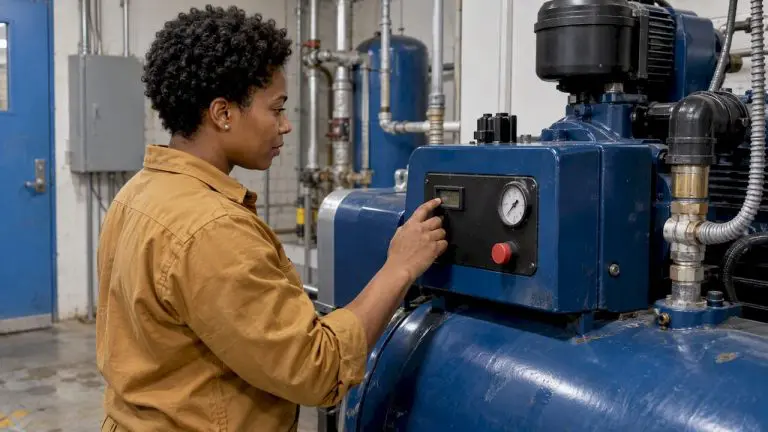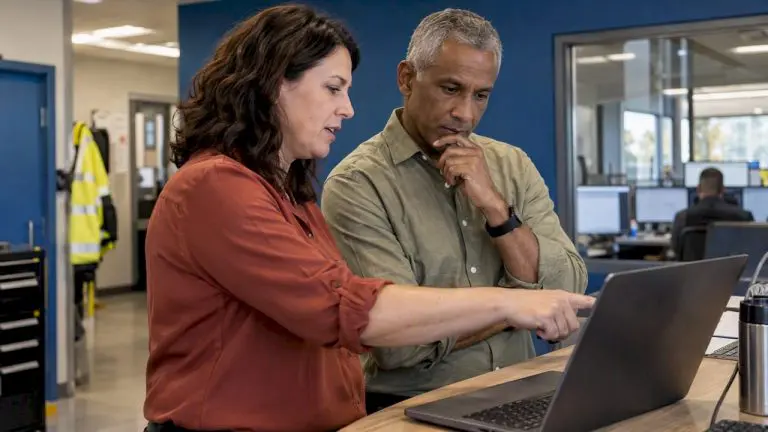
Facility maintenance employees are always on the go—whether it’s on the other side of the building or in a completely different location.
That’s why CMMS software, a key component of software for facility maintenance, designed for mobile access is more than just a nicety—it’s a necessity.
Mobile devices have transformed the workplace, and the facility maintenance department is no exception.
Thanks to growing bandwidth and better access, you can now connect to the Internet—and virtually any business application—from almost anywhere, via Wi-Fi or cellular connection. Improved security features also mean you can safely control access to your data, even when you aren’t in the office.
And that means more organizations are discovering that mobile technology, coupled with mobile CMMS software, is a natural fit for facility maintenance workflows. This integration highlights the growing role of software for facility maintenance in streamlining daily operations.
Access Information Where Maintenance Happens
The combination of mobile devices and CMMS software allows your team to access information and record data on the spot. That means they’re doing their job where they’re doing their job—instead of taking notes to input later or going back to an office to get more detail (or the next work order).
That’s why mobile technology is such a great fit for maintenance. Your team no longer needs to run back to the office to pick up paperwork or make a phone call. You don’t see piles of paper sitting on a desk waiting to be entered. No one needs to search a bookshelf for manuals or a filing cabinet for warranty information. No one is writing things down on a paper calendar. It’s all right there on the screen, wherever you are.
This improves efficiency, which makes a big difference when working in a busy facilities office. Incorporating software for facility maintenance ensures that mobile CMMS systems work seamlessly to meet these demands.
What Can Mobile Technology Do for My Facility Maintenance Team?
If you’re looking for mobile CMMS software, consider the benefits of an adaptive interface—which simply means the software works on any size display or device—desktop computer, tablet, or mobile phone. That means your maintenance team will experience the same familiar interface and the same easy access no matter what device they’re using.
With mobile CMMS software and your mobile device of choice, you can…
- Get up-to-the minute alerts and reports
- Open, access, and complete work orders on the go
- Access historical data on assets while you work on them
- Send or upload photographs of failed components
- View available parts inventory
- Update inventory using barcode scanning and online ordering systems
- Access maintenance and repair manuals electronically
Mobile devices have huge potential to change the way maintainers track data. Mobile CMMS, as a cornerstone of software for facility maintenance, can help your team spend less time on the computer and more time doing what you hired them for—maintenance. Not sure if your CMMS has mobile capabilities? Create a CMMS comparison chart and make sure your CMMS software is keeping up with the changing workplace.
How does your facility maintenance team use mobile software—or how could they use it? Contact us to learn more.