
Managing maintenance operations across multiple sites with different asset types and compliance needs creates record drift and slows preventive planning. Several platforms require direct vendor contact for pricing or force teams into feature-packed systems when a lighter solution is enough. This comparison covers deployment flexibility, integration, and asset tracking features so maintenance teams can pick a CMMS fit for their workflows and budget.
Table of Contents
MPulse CMMS
At a Glance
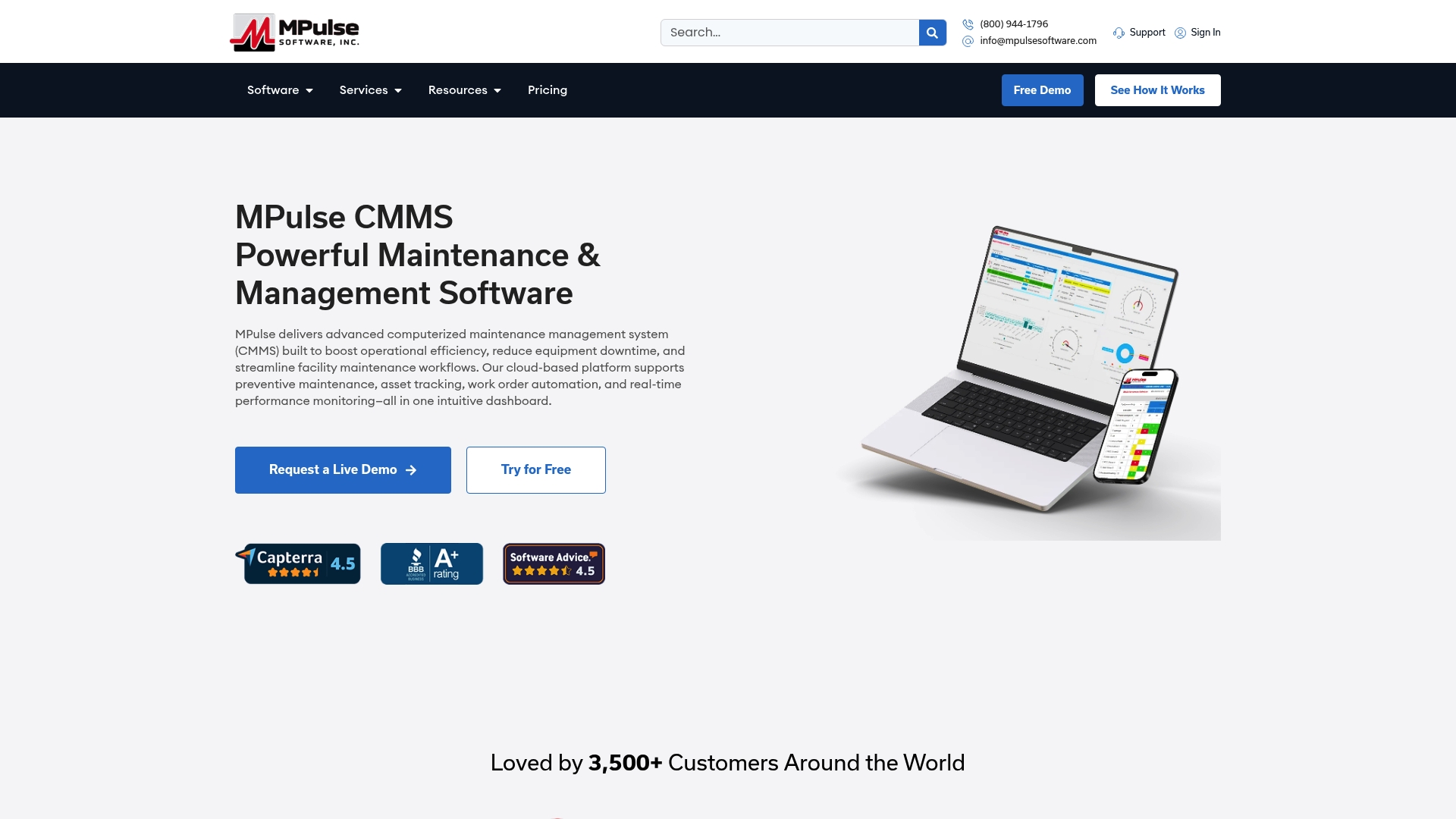
MPulse CMMS reports more than 3,500 customers globally. The vendor advertises up to 40% efficiency improvements and noticeable cost reductions as part of customer outcomes. The product supports cloud based or on premise deployment and includes mobile access for tablet and phone use.
Core Features
MPulse CMMS bundles work order management with preventive maintenance scheduling and asset lifecycle tracking in a single maintenance system. Inventory controls for parts and supplies sit alongside graphical reporting and real time performance dashboards that display KPIs on tablets and mobile devices. The system also offers mobile CMMS access with offline capabilities, custom calendar scheduling views, and role based access control with Single Sign On options.
Key Differentiator
The single most distinctive element is MPulse CMMS’s combination of real time performance monitoring with flexible deployment choices and broad enterprise integrations. That mix lets teams pick cloud based or on premise hosting while linking CMMS data to ERP and SCADA systems through adapters and IIoT readiness.
Pros
The interface is straightforward to deploy and learn for common maintenance tasks, which reduces friction during rollout. Scalability supports small maintenance teams through large facility operations, and the feature set aligns with manufacturing, healthcare, and government compliance needs. Strong vendor support, training, and ongoing updates help teams adopt advanced features. Integration adapters let you connect CMMS records to ERP systems and automation platforms without rebuilding core asset data.
Cons
- Some users report a learning curve for advanced features and integrations, which often requires vendor training or technical support to complete configuration and workflow optimization.
Notable Integrations
- Microsoft Dynamics 365
- Microsoft Dynamics GP
- NetSuite
- Sage
- PeopleSoft
- Oracle
- SAP
- Ignition by Inductive Automation
Who It’s For
Maintenance teams and facility managers in manufacturing, healthcare, government, and other regulated industries. The product fits organizations that need preventive maintenance planning, asset lifecycle tracking, and ERP connectivity. It also suits teams that require mobile work order access and offline mobile capability.
Unique Value Proposition
An intuitive calendar scheduling view tailored to maintenance workflows sets MPulse CMMS apart for planners and schedulers. That visual calendar reduces manual coordination across shifts and maintenance windows. When combined with automated preventive schedules, the calendar helps reduce missed tasks and eases audit preparation for regulated environments.
Real World Use Case
A hospital schedules preventive maintenance on HVAC and clinical equipment with MPulse CMMS, tracks spare parts inventory, and monitors equipment KPIs on mobile tablets. The system logs work orders and maintenance history, supporting compliance reporting and reducing unexpected downtime. Staff access records on site even when connectivity is limited.
Pricing
Pricing is not published online. The vendor requires direct contact with sales to receive a tailored quote based on deployment choice, module selection, and integration needs. Expect quotes to reflect on premise versus cloud hosting and required integration services.
Website: https://mpulsesoftware.com
Fiix CMMS
At a Glance
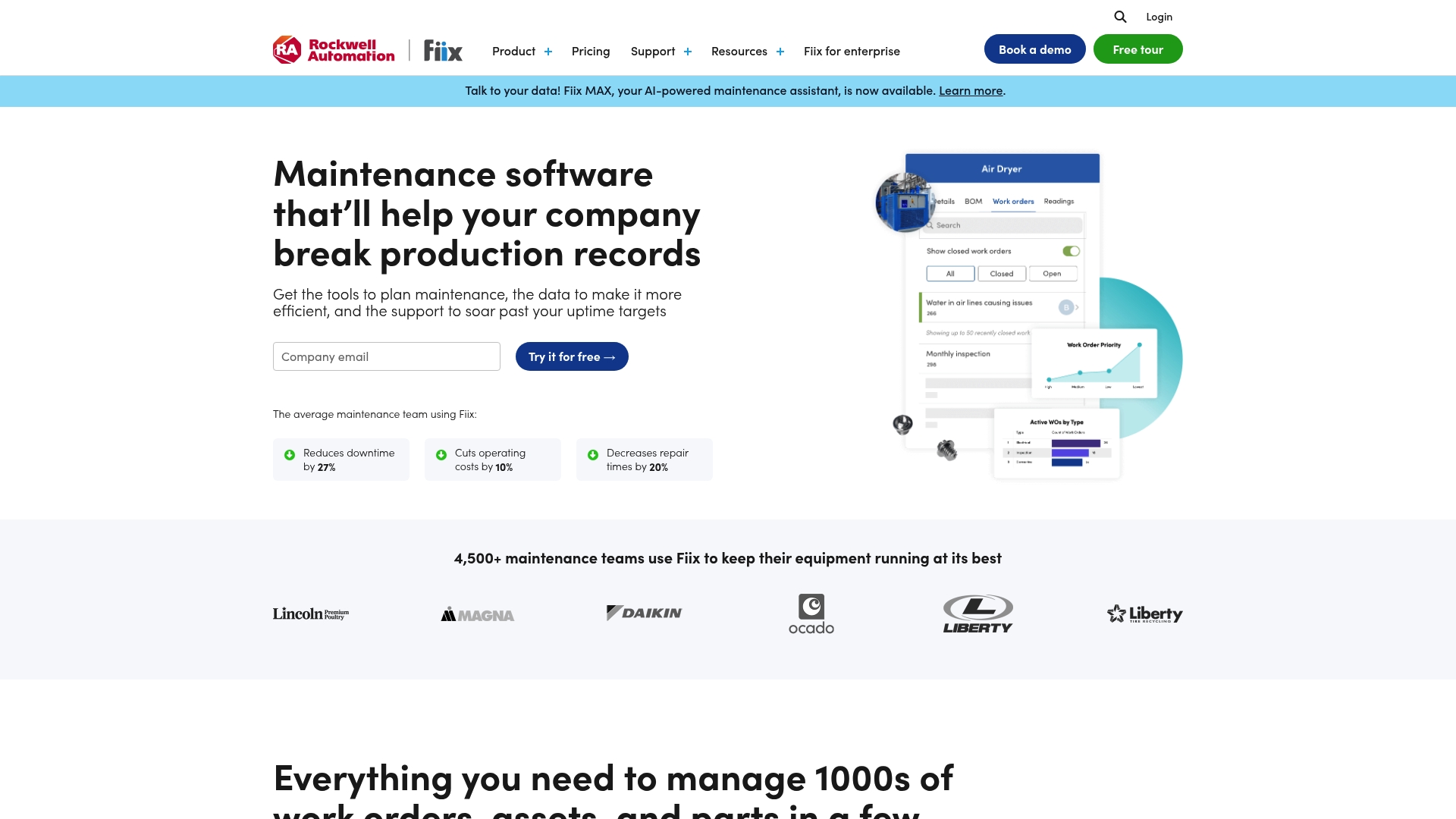
Paid plans start at $45 per user/month for advanced features, with a free tier available for basic use. The vendor reports the platform is used worldwide by thousands of maintenance professionals. Fiix adds AI powered insights and broad system integration options to traditional maintenance workflows.
Core Features
Fiix centralizes work order management, asset management, and inventory control so teams can create, assign, and close tasks while tracking parts and supplies for just in time procurement. The platform includes analytics and reporting tools to visualize maintenance data and mobile maintenance capabilities that work offline. These combined functions support planning, tracking, and operational decision making across medium and large teams.
Key Differentiator
Fiix stands out for its emphasis on integrations and AI powered insights that support predictive maintenance scenarios. Its integration focus makes connecting ERP, IoT, and other enterprise systems practical for organizations with existing technology stacks. The AI component aims to surface failure risks and maintenance priorities rather than replace planner judgment.
Pros
The interface is user friendly, which shortens onboarding time for technicians and planners. Work order and asset management features are robust, covering lifecycle tracking and task assignment in a single place. Field teams gain value from mobile access and offline capability, while reported customer support responsiveness and organized maintenance data help teams keep records centralized.
Cons
- Reporting customization can be complex and at times less flexible, which slows advanced analysis.
- The mobile app may experience glitches under weak network conditions, affecting remote staff productivity.
- Some users report slower support response times during peak periods, delaying issue resolution.
- Initial setup and integrations can require extra vendor or partner support for full system alignment.
When It May Not Fit
Organizations with highly customized reporting needs may find the customization workflow restrictive and time consuming. Teams that operate in remote locations with unreliable networks will encounter occasional mobile instability. Small teams that need a lightweight tracker without integration work might find the platform more than they require.
Who It’s For
Maintenance managers and teams in medium to large organizations who need an integrated maintenance management system will benefit most. The platform suits operations that already run ERP or IoT systems and plan to connect maintenance data across tools. Teams seeking a user friendly CMMS with mobile capabilities and integration options will find Fiix aligned with those priorities.
Real World Use Case
According to the company, a manufacturing customer reduced unplanned downtime by 30% after adopting Fiix and tightening preventative maintenance schedules. That implementation also streamlined work order handling, which lowered administrative time and operating cost in the plant.
Pricing
Fiix offers a free tier for basic use and paid plans beginning at $45 per user/month for additional features and integrations. Larger organizations can expect tiered pricing based on seats and required modules.
Website: https://fiixsoftware.com
eMaint CMMS
At a Glance
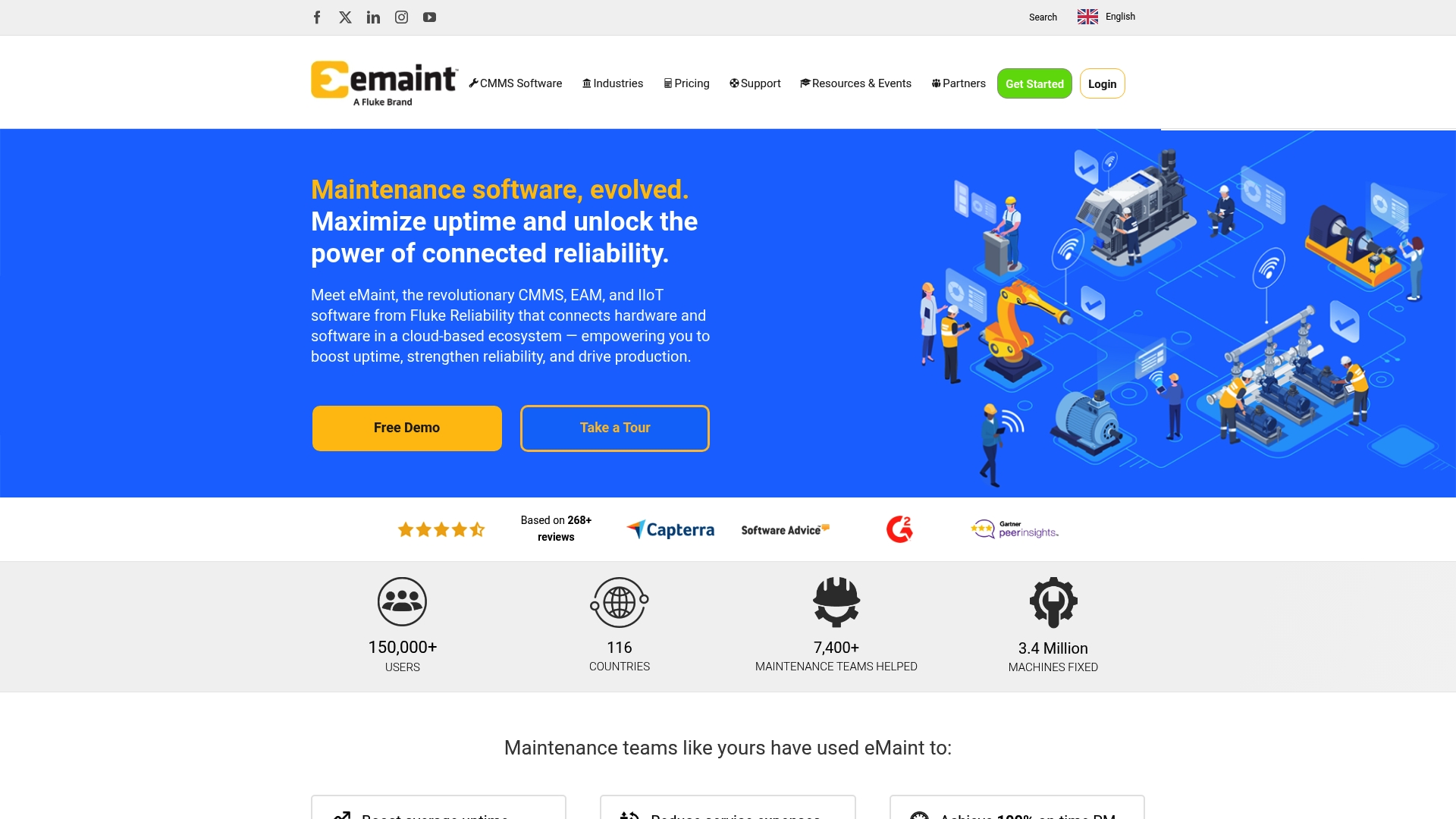
Enterprise teams can link sensors and other systems directly to maintenance workflows for predictive and preventive maintenance. eMaint pairs configurable asset hierarchies with mobile offline support so field crews keep working without a network. The platform targets medium to large organizations that need visible equipment history and strict regulatory controls.
Core Features
The platform centers on asset management and hierarchy visualization, which helps map equipment across multi site footprints and maintenance responsibility. It also includes work order automation and management, spare parts inventory controls, and enterprise reporting with KPI dashboards for performance tracking. A mobile CMMS supports field workers with offline access and basic IIoT connections for sensor driven alerts.
Key Differentiator
eMaint’s main edge is its focus on enterprise level customization and integration for regulatory environments. The product emphasizes connected reliability by tying asset records to sensors, audits, and compliance workflows. That positioning makes it more configurable for large maintenance programs than many simpler tools.
Pros
The system is highly configurable, which lets teams match work flows and approval paths to their internal rules and audits. Asset tracking and maintenance scheduling are strong, giving clear visibility into equipment history and performance metrics that help guide maintenance planning. Inventory management is thorough, and vendors report satisfactory onboarding and support resources for complex rollouts.
Cons
- New users face a steep learning curve because the interface exposes many configuration options. This adds training time for technicians and planners.
- The visual interface can feel cluttered or outdated to some staff, which slows adoption on the shop floor.
- Setting up advanced workflows requires significant initial effort, including mapping asset hierarchies and approval chains.
- Some customers report API access issues and slow performance with large data sets, and others note occasional delays reaching support.
When It May Not Fit
Small maintenance teams with limited IT or admin bandwidth will likely find the setup and customization overhead too heavy. Organizations that need a simple, out of the box system for a single site will probably prefer a lighter tool. Operations with extremely large telemetry volumes should test performance early because there are reports of slowdowns with large data sets.
Who It’s For
Maintenance managers, reliability engineers, and facilities managers at medium to large organizations that require configurable work flows, audit trails, and multi site asset visibility. The platform suits teams that can dedicate resources to initial setup and administration to unlock deeper integration with sensors and enterprise systems.
Real World Use Case
According to the company, a manufacturing customer configured eMaint to automate preventive maintenance, improve asset tracking, and reduce downtime, achieving a 95% uptime average. That implementation also cut carrying costs by optimizing spare parts levels and reduced manual work order routing across sites.
Website: https://emaint.com
Eagle CMMS
At a Glance
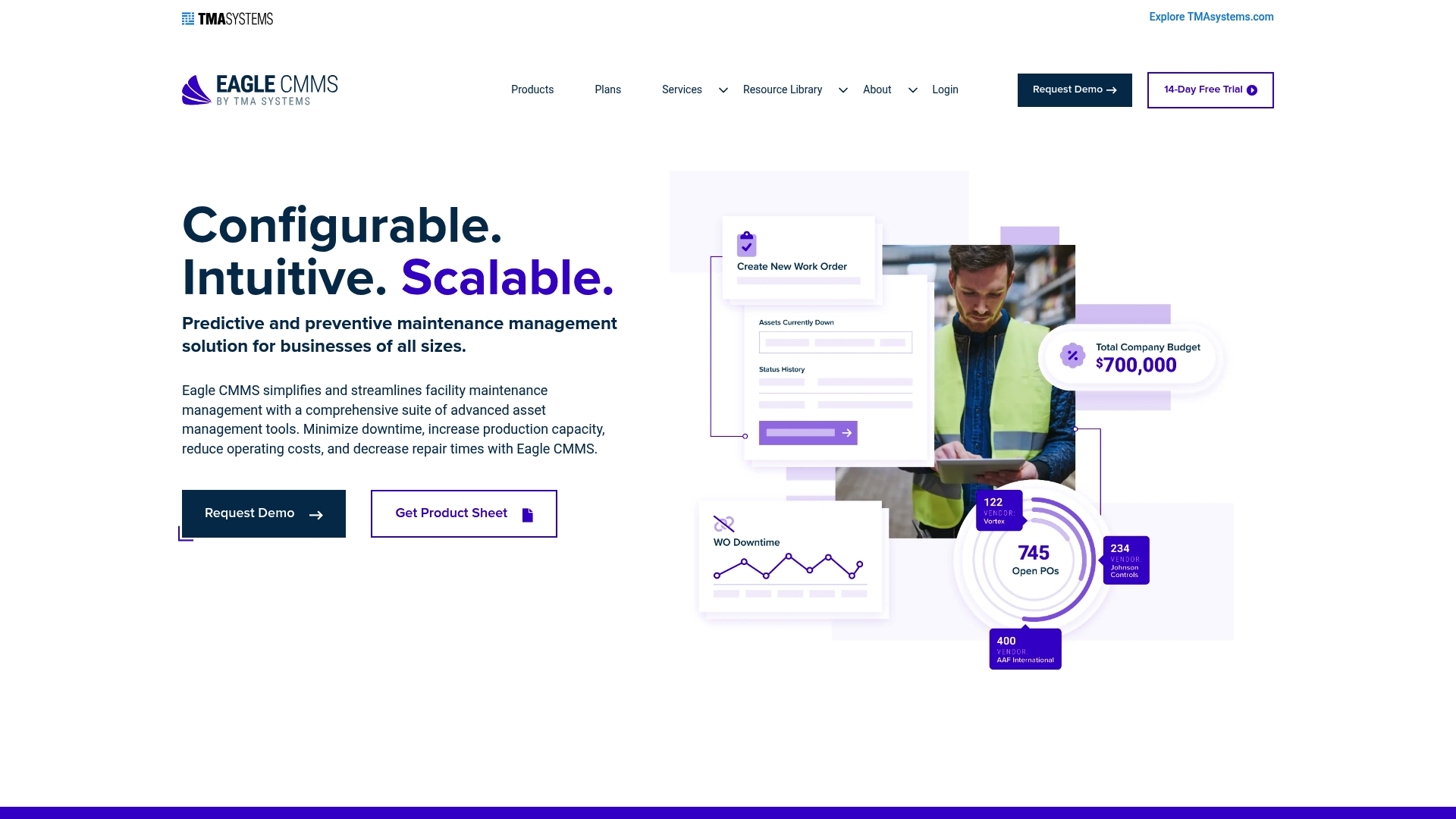
TMA Systems reports over 30 years of experience powering Eagle CMMS, a maintenance system delivered as cloud or on-premises software. It combines work order handling, asset records, and a staff-facing request portal in one package. This entry appears among getmaintainx.com alternatives for teams that need strong multi-site control.
Core Features
The system centers on Work Order Management for generating, assigning, and tracking work orders while the preventive maintenance library uses templates to schedule recurring tasks. Asset management ties equipment, machinery, and facility records to inventory and vendor information so histories and parts lists travel with each asset. A mobile client and a work requests portal let field staff submit requests and receive orders on the go.
Key Differentiator
Eagle CMMS focuses on simplicity at scale with deep configuration options and robust API integrations for connecting to existing enterprise systems. That configuration focus makes the product suited to organizations that need heavy customization across many sites. It serves a different buyer profile than MPulse Software, which prioritizes an intuitive calendar interface and tailored compliance workflows.
Pros
Eagle CMMS offers a clear user interface that reduces onboarding friction and helps teams access task lists and asset histories quickly. The vendor positions the product as cost effective, making it accessible to smaller facilities while still supporting larger multi-site operations. Users report helpful vendor support and a setup process that gets basic workflows running fast, and mobile capabilities permit maintenance staff to work without returning to a desk.
Cons
-
Billing and free trial issues have been reported. This can delay evaluation for teams that need a frictionless trial.
-
Training resources may lack depth for advanced features. New users often request more guided advanced training.
-
Compatibility problems surfaced during some version upgrades. Upgrades may require extra validation work from IT.
-
Certain advanced functions carry a steeper learning curve. Expect more time during initial implementation for complex workflows.
When It May Not Fit
If your operation needs an out-of-the-box, no-training setup for complex advanced features, this may not be the best match. Organizations that prefer continuous turnkey trials without billing friction could find the evaluation process awkward. Small single-site shops with minimal integration needs may not benefit from the product’s configuration and API focus.
Who It’s For
Facilities and asset managers at mid-sized to large organizations who need a configurable CMMS across multiple locations will get the most value. IT teams that want API access for integrations will appreciate the flexibility. Teams that require a lightweight, single-site tool may prefer simpler offerings.
Real World Use Case
A manufacturing company uses Eagle CMMS to manage work orders across several factories, assign preventive tasks, and track repair parts inventory. Field technicians use the mobile client to complete jobs and attach photos to asset records. Vendor coordination happens through the system, which shortens response time for outsourced repairs.
Pricing
Pricing is not published in the product summary. Eagle CMMS supports both cloud-based and on-premises deployment models and typically provides quotes on request. Contact the vendor for current licensing and deployment cost details.
Website: https://eaglecmms.com
InnoMaint
At a Glance
Asset tracking via BLE beacons, RFID, and QR code tags is a built in capability in InnoMaint. The platform pairs that asset tracking with IoT sensor feeds for condition monitoring and predictive workflows. That combination targets multi location operations in manufacturing, healthcare, facilities, and utilities.
Core Features
InnoMaint combines Asset Management using BLE, RFID, and QR codes with a full Work Order Management system that supports scheduling and automation. The product also offers Preventive and Predictive Maintenance workflows, IoT integration for real time asset health, mobile apps for field staff, and inventory and procurement modules. Dashboards and KPI reports aggregate data for operational visibility across multiple sites.
Key Differentiator
InnoMaint centers its offering on IoT and sensor integration for real time predictive maintenance. That emphasis lets teams move from reactive fixes to condition based work orders when the sensor thresholds indicate risk.
Pros
InnoMaint offers a broad feature set that covers asset lifecycle, inventory, and service requests in one product. The vendor highlights IoT integration and sensor driven alerts, which supports predictive maintenance and energy monitoring across sites. Users report accessible dashboards and custom reports that help managers prioritize work and measure KPIs. The product also supports multimedia service requests and mobile task management for teams in the field.
Cons
- No independent third party reviews are available, so external validation of long term performance is limited.
- The platform may present a steep learning curve for small teams new to enterprise grade maintenance systems.
- Initial integration and setup require technical effort and likely vendor involvement for sensor and IoT configuration.
When It May Not Fit
If your shop is a small single site with simple preventive checklists, InnoMaint may be more complex than needed. Organizations without an IT resource to handle IoT and sensor setup will face longer deployment timelines. Teams wanting out of the box pricing or transparent self service plans may find the vendor information limited.
Who It’s For
InnoMaint fits medium to large organizations that manage many assets across facilities and need sensor based condition monitoring. Typical users include facilities managers, maintenance supervisors, asset managers, and operations leaders in manufacturing, healthcare, utilities, and property portfolios. It suits teams prepared to integrate IoT hardware and to invest in initial setup.
Real World Use Case
A manufacturer deployed InnoMaint to attach QR tags and BLE beacons to production assets and to feed vibration sensors into the platform. The system generated predictive work orders when sensors crossed thresholds, so the maintenance crew could schedule repairs during planned downtime. The result reduced emergency repairs and improved planning for spare parts.
Pricing
Pricing is not published on the vendor site. The vendor lists pricing as informational only, so procurement typically requires direct contact to obtain tier and deployment estimates. Expect pricing to vary by asset count, sensor integration needs, and multi site support.
Website: https://innomaint.com
Comparison of alternatives
MPulse CMMS distinguishes itself through its flexible deployment options and strong integration capabilities, which offer versatile solutions for various operational environments. Competitors like Fiix CMMS and eMaint CMMS also present tailored features, making the choice depend upon specific organizational needs.
Deployment and integration considerations
MPulse CMMS leads with its support for both cloud-based and on-premises hosting, accommodating organizations with varying infrastructure. Additionally, its ability to integrate with major systems like SAP and Oracle highlights its adaptability. Comparatively, Eagle CMMS also offers deployment options but prioritizes multi-site management over broad integrative capabilities, which narrows its application scope.
Advanced analytics and monitoring
Fiix CMMS differentiates itself with AI-powered maintenance analytics, enabling predictive failure assessments and maintenance scheduling. While MPulse CMMS provides extensive dashboarding and monitoring capabilities, its analytics do not include AI-driven insights, positioning Fiix ahead in this specific domain. InnoMaint’s focus on IoT integration uniquely supports sensor-based predictive workflows, complementing its maintenance operations.
Best fit
- Organizations integrating maintenance data with ERP systems will find MPulse CMMS’s compatibility and integration tools an excellent match.
- Teams needing AI-powered maintenance prioritization should evaluate Fiix CMMS for its advanced analytics capabilities.
- Businesses with configurable multi-site workflows and enterprise interconnectivity will benefit from eMaint CMMS’s emphasis on customization.
- Teams focusing on IoT sensors and real-time monitoring can leverage InnoMaint’s strong sensor integration.
Our pick
MPulse CMMS excels as the recommended maintenance management software due to its deployment options and integrative features, catering comprehensively to the needs of a broad range of industries. For organizations prioritizing AI-driven insights or in-depth IoT integration, exploring options like Fiix CMMS or InnoMaint might be advantageous. For flexibility and enterprise connectivity, MPulse CMMS stands out as a strong choice.
MPulse Software offers broad deployment flexibility, integrating CMMS data seamlessly across enterprise systems.
| Product Name | Core Feature | Key Differentiator | Best For | Pricing | Limitation |
|---|---|---|---|---|---|
| MPulse Software | Work Order Management, Preventive Maintenance | Flexible deployment choices and IIoT readiness | Manufacturing, healthcare, government | Price not published | Learning curve for advanced features |
| Fiix CMMS | Centralized maintenance management | AI-powered insights supporting predictive maintenance | Medium to large organizations | $45 per user/month | Complex reporting customization |
| eMaint CMMS | Asset hierarchy visualization | Focus on enterprise-level customization for regulatory use | Medium to large organizations | Price not published | Steep learning curve for initial setup |
| Eagle CMMS | Work Order Management and asset tracking | API integrations for heavy customization | Multi-site facility operations | Price not published | Training resources lacking depth for advanced use |
| InnoMaint | Asset management using BLE and IoT integration | Real-time predictive maintenance with IoT sensors | Multi-location asset management | Price not published | Limited external validation of performance |
What Maintenance Challenges Do Getmaintainx.com Alternatives Often Overlook?
Maintenance teams and facility managers face the ongoing challenge of balancing preventive maintenance with unplanned downtime. Many getmaintainx.com alternatives may not fully address the need for an intuitive scheduling interface combined with strong integration into enterprise systems. MPulse Software meets these demands by offering an easy-to-use calendar view tailored to maintenance workflows and flexible deployment options for both cloud and on premise environments.
MPulse Software supports:
- Preventive maintenance automation to reduce missed tasks
- Real-time performance monitoring for informed decision making
- Mobile access with offline capabilities for workorders anywhere
Explore how MPulse Software can improve your maintenance workflows. Evaluate the platform trusted by over 3,500 customers globally and see outcomes like up to 40% efficiency improvements. Take the next step by scheduling a demo or contacting sales to learn how MPulse’s calendar scheduling and ERP connectivity can enhance your maintenance planning.
FAQ
What specific feature does MPulse Software offer for preventive maintenance?
MPulse Software includes preventive maintenance scheduling that allows teams to manage recurring tasks efficiently. This feature helps organizations reduce missed maintenance activities and supports audit preparation in regulated environments. Consider implementing MPulse Software to improve your preventive maintenance processes.
How does MPulse Software compare to Fiix in terms of user experience?
Fiix’s interface is user friendly, making it easier for technicians and planners to onboard and utilize the system effectively. MPulse Software excels in its straightforward deployment for common maintenance tasks, which reduces friction during rollout. If your focus is on ease of use, both platforms have their strengths based on specific user scenarios.
Which system is better for integration with existing technology?
Fiix stands out for its emphasis on integrations, which makes connecting to ERP and IoT systems practical. On the other hand, MPulse Software offers integration capabilities with ERP systems and automation platforms, ensuring that it fits within a larger enterprise technology ecosystem. Evaluate your existing systems to determine which integration focus aligns better with your needs.
Can MPulse Software accommodate mobile work orders?
Yes, MPulse Software supports mobile access for work orders, allowing technicians to complete tasks and access records on the go. The mobile capability enhances operational efficiency by providing real-time access to maintenance tasks and data, which is crucial for field teams. Teams can expect greater mobility and task tracking by using MPulse Software.
What is the cost structure for MPulse Software?
Pricing for MPulse Software is not published online and typically requires direct contact with sales for a tailored quote based on deployment choice and module selection. Engaging with the vendor will help you understand the costs associated with implementing MPulse Software in your organization.