
Mobile CMMS: The Whole System, Wherever the Work Is
Maintenance does not happen at a desk. It happens at the asset: three buildings over, forty feet up, or forty miles out. MPACT CMMS by MPulse Software puts the whole system in the technician’s pocket: work orders, asset history, parts, readings, and photos, on any device, with an offline app for the places connectivity does not reach.

What Is a Mobile CMMS?
A mobile CMMS lets maintenance teams run their work from phones and tablets instead of walking data back to a desk: viewing and completing work orders, logging hours and meter readings, capturing photos, scanning assets, and submitting requests from wherever the work is. MPACT is the cloud CMMS from MPulse Software, and mobility is built into its architecture rather than bolted on: an adaptive web app that runs on any device, plus an offline technician mobile app available as an add-on.
The Most Expensive Walk in Maintenance
Every trip between the asset and the desk costs twice: once in the walking, and again in the details that fall out of memory on the way. Paper work orders travel badly, clipboard readings get transcribed with creative liberties, and the photo that would have settled the warranty claim never got taken because the camera was a hallway away from the record.
A mobile CMMS ends the commute. The record is at the asset, the asset is on the record, and the data is captured at the moment it exists.
Two Ways Mobile, Both Honest
MPACT’s mobility comes in two modes, and knowing which is which saves you a surprise later.
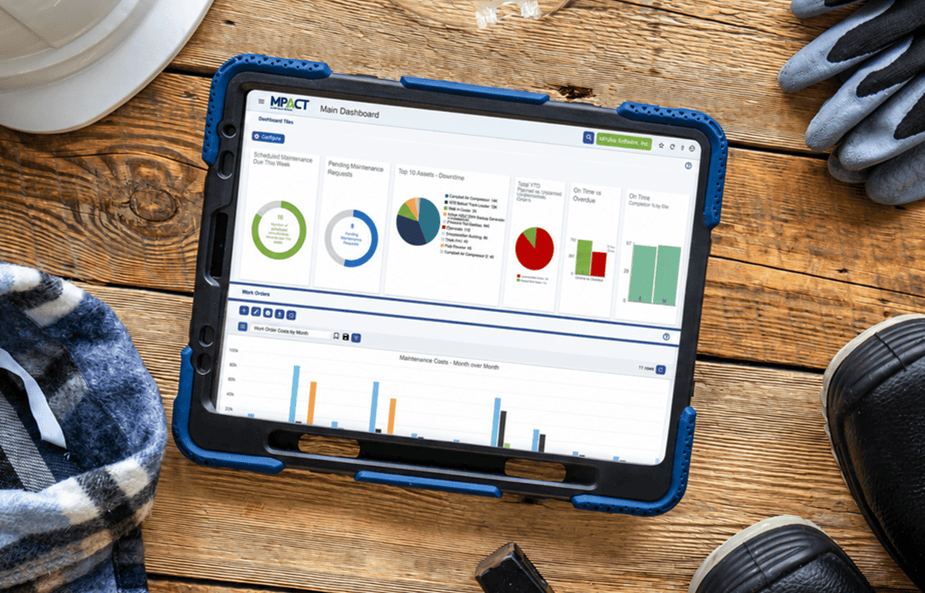
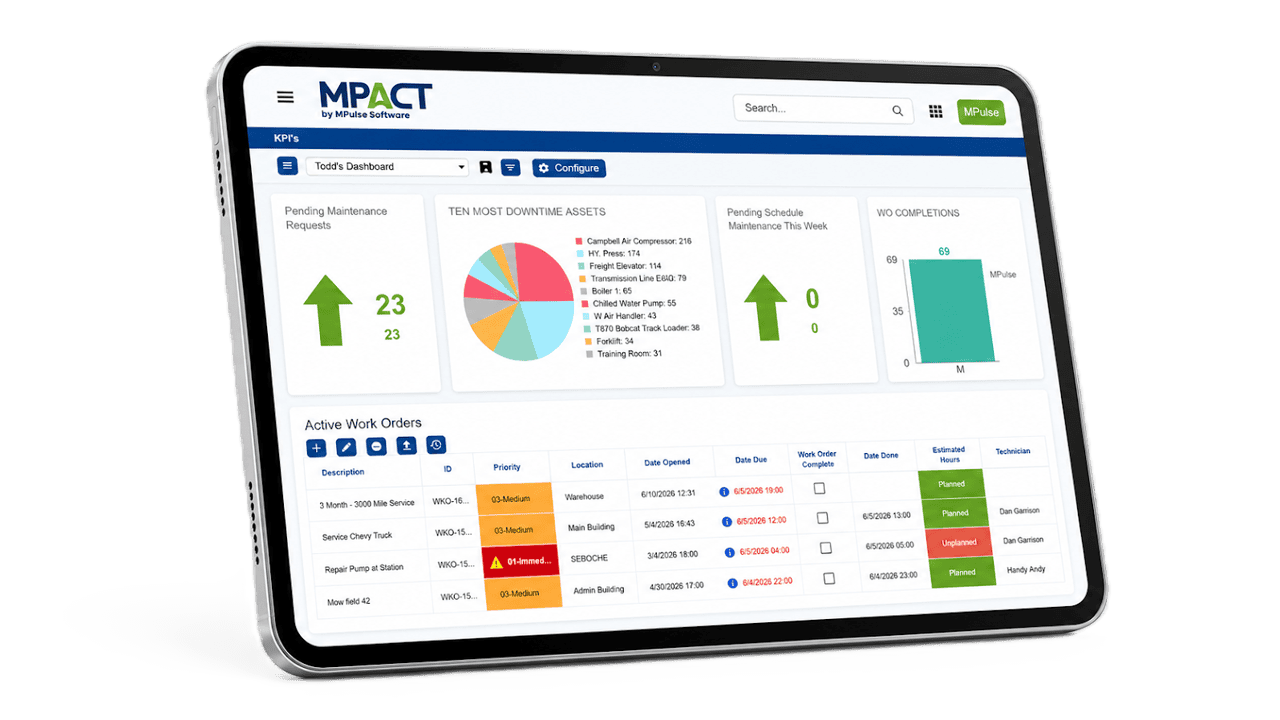
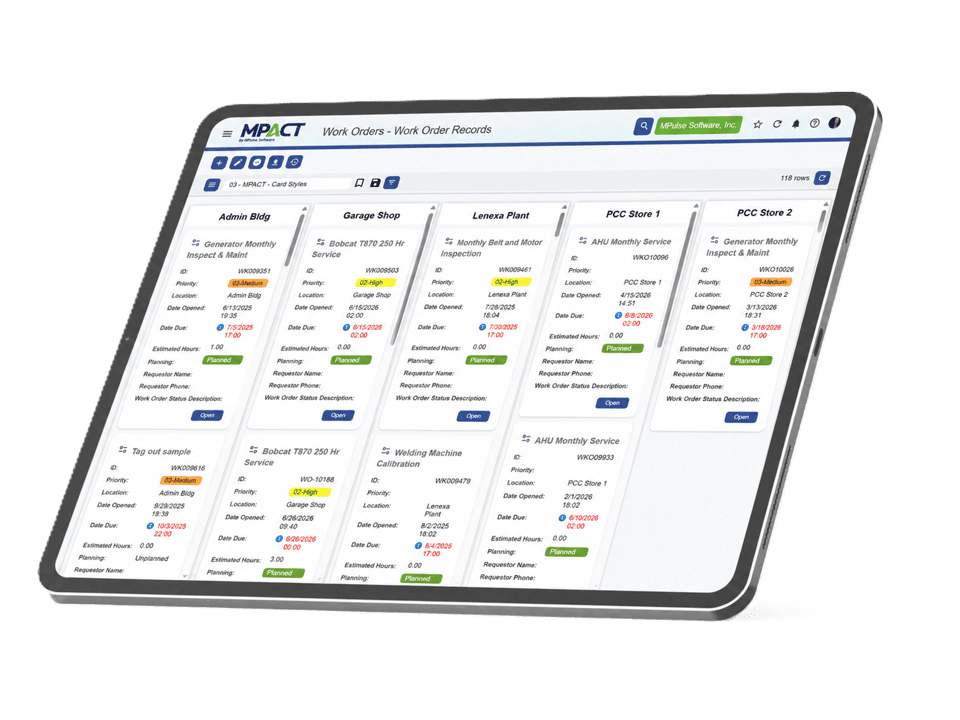
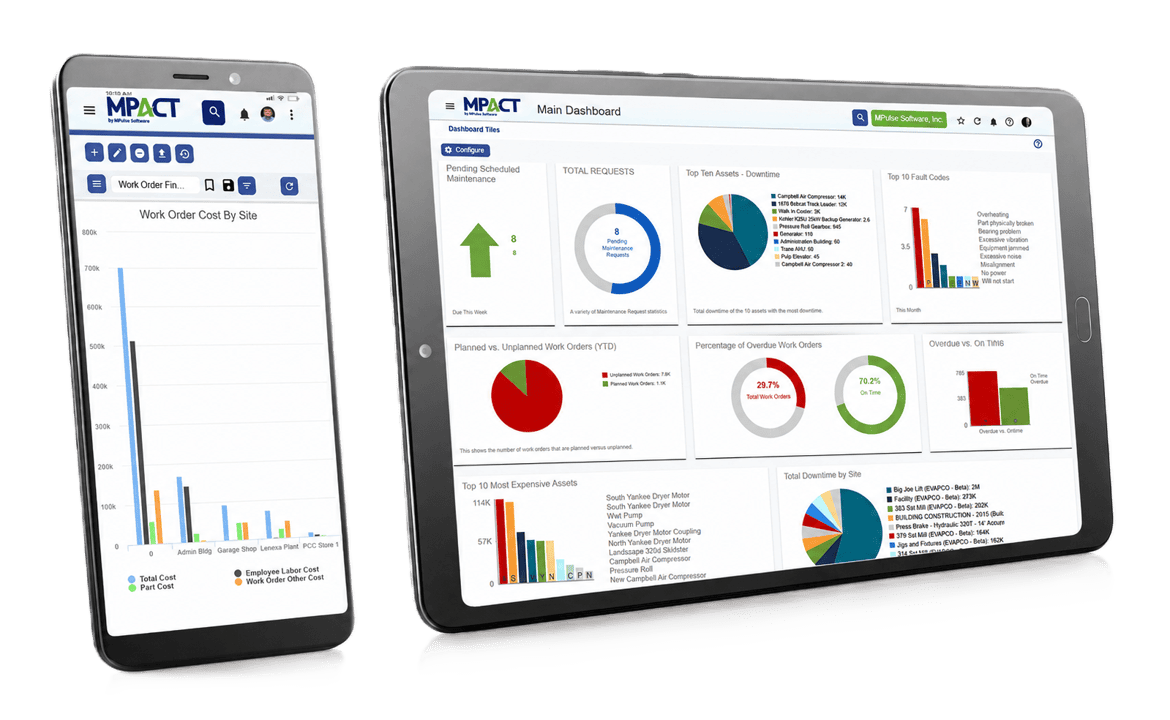
The adaptive web app is how every MPACT user works from any device in every edition: open a browser on a desktop, tablet, or phone, and the interface adapts, with grid, form, and card views that fit the screen in hand. Nothing to install, nothing extra to buy.
The offline technician mobile app is the option for work beyond the signal like basements, remote sites, and dead zones. Technicians complete work orders, log readings, and capture photos fully disconnected, and everything syncs when the device reconnects. If your team works where connectivity is a rumor, this is the mode built for them.
Highlights of Mobile CMMS
Built for Work in Motion
Complete work orders at the asset
Open the job, work the checklist, log hours and readings, attach photos, and close it out standing at the machine. Closeout quality stops depending on end-of-day memory.
Scan a QR code, skip the searching
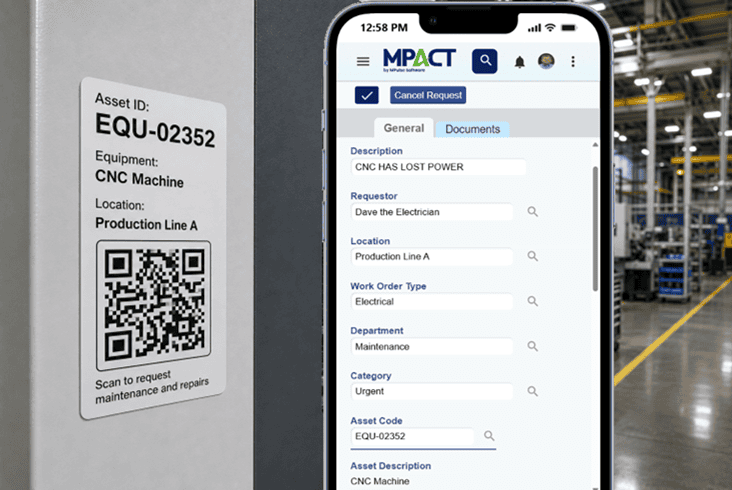
Every tagged asset is one scan from its record: technicians scan to open history and current work, and anyone can scan to report a problem against the right asset with no login.
Requests from any phone, free
Requesters are free and unlimited in MPACT, so staff report issues from the phones already in their pockets (web form or QR scan) and get automatic status updates.
Views that fit the screen
Grid views for triage on a desktop, form views for completion on a phone, card views for scanning a queue on a tablet. The same live data, shaped to the device.
Photos and documents on the record
Manuals, diagrams, and warranty documents travel with the asset; field photos land on the work order. The technician holds the paperwork without holding paper.
Notifications that find you
Assignments, escalations, and status changes reach the team wherever they are, so the urgent job interrupts the right person instead of waiting on a shift huddle.
The Work Order App Your Technicians Will Actually Use
A work order app lives or dies on the completion flow, because that is the part technicians touch fifty times a day. In MPACT, a technician opens the day’s queue, sees priorities in color, works the job with its checklist and asset history one tap away, and closes it with hours, readings, and photos attached. No retyping at a terminal, no end-of-shift data entry hour, no jobs closed from memory. The record is complete because completing it was the path of least resistance.
Mobile by Role
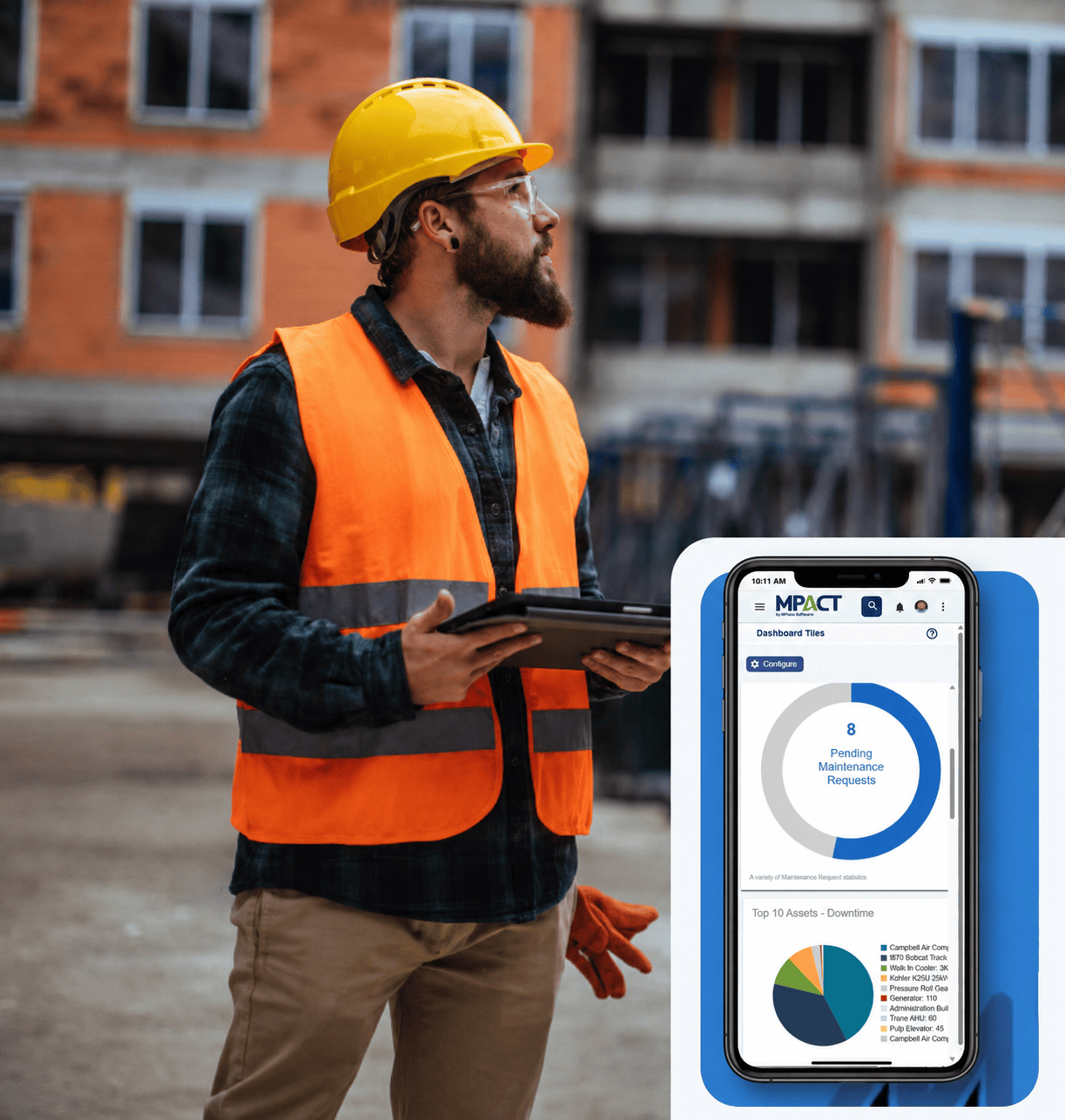
Technicians carry their queue, their checklists, and every asset’s history. Requesters carry a camera and a QR scan: see it, shoot it, report it, track it. Managers carry the dashboards: workload, overdue work, and approvals from wherever the day put them. One system, three pockets.
Frequently Asked Questions About
Mobile CMMS
Does MPACT have a mobile app?
Yes, two modes of one. The adaptive web app runs in any browser on any device with nothing to install, and the offline technician mobile app (available as an add-on, on the App Store and Google Play) handles fully disconnected work with sync on reconnection.
Does the mobile CMMS work offline?
Yes, through the offline technician app add-on: work orders, readings, and photos are captured without a connection and sync when the device reconnects. Remote sites produce the same complete records as the shop.
Do requesters need to install anything?
No. Requesters submit and track through the web or by scanning an asset QR code, free and unlimited, no app required.
What devices does MPACT support?
Any device with a browser: desktop, tablet, or phone, with views that adapt to the screen. The offline technician app runs on iOS and Android devices.
Is mobile access included in every edition?
The adaptive web app is part of every MPACT edition. The offline technician mobile app is available for Advanced and Enterprise tier.
Can managers approve and monitor from mobile?
Yes. Dashboards, work order status, and approvals work from any device through the adaptive web app, so oversight does not wait for a desk.
Take the Demo Standing Up
Ask us to run your demo on a phone or tablet. If a CMMS only shines on a projector, it is not a mobile CMMS