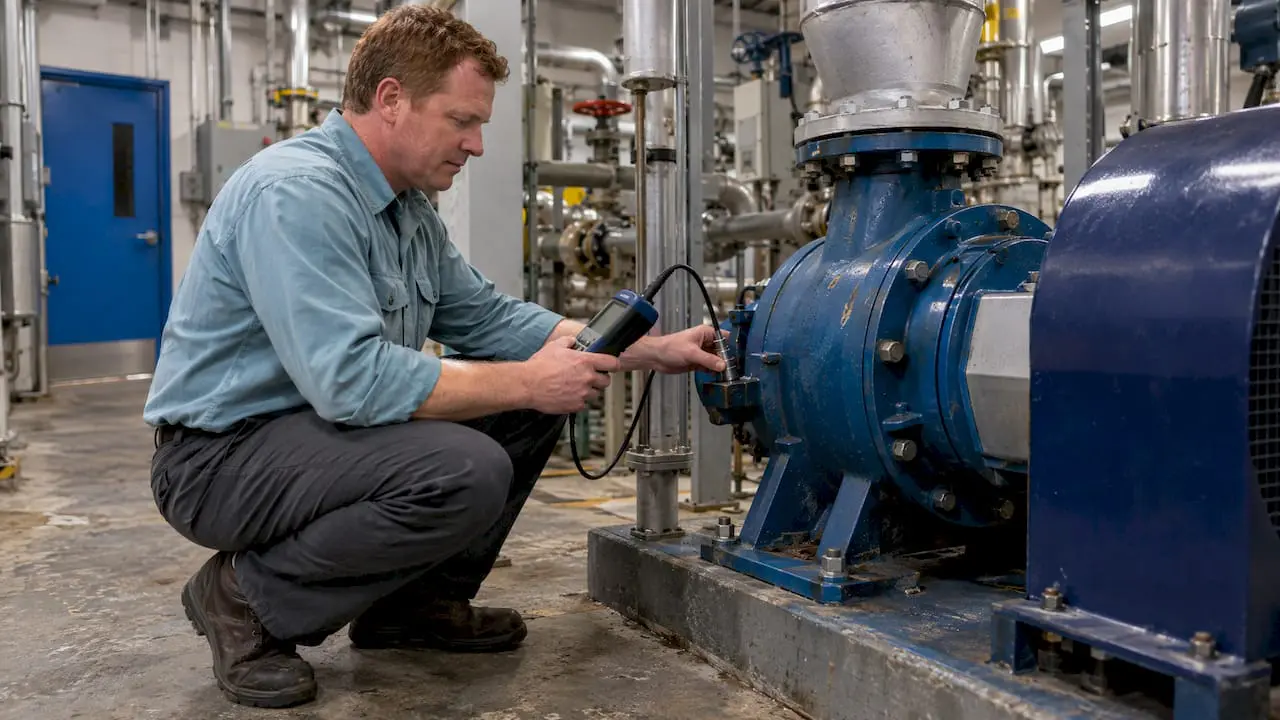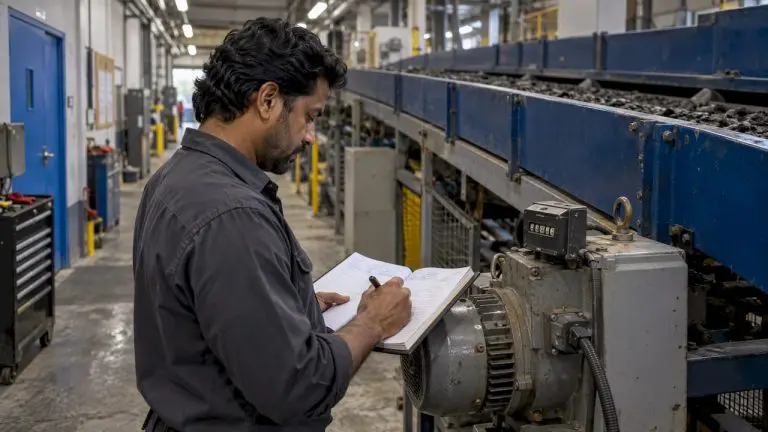
A maintenance request portal is the intake interface inside a computerized maintenance management system that captures work requests from authorized staff and converts them into tracked, routed work orders tied to specific assets, technicians, and compliance records. Its job is simple: turn a reported problem into a scheduled, auditable fix without losing information along the way. Platforms like MPulse CMMS build this conversion into the core workflow, connecting the request directly to asset history and preventive maintenance schedules rather than leaving it as a standalone ticket.
TL;DR:
- A maintenance request portal must integrate multi-channel intake, standardized fields, and automatic routing to prevent bottlenecks and ensure accurate work order creation.
- Proper form design uses conditional logic and searchable asset tags to reduce errors, with QR codes on equipment to streamline data entry.
- Routing relies on rule-based assignment, priority tiers, and escalation paths to provide predictable and timely responses for safety and operational needs.
- Mobile capabilities should include offline access, barcode scanning, photo capture, parts lookup, and real-time updates to support remote technicians efficiently.
- Effective system integration links asset data, inventory, scheduling, and IoT triggers, enabling supervisors to shift from reactive repairs to proactive, scheduled maintenance based on data trends.
Table of Contents
- What Does a Maintenance Request Portal Cover?
- What Features Should a Maintenance Request Portal Have?
- How Should You Design the Intake Form?
- How Do You Route and Prioritize Maintenance Requests?
- What Mobile Capabilities Do Field Technicians Need?
- Which Integrations Matter Most for a Maintenance Request Portal?
- How Do You Roll Out a Maintenance Request Portal Successfully?
- What Metrics Prove a Maintenance Request Portal Is Working?
- What Most Teams Get Wrong About Request Portals
- Where MPulse CMMS Fits Into Your Maintenance Request Portal
- Sources
- FAQ
What Does a Maintenance Request Portal Cover?
An internal maintenance request portal serves facility managers, maintenance supervisors, technicians, and authorized contractors, not building occupants filing their own repair tickets to a landlord or property office. That distinction matters because the workflows differ substantially: an internal portal assumes the requester already knows enough about the facility to identify assets, locations, and urgency, and it feeds directly into a maintenance team’s operational systems.
The core workflows an internal portal handles include:
- Intake from staff, supervisors, or authorized contractors across multiple channels
- Triage and prioritization based on asset criticality and safety impact
- Automatic conversion of approved requests into formal work orders
- Recordkeeping that supports audits, warranty claims, and regulatory compliance
Occupant-facing or resident request systems, common in multifamily housing and commercial leasing, fall outside this scope entirely and use different logic, approval chains, and data models.
What Features Should a Maintenance Request Portal Have?
A functional portal needs more than a submission form. It needs to convert that submission into something a technician can act on and something an auditor can later verify. According to PreventiveHQ’s work order management guide, a proper system captures request details up front and logs them as structured work order records rather than loose notes.
The features that separate a working portal from a glorified inbox include:
- Multi-channel intake through web forms, mobile apps, email-to-ticket, and QR codes, so nothing depends on one submission method
- Standardized fields that capture location, asset, urgency, and description consistently
- Automatic work order conversion that links each request to the correct asset record and maintenance history
- Configurable routing and approval rules for different request types, departments, or cost thresholds
- Mobile field access with offline capability, so technicians can log progress without a live connection
- Photo and attachment capture for visual context on the actual problem
- Audit trails and reporting that document who requested what, when it was approved, and how it was resolved
- Native integrations with asset registries, inventory systems, and scheduling calendars
Skip any one of these and the portal becomes a bottleneck instead of a fix.
How Should You Design the Intake Form?
Form design determines whether technicians get what they need on the first pass or spend half their day chasing down details by phone. PreventiveHQ’s guidance on request standards points to a consistent principle: standardized fields for problem description, location, affected asset, and urgency reduce back-and-forth clarification substantially.
Structure the form around three priorities:
- Require only what routing and diagnosis actually need. Location, affected asset, urgency, and a short description are non-negotiable. Everything else can be optional or conditional.
- Use conditional logic to branch by category. A request. Some tagged “HVAC” should surface different fields than one tagged “electrical,” so the requester never wastes time on irrelevant questions.
- Normalize the asset and location fields. A searchable asset tag or structured location picker, rather than free text, keeps routing rules working off consistent identifiers instead of guessing at typos.
Quick-access methods matter just as much as the fields themselves. QR codes posted near equipment, short URLs, and email-to-ticket options all lower the friction of submitting a request in the first place.
Pro Tip: Post a QR code directly on high-failure equipment. When a technician or supervisor scans it, the asset field pre-populates automatically, which eliminates one of the most common data-entry errors in the entire intake process.
How Do You Route and Prioritize Maintenance Requests?
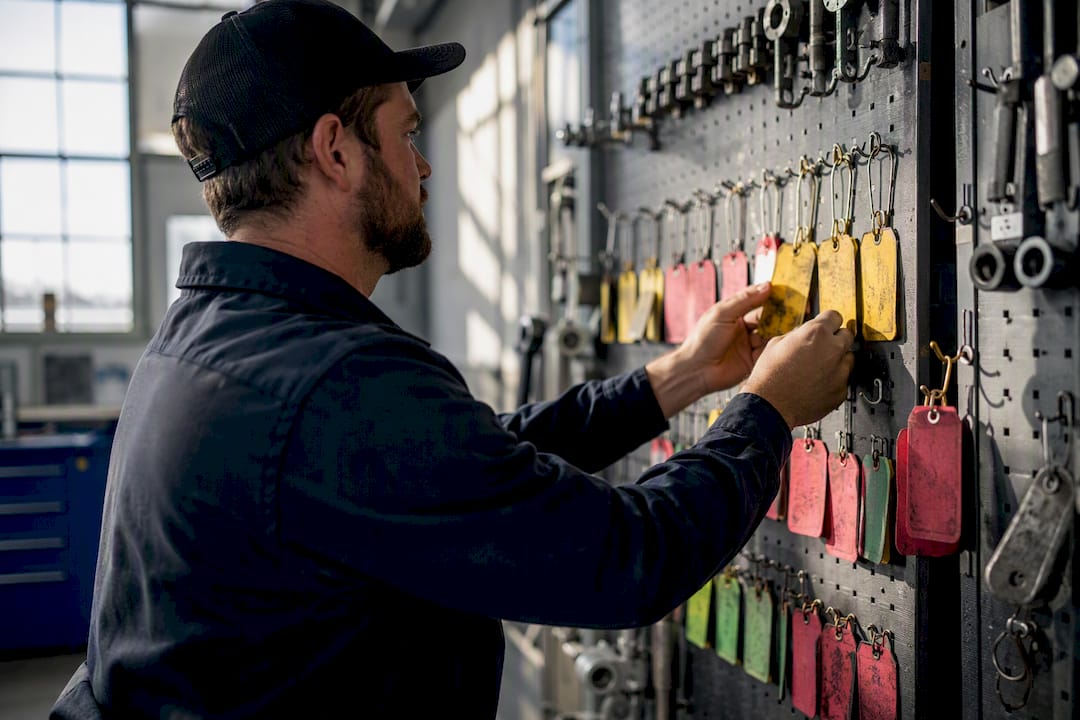
Routing decides who sees a request and how fast they’re expected to act on it. Without rules, every ticket lands in one queue and gets triaged by whoever happens to open it first, which is how urgent safety issues sit next to routine light bulb swaps.
Build routing around a few deterministic layers:
- Rule-based assignment that maps request category, location, or asset type to a specific team or technician automatically
- Priority tiers (typically emergency, urgent, routine) each with a defined response and resolution SLA
- Approval gates for chargeable work, capital requests, or anything above a defined cost threshold
- Escalation paths that trigger a notification or reassignment if a ticket sits past its SLA window
The goal isn’t complexity. It’s predictability. A supervisor should be able to look at any open request and know exactly why it’s sitting where it is.
What Mobile Capabilities Do Field Technicians Need?
Most maintenance work happens away from a desk, often in basements, rooftops, or mechanical rooms with no signal. A portal that only works online fails the people actually doing the repairs.
The essential mobile capabilities include:
- Offline mode with local caching, so technicians can open, update, and close work orders without connectivity and sync once they’re back in range
- Barcode and QR scanning to pull up asset history instantly instead of searching by name
- Photo capture attached directly to the work order for before-and-after documentation
- Parts lookup tied to inventory, so a technician knows immediately whether the part they need is on the shelf
- Digital checklists and compliance sign-off for regulated or safety-critical tasks
- Two-way status updates that notify the original requester automatically when work starts and finishes
Contractors working across multiple sites depend on this even more than in-house staff, since they rarely have a fixed home base to fall back on. Digital work order tools built for contractors address exactly this gap.
Which Integrations Matter Most for a Maintenance Request Portal?
A portal that doesn’t talk to your other systems just creates another silo. JoyLiving’s analysis of work order software integration makes the case plainly: centralizing requests, assets, inventory, and documentation in one system creates a single source of truth, which is what actually enables trend analysis down the line.
Four integrations do most of the heavy lifting:
- Asset registry and bill-of-materials sync, so every request links to accurate specs and maintenance history
- Inventory reservation at assignment, which blocks the needed parts the moment a work order is created rather than after a technician shows up empty-handed
- Calendar and scheduling sync, preventing double-booked technicians or conflicts with planned preventive maintenance windows
- IoT-triggered requests and ERP handoffs, where a sensor threshold generates a work order automatically and cost data flows to finance without manual re-entry
MPulse Software’s component architecture and its guide to how maintenance integrations streamline operations both address this connective layer directly, since a request portal is only as useful as the systems feeding it accurate asset and inventory data.
How Do You Roll Out a Maintenance Request Portal Successfully?
Most failed rollouts don’t fail on technology. They fail on scope and communication. MPulse’s 2026 guidance on maintenance request workflow best practices recommends starting narrow and proving value before expanding.
- Pilot with a limited scope. Pick one building, department, or request category and run it for four to eight weeks before expanding further.
- Define fields, routing rules, and SLAs before launch, not during it. Retrofitting rules after staff have formed habits is far harder than setting them up front.
- Train users directly on the intake tools they’ll actually touch, including QR codes and short-link access points posted where the work happens.
- Assign clear ownership of the intake process itself. Someone needs to own field definitions, routing logic, and SLA adjustments as the pilot surfaces problems.
- Collect adoption metrics during the pilot and adjust routing rules or required fields based on what technicians and supervisors actually report.
Pro Tip: Run your pilot on the request category with the highest current phone and email volume. It gives you the clearest before-and-after comparison and the fastest internal buy-in.
MPulse Software’s ongoing collaboration services support exactly this kind of phased rollout, where configuration continues to evolve well past the initial go-live date.
What Metrics Prove a Maintenance Request Portal Is Working?
A portal earns its budget line through numbers, not impressions. Track a handful of operational and financial metrics consistently, and the return on investment becomes obvious within a quarter or two.
Track these at minimum:
- Request capture rate (submissions through the portal versus phone or walk-up requests)
- First-time completion rate for work orders closed without a return visit
- Average response time and average repair time by priority tier
- Backlog size and overdue work order count
- Technician utilization and labor hours logged per ticket
- Parts spend per work order category
The pattern that matters most: when trend reports flag the same asset or location generating repeat requests, that’s the signal to convert reactive fixes into a scheduled preventive maintenance task. Centralized systems make that shift from reactive to preventive visible in the data itself, rather than something a supervisor has to notice by memory.
What Most Teams Get Wrong About Request Portals
The biggest misconception is treating the portal as a communication tool rather than a data system. Facilities teams often chase user-friendliness on the front end while ignoring how poorly the backend data connects to assets, inventory, and scheduling. A pretty form that dumps free-text descriptions into an unstructured queue is barely an improvement over a shared inbox.
The teams that get real value treat the portal as the front door to their entire operational data model, not a standalone feature. Every field, every routing rule, and every mobile workflow should tie back to asset records and inventory levels, because that connective structure is what turns scattered requests into patterns you can actually act on. Mid-tier CMMS platforms, MPulse CMMS among them, tend to fit this need well for organizations with moderate asset complexity and real compliance obligations, without the overhead of an enterprise-only deployment. MPulse reports customers seeing efficiency improvements of up to 40% once preventive automation and real-time monitoring are layered on top of a properly structured intake process, which lines up with what the data trends above actually predict.
— Mark
Where MPulse CMMS Fits Into Your Maintenance Request Portal
MPulse CMMS builds every capability covered above into one connected system, not a patchwork of add-ons. Intake, routing, mobile field access, asset and inventory integration, and audit-ready reporting all run through the same platform, so a request submitted from a QR code on a rooftop unit lands on a technician’s phone already linked to that asset’s full maintenance history.

If your current process still routes requests through email chains or a shared spreadsheet, the gap shows up fastest in backlog size and repeat visits. MPulse Software’s CMMS feature set covers the intake, routing, and mobile workflows detailed in this guide, and its real-time monitoring capabilities extend that connection to IoT-triggered requests as well. Request a demo of MPulse CMMS to walk through how your specific asset list, request volume, and compliance requirements would map onto the platform before you commit to a rollout.
Sources
- Work Order Management Guide: Software, Process & Best Practices — PreventiveHQ
- Integrating Resident Requests with Work Order Software — JoyLiving
FAQ
What Is the Difference Between a Maintenance Request Portal and a Work Order System?
The portal is the intake point where requests get submitted; the work order system is what tracks the resulting job through assignment, labor, parts, and completion. A CMMS like MPulse CMMS combines both so nothing gets lost between the two steps.
Do Maintenance Request Portals Work Offline?
Yes, a properly built mobile field app caches data locally so technicians can open, update, and close work orders without a live connection, then sync automatically once they reconnect.
How Long Should a Pilot Run Before Full Rollout?
Four to eight weeks is typically enough to surface routing problems, field gaps, and adoption issues on a limited scope before expanding to the full facility.
What Fields Are Required on a Maintenance Request Form?
Location, affected asset, urgency, and a short problem description cover the essentials; everything else should be optional or triggered by conditional logic based on request category.
Can a Maintenance Request Portal Trigger Preventive Maintenance Automatically?
Yes, when trend reporting flags a recurring issue at the same asset or location, that pattern is the signal to convert reactive requests into a scheduled preventive maintenance task rather than repeating the same repair.