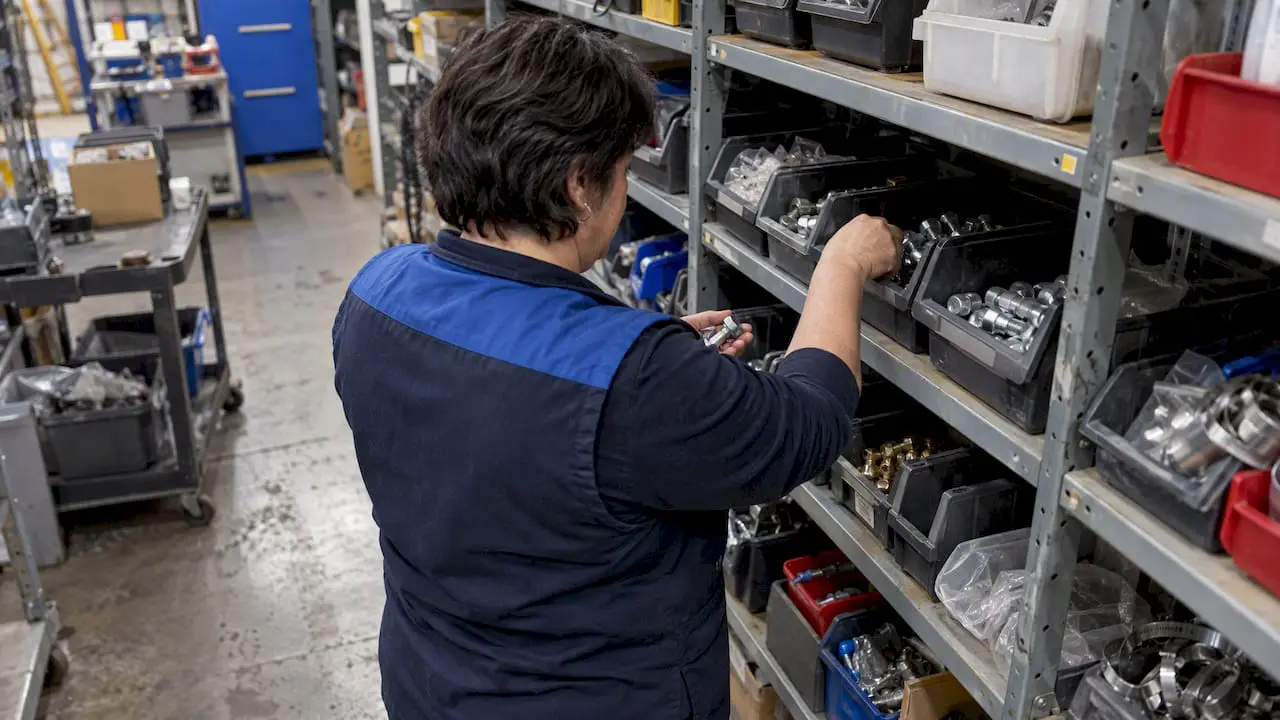
On-site training for CMMS software is one of the most popular options.
While it’s on the higher end of the budget, CMMS training offers significant benefits to balance out that cost to benefit ratio.
What to Expect from On-Site CMMS Software Training
With on-site CMMS software training, an experienced field trainer visits your location. It’s designed to cover specifics to get your users up and running. As a result, on-site education minimizes disruptions and helps you achieve a faster return on investment.
Benefits of In-Person Training Include:
- Individual attention to meet your unique needs
- Stakeholders receive hands-on instruction
- Simulates real scenarios using your own data
- Ensures your key players are up and running
- Minimal disruptions
To get the most out of on-site training, make sure your key users are available on those scheduled days. For example, MPulse’s Assured Implementation Program (AIP) gets you through planning, data migration, installation, training, and “go-live” day in five days. Make sure your team is available that week, and by the time your trainer leaves, you’re up and running.
Why Training Pays Off
Now let’s crunch some numbers. MPulse typically saves companies 10-15% of their pre-implementation total annual maintenance expenditures in the first 1-2 years, and a similar or greater amount every year after—if properly implemented and used.
So if a company spends $200,000 per year on maintenance and repairs, they can save $20,000 to $30,000 the first year. For a company that spends $500,000 per year, they save $50,000 to $75,000 the first year.
So, let’s say you buy MPulse for $10,000, and then invest another $6,000 in on-site training. Your key team members spend a week with an MPulse trainer setting up the system and learning to use it correctly in your shop. Because you invested the time and resources from the beginning, you’ll likely reap the full estimated savings from his new CMMS system, about $30,000 in the first year.
Software: -$10,000
Training: -$6,000
Efficiency Savings: +$30,000
Net Gain: +$14,000
Investing in CMMS software without training is penny-wise and pound-foolish. CMMS training directly impacts your CMMS success—and your bottom line. It’s the real secret to CMMS success.
Now, of course, not all training is created equal. Here at MPulse, we offer a wide variety of options, so it’s important to pick the right one for your organization. Learn about Angie’s success as an on-site trainer for MPulse.
Have questions? We have answers. Contact us. We’re here for you.