Change control maintenance is the documented process of requesting, assessing, approving, testing, implementing, and verifying any change to equipment, procedures, or facilities before it affects operations. The canonical workflow runs in a fixed order: request, assess, approve, test, implement, validate, and close. Every step depends on assigned roles and traceable records, and a CMMS can centralize that documentation so nothing falls through the cracks.
TL;DR:
- Route low risk changes to a maintenance supervisor, but require Quality Unit or Change Advisory Board approval for major changes affecting safety or product quality.
- Keep requests, impact reviews, approvals, test evidence, implementation logs, and validation results linked to the asset; retain regulated records for its lifetime.
- A replacement qualifies for reduced review only when specifications, function, and performance remain identical; any deviation requires formal risk assessment.
- For emergency changes, protect people or equipment first, then document the decision, secure retrospective approval, and complete expedited testing and validation when conditions allow.
- Review verified closure rates and average closure time monthly, track emergency change rates, and audit a sample of closed records quarterly for completeness.
Table of Contents
- The step-by-step change control workflow
- Who approves what: roles and governance for change control
- What belongs in the change file and how long to keep it
- When full review isn’t needed: replacement in kind and emergencies
- Configuring a CMMS to enforce change control
- Measuring whether your change control process is working
- Why maintenance should own the change control process
- MPulse CMMS: putting change control on a structured platform
- FAQ
- Sources
The step-by-step change control workflow
A change request starts the process, and it needs enough detail to let reviewers make an informed decision. At minimum, capture the scope of the change, the justification, the affected asset or system, the person proposing it, and the planned implementation window.
Once a request is logged, impact analysis determines how disruptive or risky the change really is. Reviewers should evaluate technical, safety, quality, regulatory, schedule, and cost impacts, then apply a risk score to classify the change as standard, minor, or major. The OSHA memorandum on Management of Organizational Change makes clear that changes affecting process chemicals, technology, equipment, or procedures fall under written MOC requirements, and records of that review belong in process safety information.
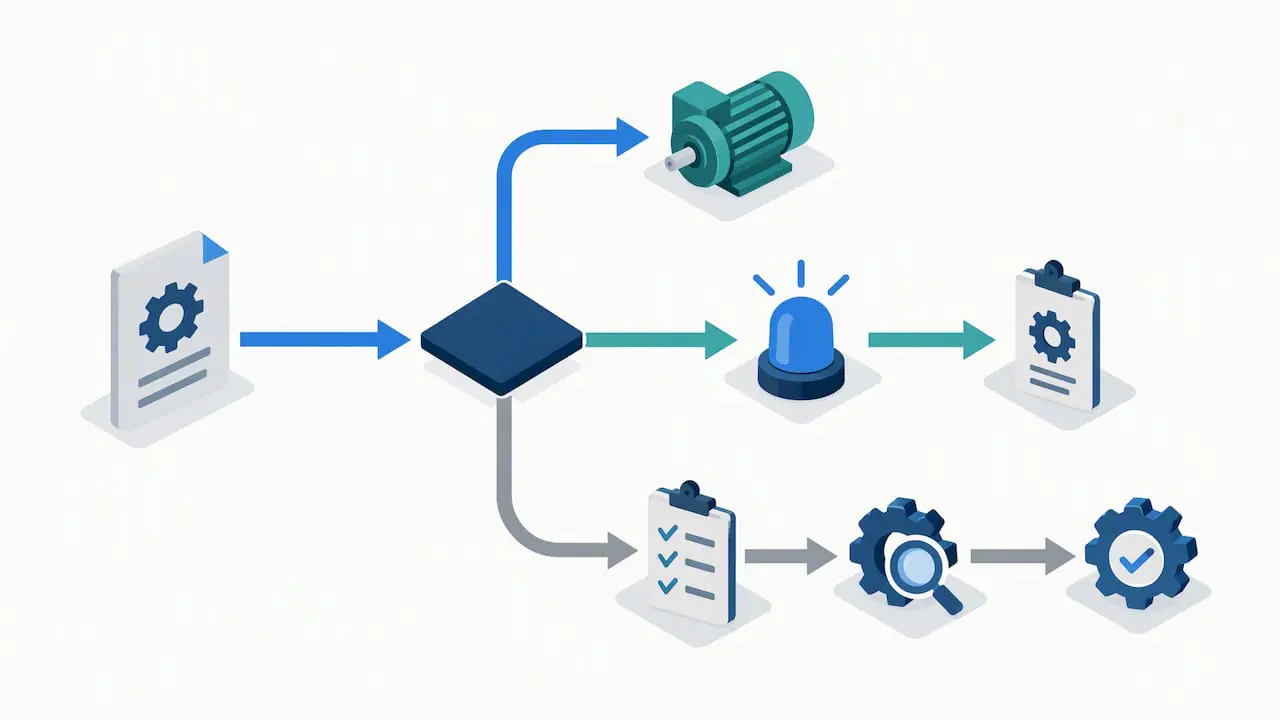
- Initiate: log the request with scope, justification, asset ID, proposer, and target date.
- Assess: score technical, safety, quality, regulatory, schedule, and cost impact.
- Approve: route to the right reviewers based on classification.
- Test: validate the change under controlled conditions before go-live.
- Implement: execute on schedule with communication and a back-out plan ready.
- Validate: confirm the change performs as intended after implementation.
- Close: finalize the file with all supporting evidence attached.
Approval gates vary by classification. A standard, low-risk change might only need sign-off from a maintenance supervisor, while a major change affecting safety or product quality typically requires the Quality Unit or a Change Advisory Board. Testing and validation planning should happen before implementation, not as an afterthought, and may include installation, operational, and performance qualification notes when the asset is subject to those requirements.
Implementation itself needs scheduling discipline, a communication plan for affected teams, and a documented back-out plan in case the change does not go as expected. Closeout is where many teams fall short: the file needs evidence of what was done, confirmation it worked, and lessons learned recorded for the next similar change.
- Define scope, justification, and target date at intake.
- Score risk across safety, quality, schedule, and cost before approval.
- Attach test results and sign-offs before marking implementation complete.
Pro Tip: Build your change request form with required fields for risk category and approver, so incomplete requests can’t move forward.
Who approves what: roles and governance for change control
Clear roles keep approvals consistent and defensible under audit. A requestor identifies the need for a change, while a change owner is accountable for seeing it through. A change manager coordinates the workflow, and the Quality Unit or EHS team weighs in on changes with safety or compliance implications. Subject matter experts provide technical input, and a Change Advisory Board or equivalent leadership group signs off on higher-risk changes.
Segregation of duties matters here: the person requesting a change should not be the same person approving it. Formal CAB review or leadership approval should kick in whenever a change is classified as major, and any delegation of approval authority should be recorded in the change file itself.
- Assign a distinct requestor, reviewer, and approver for every change.
- Reserve CAB or leadership sign-off for major or safety-relevant changes.
- Document approver training and competency so authority is traceable.
What belongs in the change file and how long to keep it
A complete change file includes the original request, the impact analysis, all approval signatures, test evidence, implementation logs, validation results, the back-out plan, and records of who was notified and when. For equipment affecting regulated processes, installation, operational, and performance qualification documentation, along with design intent and process safety information, should be updated and linked to the change record.
Retention guidance drawn from PSM and recognized and generally accepted good engineering practice principles points toward keeping MOC records for the life of the process or asset, not just until the next audit cycle. The OSHA interpretation on ammonia refrigeration PSM compliance stresses that original design intent and MOC records must remain available and that representative procedures should be audited periodically.
- Keep the request, analysis, approvals, and test results in one linked file.
- Update design intent and qualification documents whenever they’re affected.
- Index change files to asset records so auditors can trace history fast.
Pro Tip: Attach photos, serial numbers, and pre/post-test readings directly to the digital change file. They cut audit time dramatically and speed up troubleshooting later. For more on structuring these records, see our overview of why maintenance documentation matters.
When full review isn’t needed: replacement in kind and emergencies
Replacement in kind, or RIK, means swapping a part or component for one with identical specifications, function, and performance. Because nothing material changes, RIK can often bypass full MOC review. Anything outside exact-spec replacement, though, introduces new variables and needs formal assessment because it carries safety, quality, or regulatory risk that a like-for-like swap does not.
Emergency changes are the exception that needs its own discipline: act first to protect people or equipment, then document the decision, obtain the required approvals retroactively, and complete expedited testing or validation as soon as conditions allow.
- RIK: identical spec, function, and performance, minimal review required.
- Non-RIK: any deviation in spec or function, full MOC required.
- Emergency: act, then document, approve, and validate within a defined window.
Configuring a CMMS to enforce change control
A CMMS turns the MOC workflow from a paper exercise into an enforced process. Change requests become structured work order templates, approvals route automatically to the right reviewer based on classification, test evidence attaches directly to the record, and the audit trail builds itself as each step closes.
Practical configuration starts with a standard-change list for low-risk, pre-approved activities, approval routing rules tied to risk classification, and a CAB template for major changes. Dashboards showing open MOCs by status and age help supervisors catch stalled approvals before they become compliance gaps. Our guide on configuring maintenance approval workflows walks through the setup in more detail.
- Build work order templates that mirror each MOC step.
- Set approval routing rules by risk classification.
- Use dashboards to track open MOCs and closure time.
Pro Tip: Pilot the workflow on one asset class first. Define standard changes, configure templates, and measure closed MOC cycle time before rolling out facility-wide.
Measuring whether your change control process is working
Tracking a handful of KPIs tells you whether changes are actually performing as intended, not just getting approved. Useful metrics include the percentage of changes verified closed, average time to close, the rate of emergency changes relative to planned ones, post-change failure rate, and the number of findings from internal MOC audits.
A documented three-phase change control approach, paired with monitoring and measurement planning, supports stronger closeout discipline, according to AATB’s change control best practices guidance, which outlines scaling and closeout criteria for change control programs.
- Review percent verified closed and average time to close monthly.
- Track emergency-change rate as a signal of planning quality.
- Audit a sample of closed MOCs quarterly for completeness.
Our piece on compliance controls for maintenance management covers how to turn these metrics into a standing review cadence.
Why maintenance should own the change control process
Maintenance teams that own MOC, rather than treating it as a compliance team’s paperwork, reduce approval latency because the people closest to the equipment are driving the documentation. The most common failure mode is letting every change default to full review, which buries reviewers in low-risk requests and slows down the ones that actually matter.
Keep the process scalable by using standard-change lists for routine work and reserving formal review for changes that touch safety, quality, or regulatory scope. Collaboration with QA and EHS early, not as a final gate, prevents rework.
— Mark
MPulse CMMS: putting change control on a structured platform
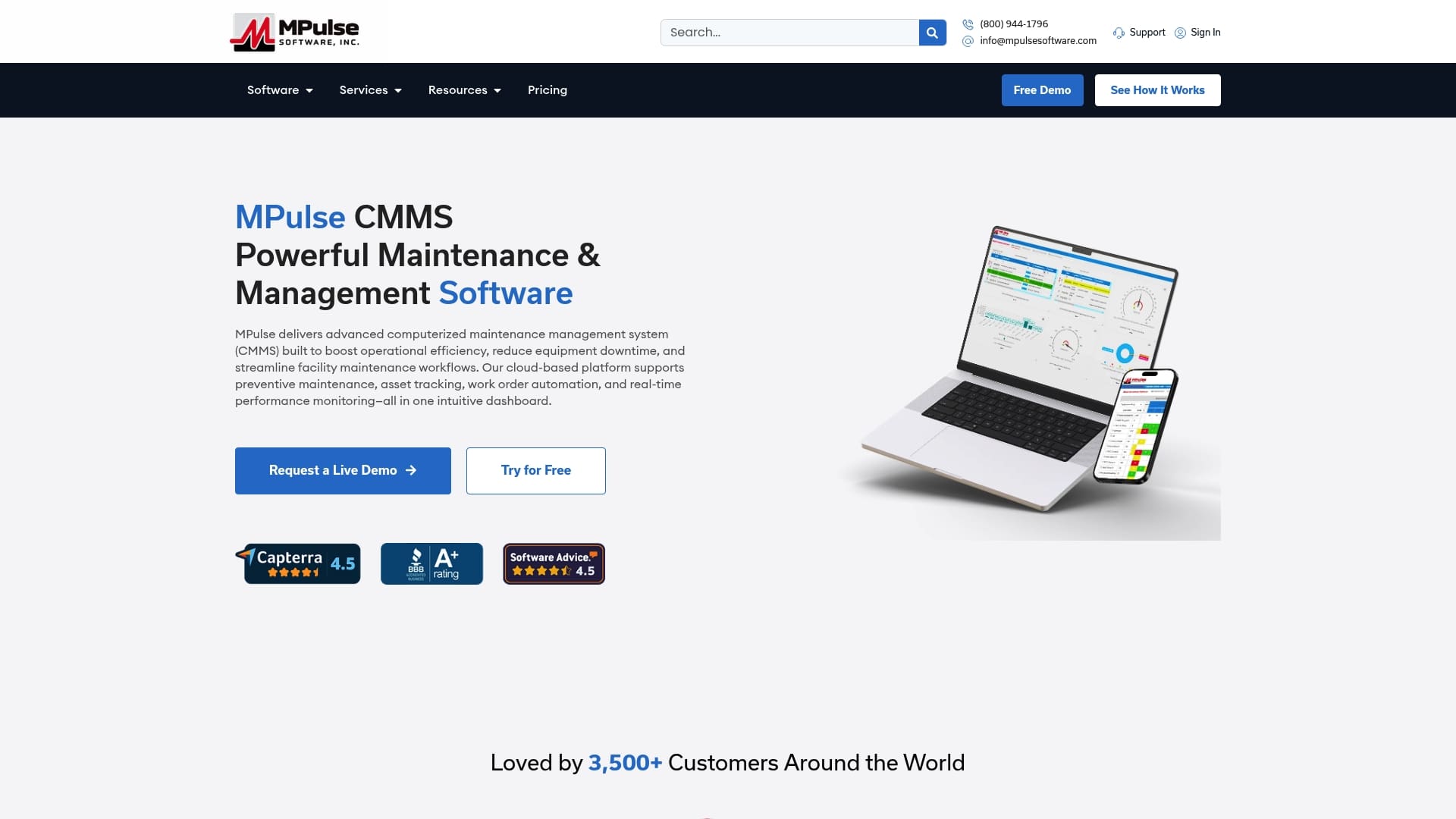
We built MPulse CMMS around the same workflow discipline that change control demands: request, approval routing, test documentation, and an audit trail that holds up under review. Change requests become work order templates, approvals route automatically by classification, and attachments keep test evidence tied to the asset record permanently.
- Automate approval routing so requests never stall in someone’s inbox.
- Attach test results, photos, and sign-offs directly to the change file.
- Track open changes and closure time on a live dashboard.
Our Professional plan starts at 29 dollars per month per user, and our Advanced plan runs 79 dollars per month per user, both built to handle change control workflows alongside preventive maintenance scheduling. If your team needs help standing up the process, our implementation and training services can get your change control workflow configured and your staff trained on it. For a closer look at how a CMMS supports GMP-regulated maintenance records specifically, see our guide to field-level GMP documentation. Check our pricing page to compare plans and get started.
FAQ
What is change control in PM?
Change control in preventive maintenance is the formal process of requesting, reviewing, approving, and documenting any change to equipment, procedures, or schedules before it’s put into practice. It ensures changes don’t introduce unplanned risk to safety, quality, or asset performance.
What are the 4 Cs of change management?
Definitions vary by framework, but a common version refers to clarity, communication, commitment, and control as the pillars that keep a change program on track. Prosci’s change management research frames structured frameworks like ADKAR as a way to support adoption rather than relying on informal buy-in alone.
What are the 5 steps of the control process?
A typical control process includes setting standards, measuring performance, comparing results against the standard, identifying deviations, and taking corrective action. In maintenance change control, this maps to defining acceptance criteria, testing, validating results, flagging gaps, and closing the loop with corrective steps.
What is CAPA and change control?
CAPA, or corrective and preventive action, addresses problems after they occur and prevents recurrence, while change control manages planned modifications before they happen. The two often intersect when a CAPA investigation recommends a permanent change, which then has to go through the standard change control workflow for approval and documentation.
How does a CMMS support change control compliance?
A CMMS centralizes change requests, routes approvals automatically, and stores test evidence and sign-offs in one auditable record tied to the asset. This reduces the chance that a step gets skipped or that documentation goes missing before an inspection.
Sources
- Management of Organizational Change | Occupational Safety and Health Administration
- Change Management Process | Prosci