I recently had coffee with my long-time friend and customer, Teresa, who’s a facility manager for a major university. Talking to Teresa reminded me how facility managers are constantly pulled in different directions, and prioritizing is complicated. “How do you keep on top of everything?” I asked her.
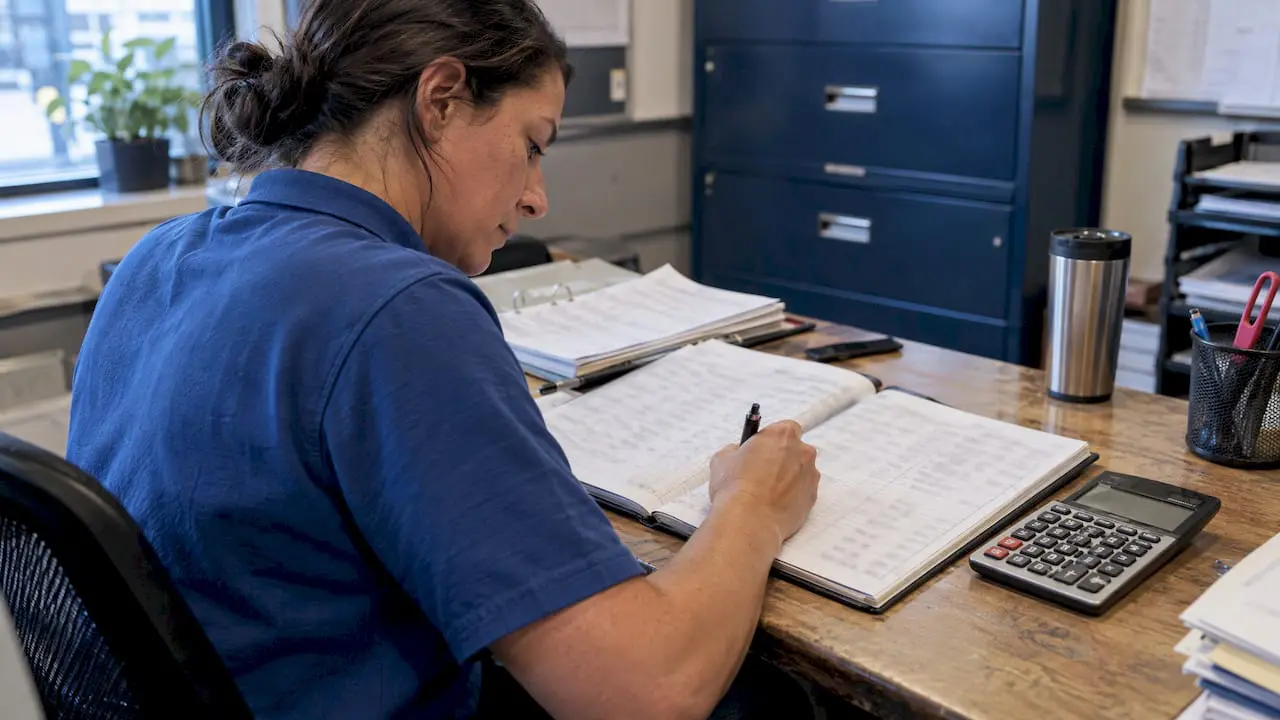
“The biggest challenge is we’ve had to really tighten our security measures in the past 15 years,” she said. “That means a lot more paperwork. Honestly, I don’t know how we’d do it without our MPulse CMMS software. It makes all the difference.”
I blushed a little here, but I asked her: “How does CMMS software make your job easier?”
Teresa listed off these five ways…
1. Systems Integration: Teresa’s organization is a large, state-run institution, so she needs to share information all the time. Her MPulse CMMS software easily shares data with departments from purchasing to human resources to executive administration. Plus, it works both ways, so her CMMS software collects key data too. That means Teresa spends less time on paperwork and more time on her important tasks.
2. Flexibility: Teresa’s department has been an MPulse customer for years, so we’ve been there whenever they needed to upgrade, add licenses, or train new employees. Plus as the university has grown by adding buildings and assets, MPulse’s flexibility has enabled their CMMS software to grow with them—no matter how much the maintenance team’s workload has increased.
3. User Management: Teresa uses MPulse’s Role-Based Access Control (RBAC) extension module to manage her team and customers. That means her staff members or service requestors only see the records that are relevant for them. RBAC also helps Teresa with data security, making sure private information remains private.
4. Security: As Teresa mentioned, security has really ramped up in facility management. Teresa’s team uses MPulse Key and Lock Management to manage and track keys as well as authorized users, reducing the problem of lost or misplaced keys. At a glance, her team knows who has which keys out and when they are scheduled to be returned, so they spend less time searching for keys or following up with staff members.
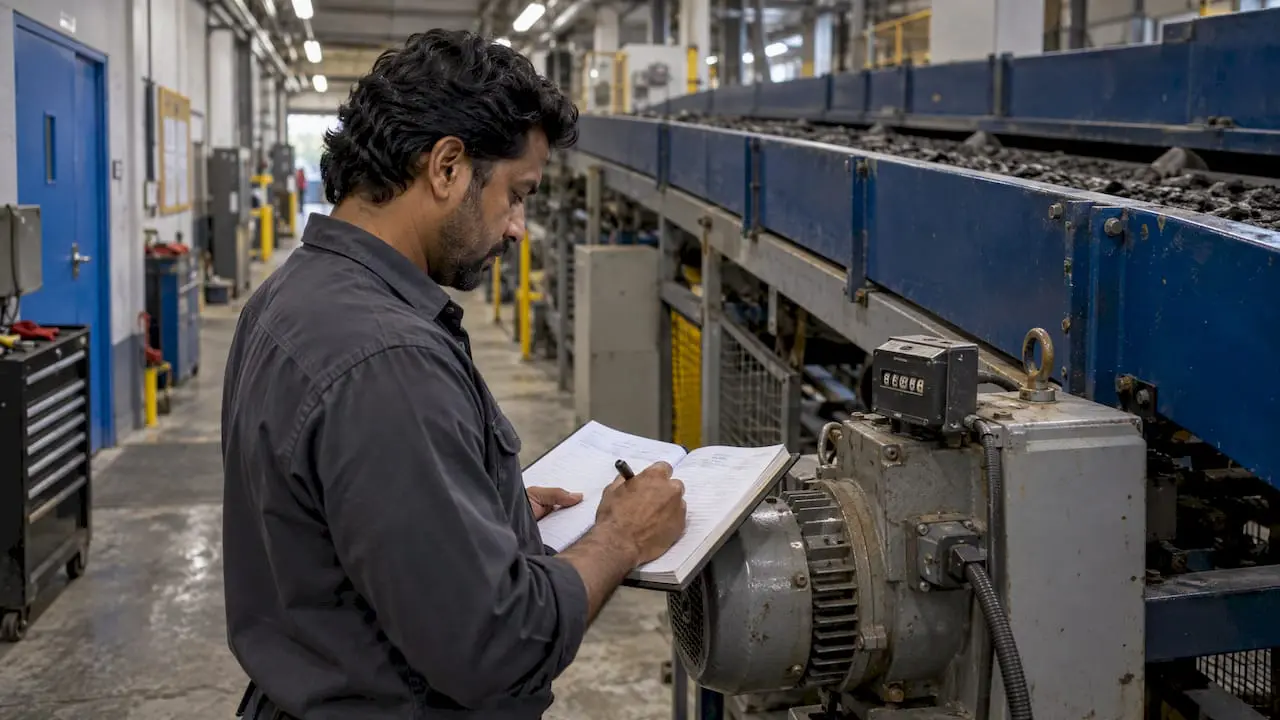
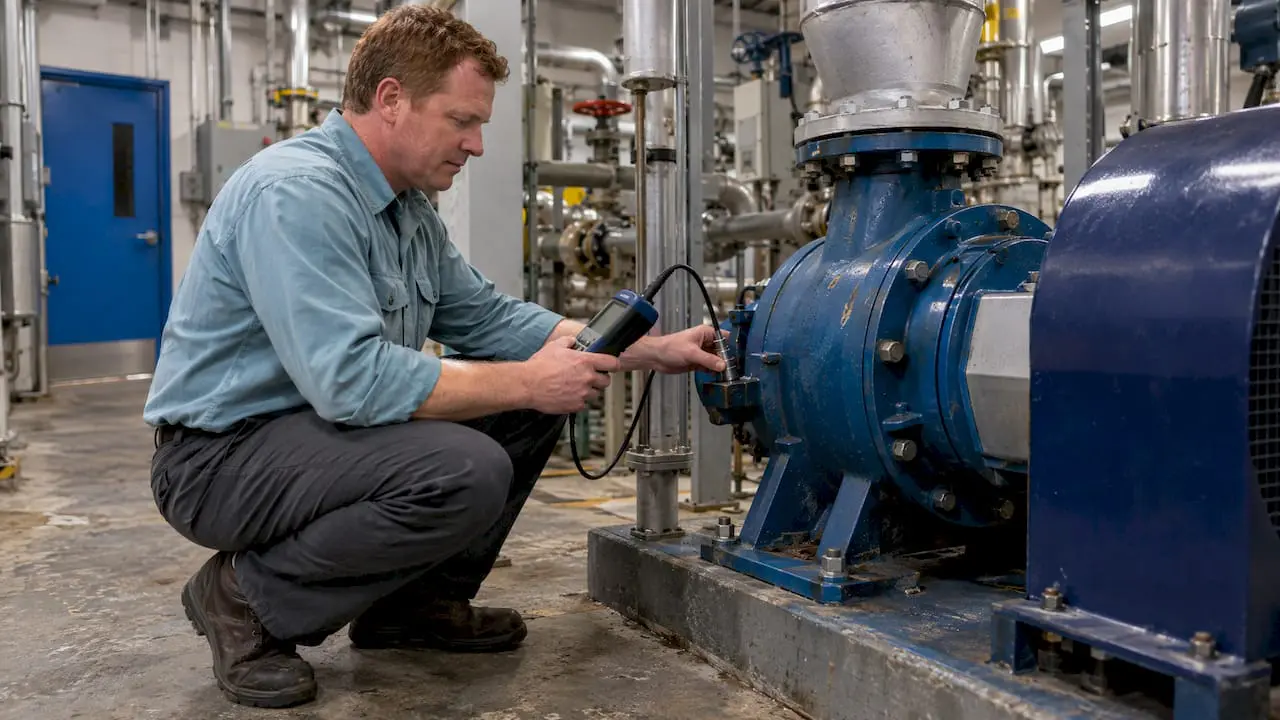
5. Mobility: Maintenance doesn’t happen in the office. Teresa’s team uses MPulse’s adaptive interface and smart devices to report problems as they find them and capture data when they are working on the job. Best of all, her team members don’t need to come back to the office to get the next work order—they can see their work assignments wherever they are.
I was pleased to hear how MPulse Software, Inc is making a difference for Teresa and her team. This business is about more than the bottom line. Helping people like Teresa do their jobs faster and more efficiently is a big part of what makes it satisfying to come to the MPulse offices every day.
And the coffee’s not bad either.
If you are building the program from scratch, start with what is facility maintenance.