A CMMS (computerized maintenance management system) manages maintenance work: work orders, preventive schedules, parts and asset history. An EAM (enterprise asset management) system covers the same work and adds the wider asset lifecycle, including procurement, financials, risk and multi-site planning. For most facility and plant maintenance teams, a modern CMMS is enough. EAM becomes the better fit when asset decisions must be coordinated across many sites, departments and finance functions.
The line between the two has blurred, so the label matters less than what the software does for your team. This guide explains the differences, shows where they overlap, gives a way to decide, and covers the SaaS versus on-premise question that usually follows.
TL;DR
- A CMMS focuses on maintenance execution. An EAM manages assets across their full lifecycle, from acquisition to disposal.
- The two overlap heavily. Many CMMS products now include asset tracking, inventory, purchasing and analytics that were once EAM territory.
- Choose a CMMS when your main goals are less unplanned downtime, organized work orders and audit-ready records. Consider EAM when finance, procurement and multi-site asset strategy must run in one system.
- SaaS usually means faster setup and less IT burden. On-premise gives more control but puts patching, backups and security on your staff.
- Whichever you pick, clean asset data and a committed internal champion decide whether the project succeeds.
Table of Contents
- What a CMMS does
- What an EAM adds
- CMMS vs EAM side by side
- Where the two overlap
- When a CMMS is enough
- When you may need EAM capabilities
- What matters more than the label
- SaaS vs on-premise CMMS
- Our perspective
- How MPulse fits
- FAQ
- Sources
What a CMMS does
The U.S. Department of Energy’s Federal Energy Management Program describes a CMMS as management software that supports the management and tracking of operations and maintenance activities. In daily practice that means:
- Work orders: requests come in, are assigned, completed and closed, with labor and parts recorded.
- Preventive maintenance: recurring tasks are scheduled by calendar, meter reading or condition, so inspections and servicing happen on time.
- Asset records: each piece of equipment has a history of repairs, costs, documents and warranty details.
- Inventory: spare parts and supplies are tracked, with reorder points that prevent stockouts.
- Reporting: dashboards show backlog, completion rates, downtime and cost by asset.
The buyer is usually a maintenance supervisor, facility manager or operations director who wants maintenance to stop running on spreadsheets, paper and memory.
What an EAM adds
Enterprise asset management treats an asset as something to be managed from the decision to buy it until it is retired. ISO 55000 describes the underlying discipline as the coordinated activity an organization undertakes to realize value from its assets. An EAM system typically extends maintenance software with:
- capital planning and lifecycle costing, so you know when repairing an asset costs more than replacing it;
- procurement, contracts and supplier management tied to asset needs;
- financial integration such as depreciation and cost allocation;
- risk and reliability analysis across a large asset base;
- support for many sites, business units and currencies, with role-based visibility.
These capabilities matter to utilities, large manufacturers, transport operators and other organizations where thousands of assets represent a major share of the balance sheet.
CMMS vs EAM side by side
| Area | CMMS | EAM |
|---|---|---|
| Main focus | Maintenance execution and records | Whole asset lifecycle and enterprise value |
| Typical scope | One site up to several sites | Many sites, regions and departments |
| Core functions | Work orders, PM, inventory, asset history, reporting | CMMS functions plus capital planning, procurement, finance, risk |
| Typical users | Technicians, supervisors, facility managers | Maintenance, finance, operations, compliance, executives |
| Setup effort | Weeks to a few months | Often many months and heavier process design |
| Cost profile | Lower per user, simpler licensing | Higher licensing and services cost |
| Best fit | Reducing downtime, organizing work, proving compliance | Coordinating asset strategy across the enterprise |
Treat the table as a pattern, not a rule. Individual products on both sides cross these lines.
Where the two overlap
The distinction is softer than vendor marketing suggests. A paper published through the Electric Power Research Institute noted that the scope of CMMS and EAM overlaps and that, in reliability maintenance, the two are largely synonymous.
That matches what buyers see in practice. A capable CMMS today often includes:
- barcode scanning and mobile access for technicians in the field;
- purchase requisitions connected to parts inventory;
- condition-based maintenance triggered by sensor readings;
- integration with ERP and building systems through APIs;
- qualification and certification tracking for personnel.
If a product does these things well, calling it a CMMS or an EAM changes little. What changes your results is whether the system fits how your team works.
When a CMMS is enough
A CMMS is usually the right choice when:
- Your main pain is unplanned downtime and reactive repair, and you need preventive maintenance that runs on schedule.
- You manage one site or a handful of sites, such as a hospital campus, school district, plant or property portfolio.
- Your finance team already handles depreciation, capital planning and procurement in an ERP, and you only need maintenance to connect to it.
- You must produce compliance records: inspection checklists, completed task history and documentation for auditors. Our guide on CMMS and compliance walks through how those records are built.
- You want a system maintenance staff will actually use, live in weeks rather than years.
Adoption is where many projects fail, and it rarely has anything to do with the category. The Department of Energy guide stresses dedicated staff training and a committed champion who encourages continued use. A simpler system that technicians open every day beats a sophisticated one they avoid.
When you may need EAM capabilities
Look harder at EAM when several of these are true:
- You operate dozens of sites across regions and need consistent asset standards and consolidated reporting.
- Asset capital planning is a board-level concern, with replacement decisions driven by lifecycle cost and risk scoring.
- Procurement, contracts and maintenance must run in a single workflow rather than connected systems.
- You manage linear or highly regulated asset classes, such as pipelines or grid equipment, where asset data is a core business record.
- A formal asset management program, such as one aligned to ISO 55000, is a corporate commitment.
Even then, the answer is not always one monolithic platform. Some organizations run a CMMS for day-to-day work and connect it to an ERP or EAM layer for finance and planning. Integration capability is the deciding factor in that setup, and it is why we put weight on it in our own product. The DataLink Integration Adapter is one example of how maintenance data can move between systems.
What matters more than the label
Whatever you call the category, evaluate the software against the work you do. The Department of Energy guide lists the basics: assess current maintenance practices, set objectives, confirm the product meets your needs, consider vendor history and assess integrations. In practical terms:
- Map your workflow first. Write down how a request becomes a completed work order today. Test every vendor against that flow, not its feature list.
- Use one real asset. Take a single pump, air handler or production line and run it through request, scheduling, parts use, completion and reporting.
- Decide which features you need. Our CMMS implementation best practices article covers separating must-haves from nice-to-haves.
- Check integrations. List the ERP, accounting, building automation and sensor systems that must exchange data.
- Plan for data quality. An Emerson white paper on EAM and CMMS implementations points out that success depends on robust processes and consistent, cleansed data, including standardized asset naming conventions. Fix your asset list before you load it.
- Count the real cost. Include implementation, training, hosting, support and add-ons, not only the license.
SaaS vs on-premise CMMS
Once you know the category, you choose how it is delivered. The two models differ most in who carries the operational work.
| Factor | SaaS (cloud) | On-premise |
|---|---|---|
| Deployment | Provider runs the application; you use a browser or mobile app | You install on your own servers |
| Upfront cost | Lower, usually subscription based | Higher, with licenses and hardware |
| Ongoing cost | Recurring subscription | Maintenance and support plus IT time |
| Updates | Handled by the provider | Scheduled and applied by your team |
| Security | Shared between provider and customer | Largely your responsibility |
| Control | Configuration within the vendor’s platform | Full control of environment and data location |
| Remote and mobile access | Built in | Requires network setup |
The National Institute of Standards and Technology defines SaaS as the provider’s applications running on a cloud infrastructure, where the customer does not manage the underlying servers, operating systems or storage. That is the main saving: your IT team is not patching a maintenance server.
Security is shared, not outsourced
Moving to the cloud does not remove your security duties. CISA’s cloud guidance emphasizes that a shared security model defines the responsibilities for cloud services, and that organizations must understand which protections the provider handles and which they handle themselves. NIST adds that cloud users should verify security and privacy claims through independent assessment, because default public cloud offerings do not reflect the needs of any single organization.
Before signing with any vendor, ask:
- Does the product support multifactor authentication? CISA and the FBI call IT products serving critical infrastructure that lack baseline multifactor authentication dangerous.
- Is single sign-on available so access follows your identity system?
- Who handles backups, uptime commitments and incident notification?
- Where is your data hosted, and can you export it?
On-premise software suits organizations with strict data residency rules, isolated networks or existing data center capacity. It also means your staff owns every one of those answers.
A middle path
Some teams want the control of their own license without running the servers. Hosted deployment of licensed software fills that gap: the vendor operates the environment while you keep the licensing model. We offer both subscription and licensed options, plus application hosting services, so the decision follows your IT and compliance requirements rather than our preference.
Our perspective
We talk with maintenance teams every week, and the same pattern appears. Buyers arrive asking whether they need a CMMS or an EAM, but their real problem is narrower: equipment fails without warning, work orders live in several places, and audits mean scrambling for paperwork.
For that problem, a well-configured CMMS is almost always the faster and cheaper route. Preventive maintenance automation, a clear calendar, mobile work orders, parts tracking and reporting address the cause directly. Our customers, more than 3,500 organizations worldwide, have reported efficiency improvements of up to 40% after moving from manual tracking to a structured system.
We also respect that some organizations need broader asset planning. That is why we build around integration. Connect maintenance to your ERP, sensors and building systems, and each system does what it does best. If your needs outgrow maintenance, you do not have to abandon what your technicians already use.
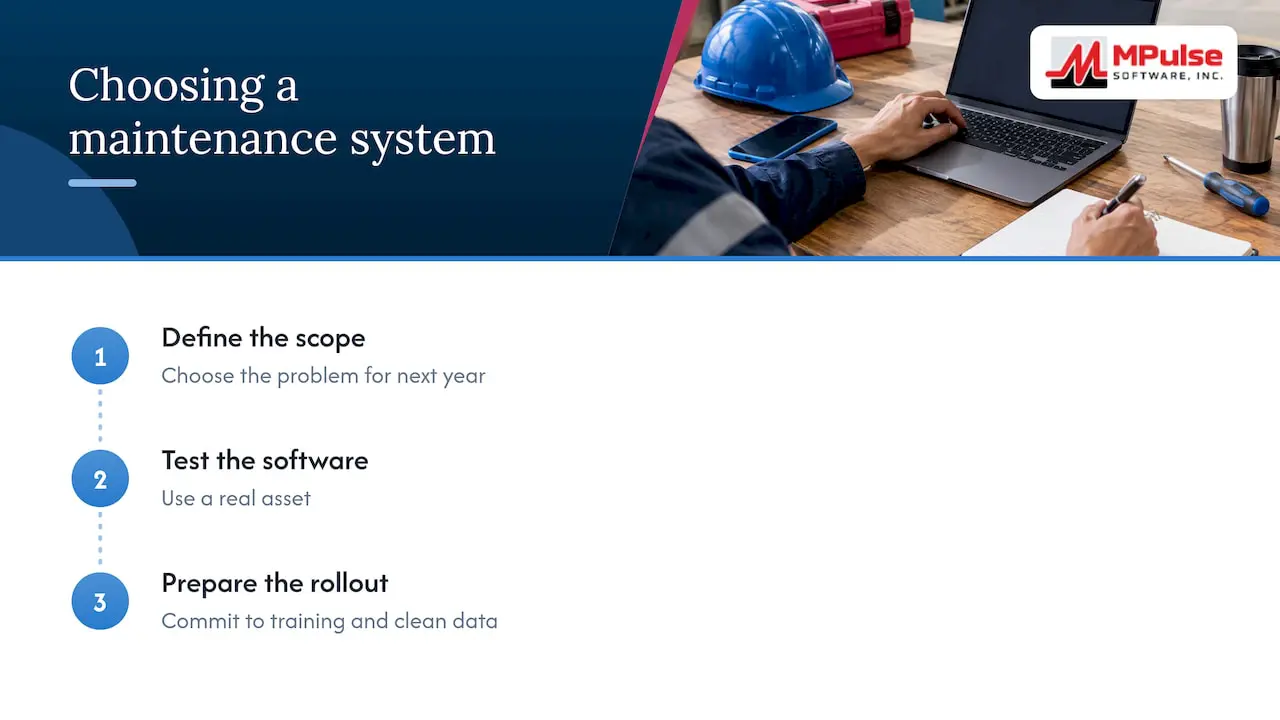
Our advice: do not spend months debating the acronym. Pick the scope of the problem you need to solve in the next year, test software on a real asset, and commit to training and clean data.
— Mark
How MPulse fits
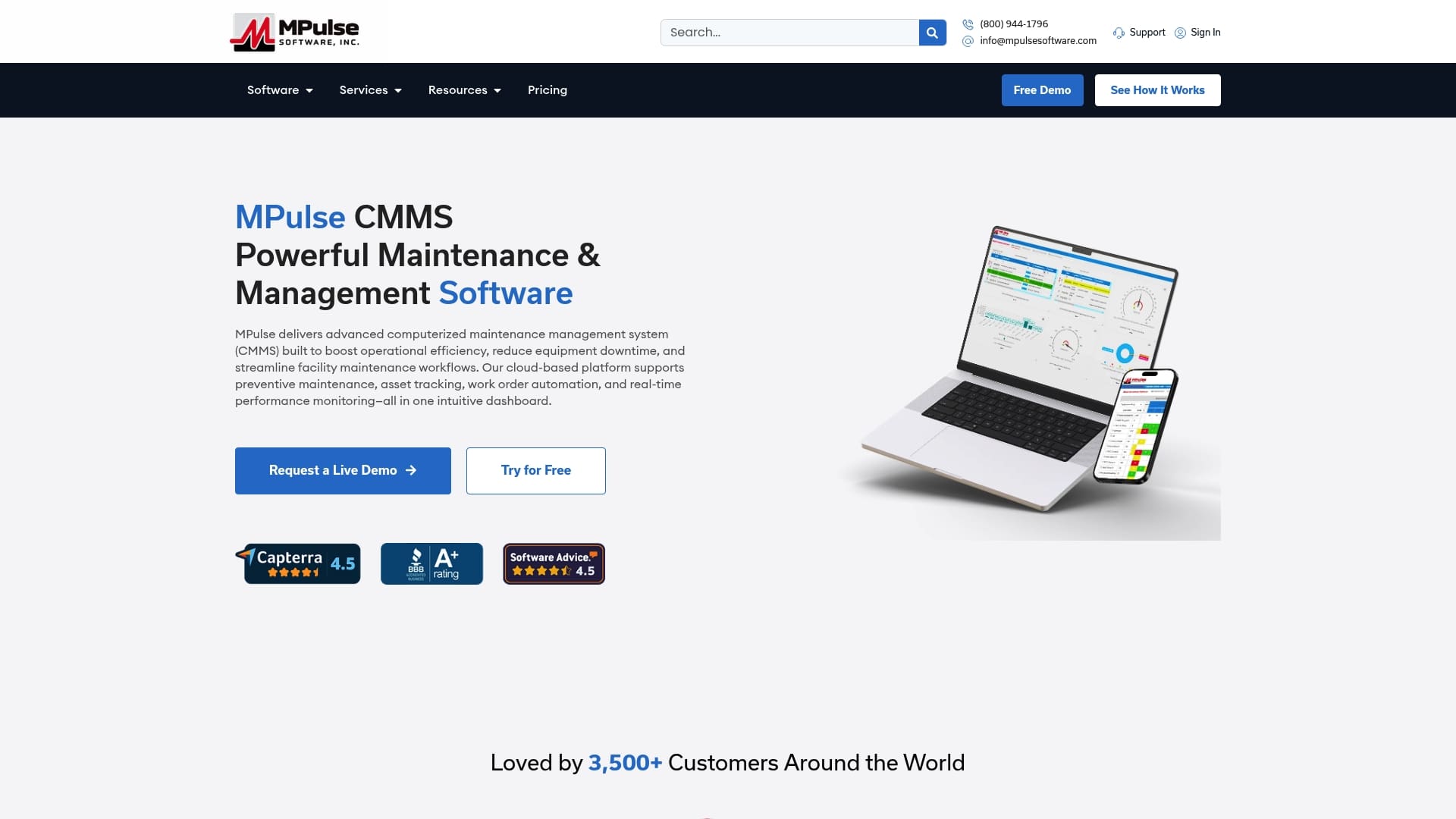
MPulse CMMS is built for teams in facilities, manufacturing, healthcare, education and contracting that need preventive maintenance automation, work order management, asset tracking, inventory, barcode scanning, mobile access and compliance recordkeeping in one place. The calendar interface shows scheduled work at a glance, and you can add condition-based maintenance triggers where sensor data is available.
Published pricing is straightforward: Professional is $29 per month per user and Advanced is $79 per month per user. Technician licenses, enterprise add-ons, implementation, training, hosting and the Maintenance & Support Program are quoted separately. See the pricing page for what each edition includes.
If you are comparing options, start with a list of your assets and work processes, then see how MPulse handles them. Our implementation and training services help teams go live with clean data and trained users.
FAQ
Is a CMMS a type of EAM?
In many cases, yes in practice. A CMMS covers maintenance management, which is one part of the broader enterprise asset management discipline. Because the functions overlap so much, some vendors and researchers treat the terms as nearly interchangeable. The practical difference is how far the software extends into procurement, finance and lifecycle planning.
Is EAM better than a CMMS?
Not automatically. EAM is broader, but broader also means higher cost and longer implementation. If your goal is to reduce downtime and keep reliable maintenance records, a CMMS often delivers results sooner. EAM pays off for large, multi-site organizations managing asset strategy at enterprise level.
Can I use a CMMS and an EAM or ERP together?
Yes. Many organizations use a CMMS for daily maintenance work and connect it to an ERP for finance and procurement. The key requirement is reliable integration, so asset, cost and inventory data stay consistent between systems.
Should I choose SaaS or on-premise?
Choose SaaS if you want faster setup, automatic updates and less IT workload. Choose on-premise or hosted licensed software if policy, network isolation or data residency requires direct control. In either case, confirm which security responsibilities stay with you.
Does a CMMS support audits and compliance?
A CMMS can keep inspection checklists, completed task history, asset records and parts usage in one searchable place, which supports audit readiness. The software does not make you compliant by itself; your procedures and the people following them still matter.
Sources
- Operations & Maintenance Best Practices Guide, Release 3.0 (U.S. Department of Energy FEMP)
- Computerized Maintenance Management System and Equipment Reliability (EPRI)
- EAM and CMMS Implementations: Are you getting what you paid for? (Emerson)
- The NIST Definition of Cloud Computing
- NIST SP 800-144, Guidelines on Security and Privacy in Public Cloud Computing
- CISA TIC 3.0 Cloud Use Case
- Product Security Bad Practices (CISA)
- What Is Enterprise Asset Management (EAM)?