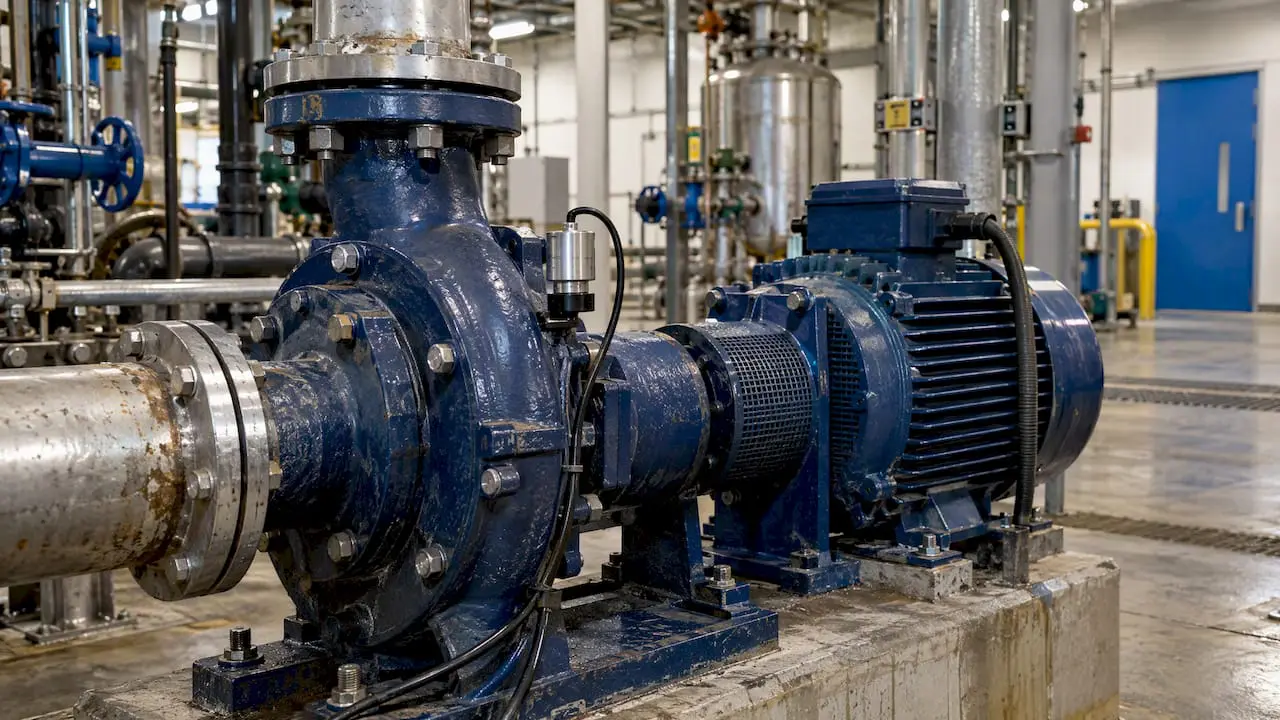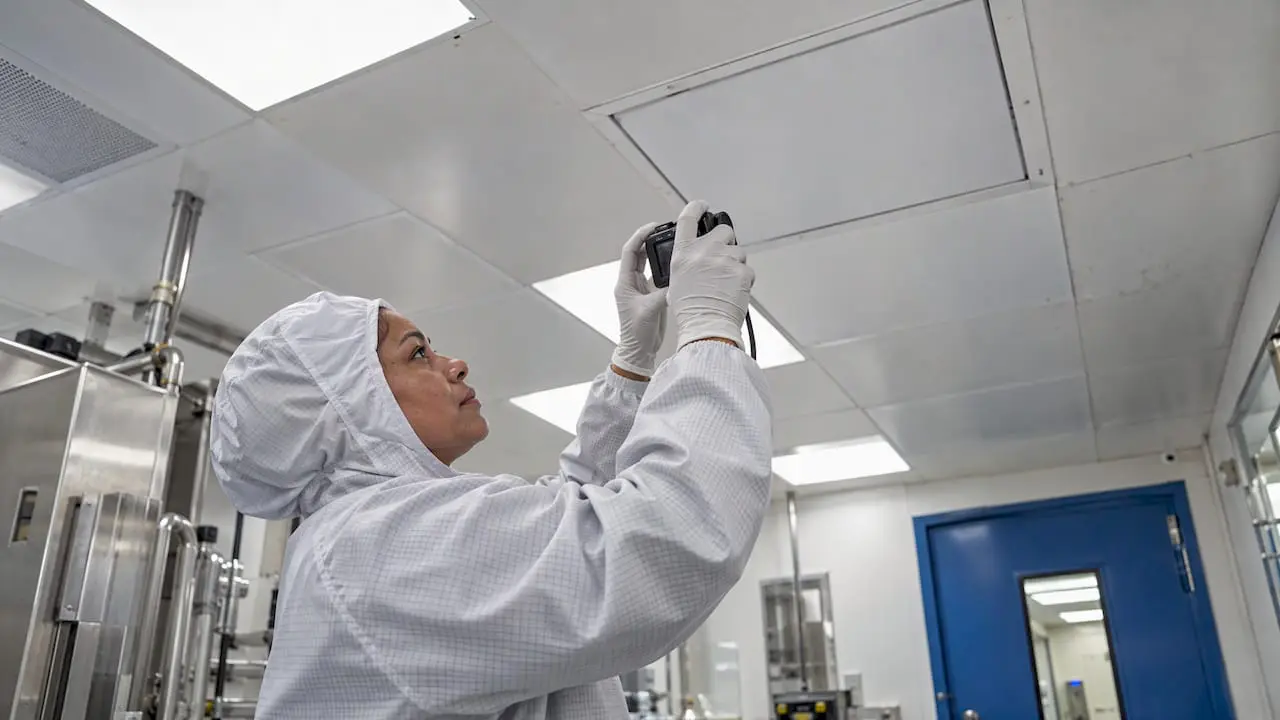
A GMP maintenance program is a written, risk-based system that keeps facilities and equipment in a state that protects product quality, and proves it with records. In the United States, the core requirement for drug manufacturing is 21 CFR 211.67: equipment must be cleaned and maintained at appropriate intervals to prevent malfunctions or contamination that would alter product quality. This guide shows how to turn that requirement into assets, schedules, controls and records an inspector can follow.
TL;DR
- Under 21 CFR 211.67, maintenance needs written procedures, assigned responsibility, set schedules, described methods and records.
- Start with an asset inventory and a criticality ranking tied to product quality, so effort goes where a failure could affect the product.
- Repairs and intentional changes need change control and documented verification before equipment returns to GMP use.
- FDA warning letters in 2026 cited both missed preventive maintenance and poorly maintained buildings, so the program covers facilities as well as machines.
- A CMMS keeps schedules, work orders, approvals and history in one searchable record, which is what audit readiness depends on.
Table of Contents
- What a GMP maintenance program has to achieve
- What FDA expects to see in writing
- Step 1: Build the asset inventory and rank criticality
- Step 2: Write preventive and condition-based tasks
- Step 3: Control repairs, changes and return to service
- Step 4: Keep records that survive an inspection
- Step 5: Train and qualify the people doing the work
- Step 6: Measure what matters
- Where a CMMS fits
- Our perspective: start with the record, not the software
- A 90-day rollout outline
- Common findings to design out
- FAQ
- Sources
What a GMP maintenance program has to achieve
The goal is simple to state: equipment and facilities must not become a source of contamination, mix-ups or out-of-specification product. Everything else in the program, from PM calendars to sign-offs, exists to demonstrate that goal is being met consistently.
For finished pharmaceuticals, 21 CFR Part 211 Subpart D says equipment and utensils must be cleaned and maintained, and sanitized or sterilized as appropriate, at intervals that prevent malfunctions or contamination that would push drug quality outside official or established requirements.
Three practical consequences follow:
- Maintenance is a quality activity. It is not only an engineering or cost function, so it sits inside the quality system.
- Intent is not evidence. If a task was done but not recorded, an inspector cannot credit it.
- Scope is wide. Food, dietary supplement, device and cosmetic manufacturers work under their own GMP rules, but the same pattern applies: defined tasks, defined intervals, documented results. Confirm the exact regulation for your product category with your quality or regulatory lead.
What FDA expects to see in writing
The text of 211.67 is the best checklist for your procedures. Written cleaning and maintenance procedures must:
- assign responsibility for the work;
- set maintenance and cleaning schedules;
- describe the methods, equipment and materials used, including disassembly and reassembly where needed to ensure proper cleaning and maintenance;
- protect clean equipment from contamination before use;
- require inspection for cleanliness immediately before use;
- be backed by records of maintenance, cleaning, sanitizing and inspection.
A procedure that covers all of these points, and a system that shows each was followed, answers most of what an investigator will ask about equipment upkeep.
Facilities count too
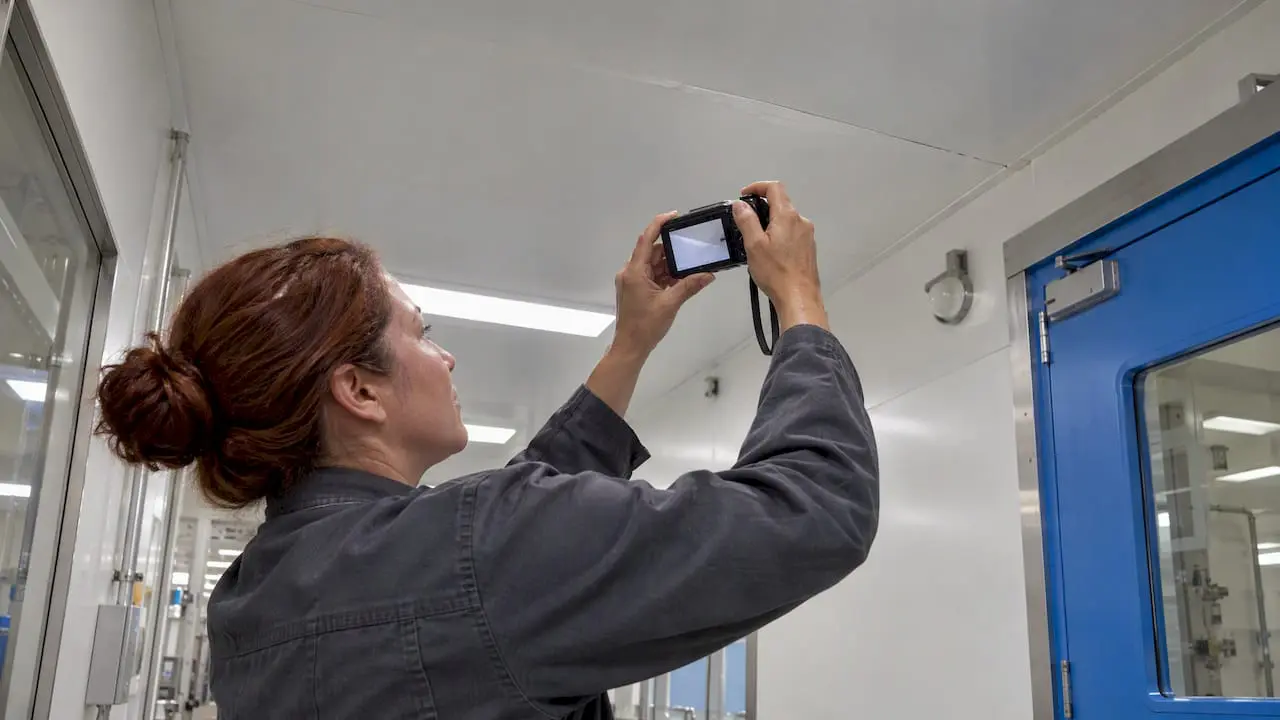
Buildings are part of the picture. In a March 2026 warning letter, FDA noted that facilities must be kept in a good state of repair to prevent contamination, with examples such as water leaks and ceiling damage. The same letter asked for a corrective and preventive action (CAPA) plan covering routine oversight of facilities and equipment, prompt detection of performance problems, effective repairs and adherence to preventive maintenance schedules.
A May 2026 warning letter went a step further. FDA found the firm’s response inadequate and asked for a comprehensive CAPA plan and documented evidence, such as photographs, of repairs. The lesson for your program: work orders for building repairs deserve the same closure evidence as work orders for production equipment.
Step 1: Build the asset inventory and rank criticality
Every piece of equipment and every utility or building system that can touch product or the manufacturing environment belongs in one inventory. Record, at a minimum, a unique ID, location, manufacturer and model, owner, and the status of its qualification or validation.
Then rank each asset by risk. A common approach is to use the ISPE Baseline Guide’s categories of direct, indirect or no impact to quality, alongside health, safety, environmental and productivity criteria, as described by one reliability engineering firm. The ranking should be written down and approved by quality, not assigned informally by maintenance.
A workable three-tier model looks like this:
| Tier | Definition | Typical examples | Maintenance consequence |
|---|---|---|---|
| Direct impact | Failure can affect product quality or safety | Mixers, filling lines, autoclaves, purified water systems, critical HVAC | Full PM, change control, documented release after repair |
| Indirect impact | Supports a direct-impact system | Compressed air upstream of filters, utility pumps | Scheduled PM, documented work orders |
| No impact | No effect on product | Office HVAC, general lighting | Standard facility upkeep |
The tiers drive everything downstream: how often tasks run, who must approve, and how much documentation closing a work order requires.
Step 2: Write preventive and condition-based tasks
For each critical asset, define tasks, intervals, acceptance criteria and the qualified role that performs them. Keep the instructions specific enough that two different technicians would do the job the same way. The regulation’s emphasis on described methods and assigned responsibility is the reason.
Set intervals from manufacturer guidance, failure history and risk, and record why you chose them. When history shows a task fails to catch problems or is done far more often than needed, adjust the interval through a documented review rather than quietly skipping work.
Calendar-based PM is the foundation, but it has limits. It is schedule-driven, so it cannot detect degradation that develops between visits. Condition-based triggers fill that gap: vibration, temperature, pressure or runtime readings can generate a work order when a threshold is crossed. Our guide to condition-based maintenance in MPulse explains how meter and sensor readings can drive scheduling. If you are drafting the task lists themselves, this preventive maintenance checklist for manufacturing is a practical starting template.
What a well-formed GMP work order contains:
- asset ID and criticality tier;
- the referenced procedure and revision;
- who performed the work and when, with the person’s qualification on file;
- as-found and as-left readings or conditions;
- parts and materials used, with lot numbers where relevant;
- any deviation or abnormal finding, linked to the quality system;
- review and approval before the asset is released.
Step 3: Control repairs, changes and return to service
Corrective work is where GMP programs most often come apart, because speed pressures people to skip steps. Separate three situations clearly in your procedures:
- Like-for-like repair. Same part, same configuration. Document the work, verify function and release.
- Repair affecting a critical parameter. Involves calibration or functional checks before release, with quality review.
- Intentional change. A change to design, configuration or control strategy goes through formal change control, which covers assessment, approval and verification before unrestricted GMP use resumes, as outlined in this overview of change impact on calibration and maintenance.
Link the maintenance work order to the change record, and the change record to any requalification. An inspector who pulls one thread should be able to follow the whole chain without asking for a binder.
Build an explicit release step: equipment that has been repaired or modified stays tagged out of use until the work order is reviewed and signed. A CMMS can enforce that by holding the asset in a non-available status until approval.
Step 4: Keep records that survive an inspection
The regulation requires records of maintenance, cleaning, sanitizing and inspection, and a good record shows more than completion. It shows that the right person did the right task on the right revision of the procedure at the right time, and that someone independent reviewed it.
For each critical asset, you should be able to produce quickly:
- the current and prior maintenance procedures;
- the PM schedule and the history of completed and overdue tasks;
- every corrective work order and its closure evidence;
- linked deviations, CAPAs and change controls;
- training and qualification records for the people who did the work.
Electronic records bring their own expectations. If your CMMS holds GMP records electronically, review how audit trails, electronic signatures and access controls map to Part 11; our post on tools for 21 CFR Part 11 compliance covers the practical side, and a separate piece on field-level GMP maintenance documentation shows how records are captured at the point of work.
FDA’s quality systems guidance also stresses that preventive action should be proactive: planning for process changes and analyzing the risks in operational processes so problems do not recur. In maintenance terms, that means reviewing failure trends on a schedule and acting on them, not only closing individual work orders.
Step 5: Train and qualify the people doing the work
A procedure is only as good as the person following it. Maintenance technicians and outside contractors who work on GMP equipment need training on the specific procedures, on gowning and area-entry rules, and on documentation practices. Training should be recorded, and it should be current for the revision they are using.
For contractors, set expectations before they arrive: which procedures apply, how work orders are issued and closed, and who reviews their documentation. Treat their paperwork as your record, because to an inspector it is.
A CMMS that tracks personnel qualifications lets you assign work only to people who are current, which removes a common source of findings.
Step 6: Measure what matters
KPIs should tell you whether the program is working and where it is drifting. A short, stable set beats a long dashboard. Useful measures for a GMP setting include:
- PM compliance on critical assets. Percentage of scheduled tasks completed within the allowed window. Track the critical tier separately from everything else.
- Overdue critical work orders. A count and an age, reviewed weekly.
- Planned versus unplanned work ratio. A rising unplanned share signals that intervals or tasks need review.
- Mean time between failures and mean time to repair for critical assets, to guide interval changes.
- Documentation closure time. How long finished work waits for review and approval.
- Repeat failures. Assets with the same failure more than once, which should trigger root cause analysis.
These are management measures rather than regulatory ones, so set targets from your own baseline and review them with quality. The point is to cut downtime and cost without loosening control: a task removed because the data says it adds no value, documented through change control, is good practice. A task skipped because the schedule was tight is a finding.
Where a CMMS fits
Paper logbooks and spreadsheets can meet GMP expectations on a small scale, but they strain as asset counts grow. Typical failure points are overdue tasks nobody sees, work orders closed without evidence, and history scattered across files that take days to assemble before an audit.
A CMMS addresses these directly. The features that matter most for a GMP program:
- automated preventive maintenance scheduling with a calendar view of what is due;
- work orders with required fields, so they cannot be closed without the evidence your procedure demands;
- asset records holding history, documents and criticality;
- inventory control for spare parts and consumables;
- personnel qualification tracking;
- reporting that pulls up a complete asset history in minutes.
How MPulse supports this
MPulse CMMS is built for teams with formal maintenance operations and compliance requirements. It covers preventive and condition-based scheduling, work order management, asset tracking, inventory, barcode scanning, mobile access, personnel qualification tracking and compliance recordkeeping, with ERP and sensor integration available through add-ons such as the DataLink Integration Adapter and Single Sign On. Published pricing starts with the Professional plan at $29 per user per month and the Advanced plan at $79 per user per month; see plans and pricing for what each includes. Implementation, training and hosting are available through our services team.
Our perspective: start with the record, not the software
We work with maintenance teams in regulated industries, and the pattern is consistent. Programs that struggle in audits rarely lack effort. They lack a single, trustworthy record. Technicians did the work, but the evidence lives in three places, and nobody can show in one view that every critical asset was maintained on time.
Our advice is to settle three things before configuring any system. First, agree the criticality tiers with quality, because they decide every interval and approval step. Second, define what a closed work order must contain for each tier. Third, decide who reviews and signs, and how quickly. A CMMS then enforces those decisions instead of becoming a place where inconsistent habits get stored.
We also encourage teams to treat the first months as a data-quality exercise. Clean asset records and realistic PM intervals matter more than the number of features switched on. Once the schedule reflects reality, overdue work becomes visible, the calendar becomes something people trust, and audit preparation becomes a report instead of a project.
— Mark
A 90-day rollout outline
If you are building or rebuilding a program, this order works well:
- Days 1 to 30: complete the asset inventory, agree criticality tiers with quality, and collect existing procedures and manufacturer recommendations.
- Days 31 to 60: write or revise PM procedures for direct-impact assets, define work order closure requirements, and load assets and schedules into the system.
- Days 61 to 90: train technicians and contractors, run the process live on critical assets, review the first KPI report, and hold a mock inspection by pulling the full history of two or three assets.
Extend to indirect-impact and facility assets once the critical tier runs cleanly. For help with setup, implementation services cover configuration and data loading.
Common findings to design out
From the warning letters and requirements above, these are the gaps to close before an investigator finds them:
- preventive maintenance schedules that exist but are not followed;
- facility defects, such as leaks or ceiling damage, left open;
- repairs with no documented evidence of completion;
- equipment changes made without change control;
- weak oversight, where nobody reviews overdue work or failure trends;
- CAPAs that address the single event but not the system behind it.
FAQ
What is a GMP maintenance program?
It is a documented system of procedures, schedules, controls and records that keeps equipment and facilities fit for GMP use. For drug manufacturers, the core federal requirement is 21 CFR 211.67, which calls for written procedures covering responsibility, schedules, methods and inspection. The records prove those procedures were followed.
Does a GMP maintenance program require a CMMS?
The regulation does not name a software system. It requires written procedures and records. A CMMS is a practical way to meet those requirements consistently, because it schedules tasks, enforces closure requirements and keeps history searchable. If you use electronic records, confirm your system’s controls with your quality team.
How often should GMP equipment be maintained?
The regulation says at appropriate intervals and leaves the number to you. Set intervals from manufacturer guidance, equipment history and risk, write them into the schedule, and document the reason. Review them periodically using failure and PM compliance data.
What should be done when equipment is repaired or changed?
Document the repair and verify the equipment works as intended before release. If the work changes design, configuration or control strategy, it goes through formal change control, with assessment, approval and verification before unrestricted GMP use resumes. Involve your quality unit in both cases.
Which KPIs should a GMP maintenance team track?
Start with PM compliance on critical assets, overdue critical work orders, planned versus unplanned work, mean time between failures and repeat failures. Add documentation closure time to catch review bottlenecks. Set targets from your own baseline and review them with quality.
Sources
- eCFR: 21 CFR Part 211 Subpart D, Equipment
- eCFR: 21 CFR 211.67, Equipment cleaning and maintenance
- FDA warning letter, Henan Lvyuan Pharmaceutical Co. Ltd., March 26, 2026
- FDA warning letter, Alchymars ICM SM Private Limited, May 21, 2026
- FDA guidance: Quality Systems Approach to Pharmaceutical CGMP Regulations
- Defining Holistic Asset Criticality to Manage Risk
- Change Impact on Calibration and Maintenance