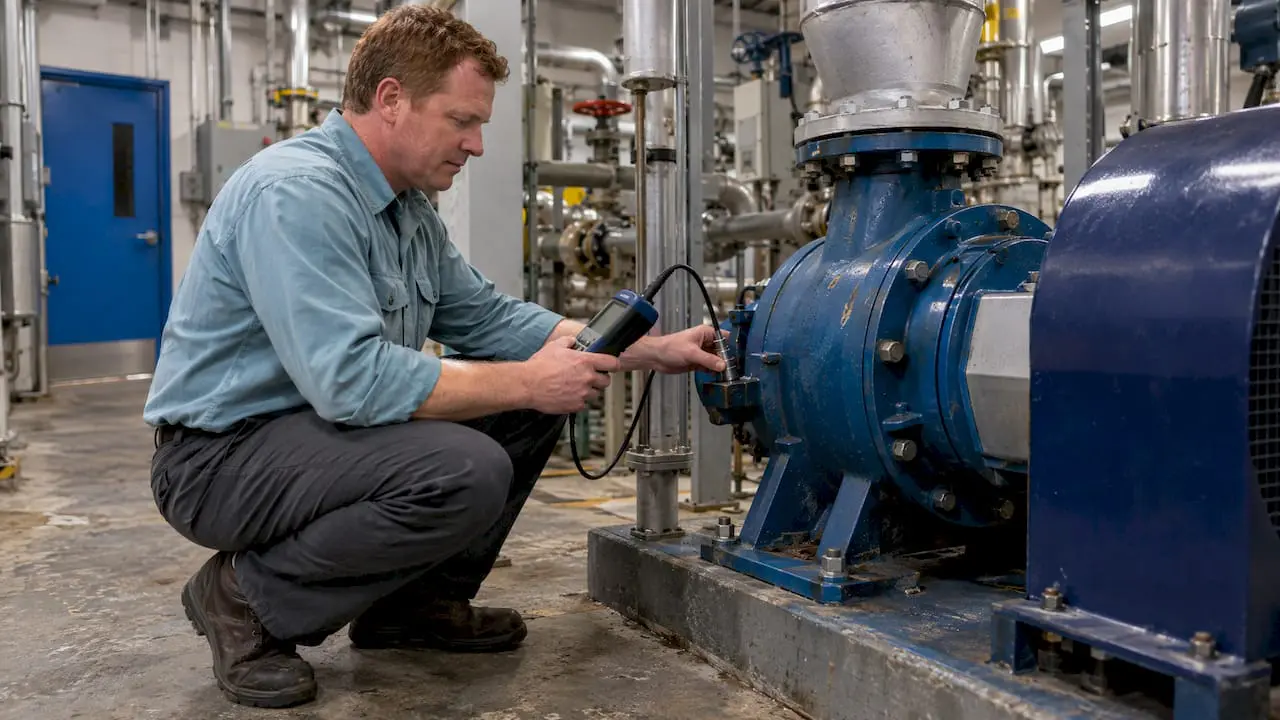
A well-designed CMMS user interface enhances usability and efficiency by providing intuitive navigation and streamlined access to maintenance management tools.
What’s the CMMS User Interface?
Just as the term implies, the user interface is the way the user (i.e., your maintenance tech) interacts with software (i.e., the computer or device).
When CMMS software has a good user interface, you feel it. The strongest user interfaces makes using the software more intuitive and seamless.
And a good user interface makes the difference between software that’s used… and software that’s not.
How Does the User Interface Affect My Maintenance Team?
User interfaces affect our lives in ways we don’t always understand. Have you ever tried to heat up food in an unfamiliar microwave? Or recorded a TV show on a different DVR with a different service provider?
You have, and you probably didn’t think twice about it. Because the user interface was familiar enough that you could figure out what to do.
Have you ever searched for a button or command in Word or Excel? Ever notice how Ctrl-S means Save in every computer program? Or how the File menu is always in the same place?
Those little details make it easier to find things in a software program you’ve never used before.
Why Do I Need an Adaptive User Interface?
Back in the day, software developers designed the user interface for a desktop monitor—because that was the only place to use software. Today’s user interface is more complicated, thanks to mobile technology.
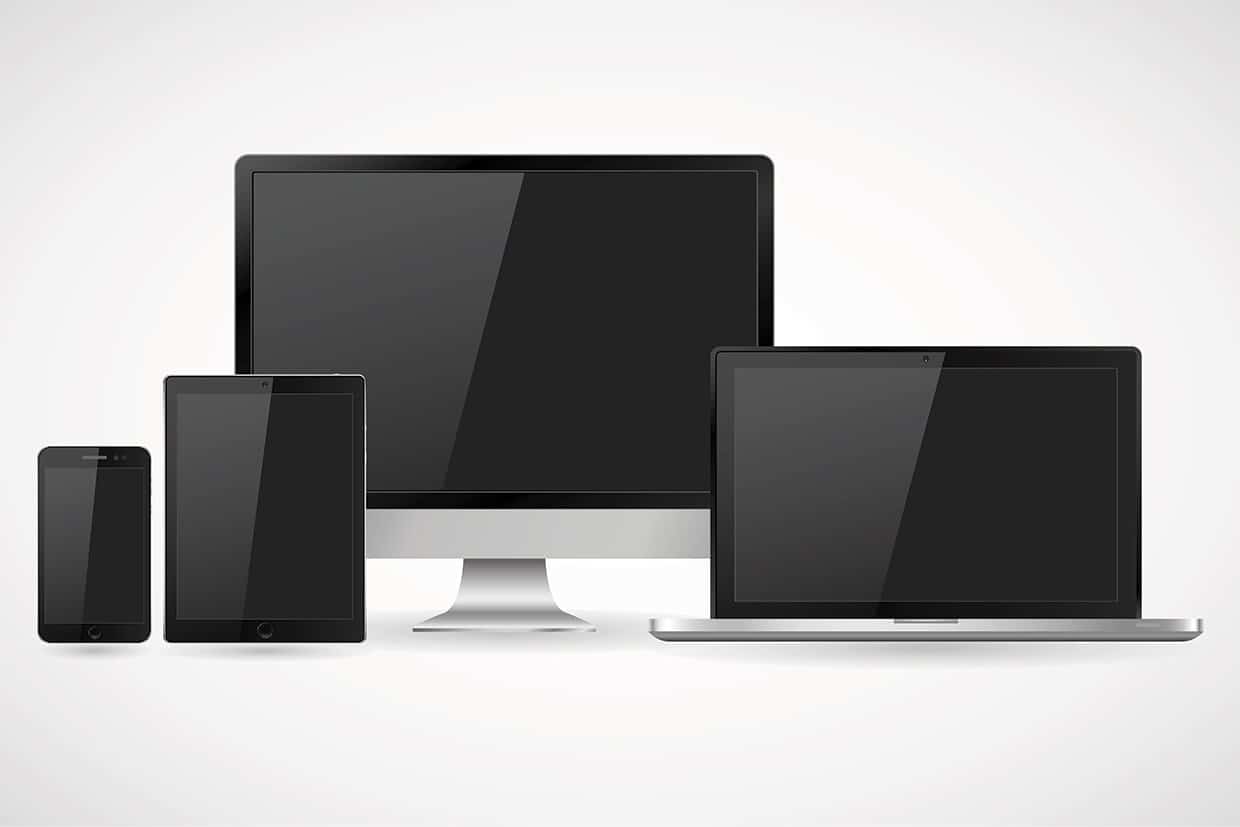
Today’s maintenance managers need software that works on monitors, tablets, and smartphones—because it’s likely your maintenance is using more than one device (or you will be soon).
At MPulse, we call this concept Adaptive “Any Device” Interface. That term means what it says—our CMMS software will work the same way across multiple devices.
How Does the User Interface Help?
When your CMMS software has an intuitive, adaptive interface, your maintenance team experiences some big benefits…
- Training will be faster and easier because your maintenance techs will already know the basics.
- You are more likely to experience a smooth software implementation with less help from expensive, outside consultants.
- Once it’s up and running, your team will be able to complete tasks faster because it’s easy to use.
- Your team is more likely to voluntarily keep using the software because it’s seamless and makes their work less complicated.
For such an important component, the user interface gets very little thought from the actual users. That’s by design. A good user interface is instinctive, so you don’t need to think about it. Good user interface simply improves maintenance operations without trying.
Have you ever struggled to learn new software because it just didn’t feel intuitive? With MPulse, that frustration becomes a thing of the past. Our user-friendly interface is designed to make learning and navigating maintenance management tools easier than ever, ensuring your team can quickly adapt and stay productive.
Ready to simplify your software experience? Contact us today to learn how MPulse can transform your maintenance management process. Or give MPulse a try with our free software trial.