Choosing maintenance management software that meets preventive scheduling, compliance, and mobile work order updates is harder than it should be for maintenance managers and facilities teams. Most options lack flexible deployment, fast onboarding, or integration depth needed by larger operations with legacy systems. This comparison covers feature sets, pricing details, and deployment models across four alternatives so maintenance teams can select a solution matched to their needs.
Table of Contents
MPulse CMMS
At a Glance
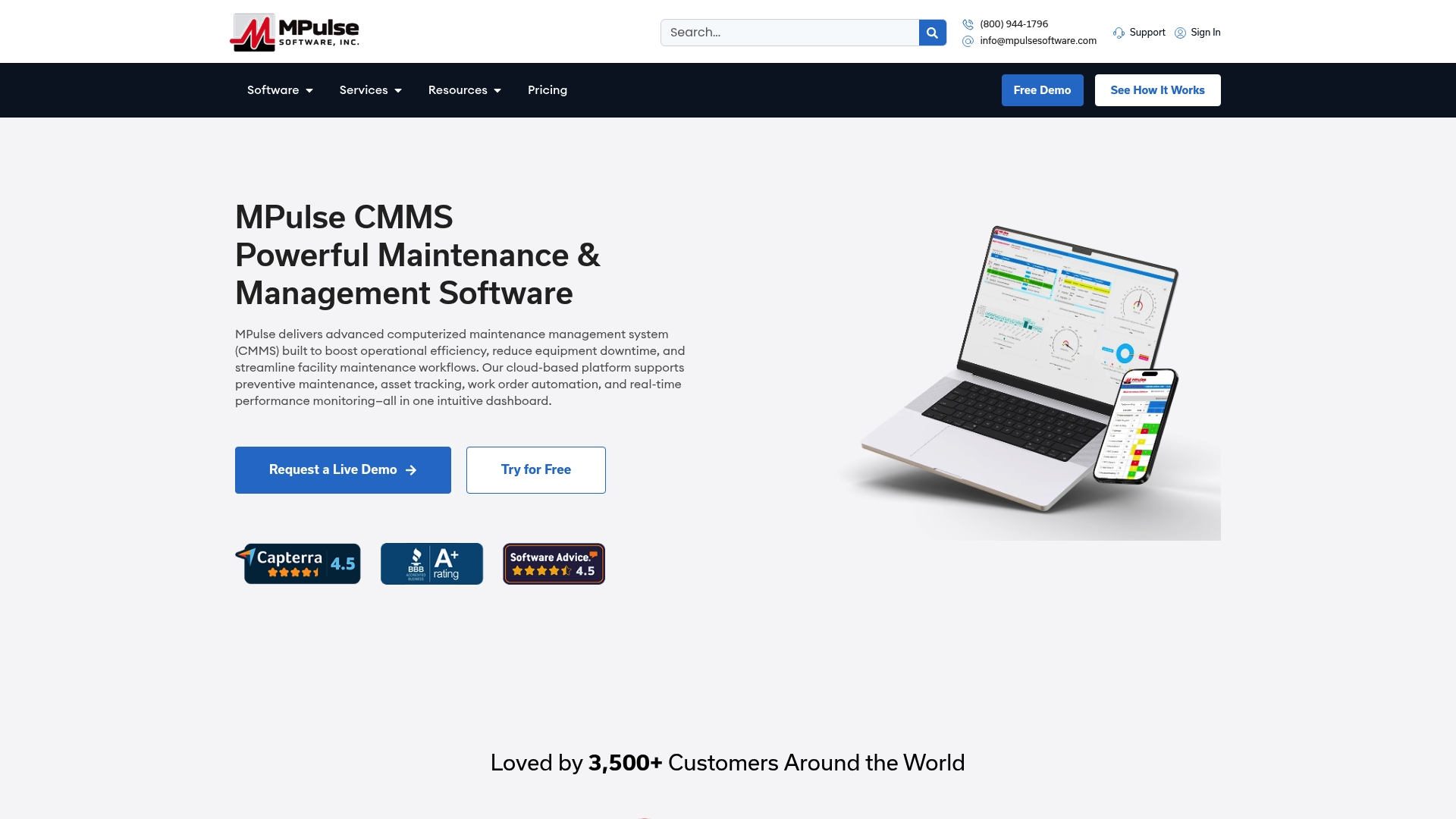
MPulse Software reports more than 3,500 customers worldwide. The vendor advertises up to 40 percent efficiency improvements from deployments. This entry appears among practical Bluefolder.com alternatives for maintenance management because it emphasizes preventive maintenance and measurable uptime gains.
Core Features
MPulse CMMS bundles work order management, preventive maintenance scheduling, asset tracking, inventory control, and graphical reporting into a single maintenance system. The product supports mobile and offline access for field crews on desktop, tablet, and smartphone. Administrators can run customizable reports and monitor equipment performance in near real time.
Key Differentiator
The primary distinction is flexible deployment and integration depth. MPulse supports cloud hosted and on premises installs plus adapters for ERP connections and condition based maintenance. That level of integration makes it more adaptable to regulated environments and legacy IT stacks.
Pros
The dashboard emphasizes practical clarity, which lowers training time for technicians and supervisors. Deployment and licensing options let larger teams choose on premises or cloud hosted models to match IT policies. Vendor materials highlight strong support and training services, and the modular feature set lets teams add inventory, reporting, or condition based modules as needed.
Cons
- Pricing may be higher for very small operations because advanced modules and customization often require additional licenses.
Notable Integrations
- Datalink Integration Adapter
- ERP systems such as SAP, Oracle, and NetSuite
- Condition Based Maintenance modules
- SaaS and on premises adapters
Who It’s For
This product fits mid sized to large maintenance teams and facilities managers with compliance obligations. Organizations with multiple sites or legacy ERP systems will benefit from the integration adapters. Teams that need both preventive maintenance and inventory control will see the most value.
Unique Value Proposition
An intuitive calendar interface for scheduling preventive maintenance makes MPulse CMMS useful for teams with high preventive maintenance volume. The interface reduces scheduling conflicts and centralizes recurring tasks across sites. That workflow focus translates into fewer emergency repairs and clearer audit trails for compliance reviews.
Real World Use Case
A healthcare system with multiple locations uses MPulse to automate preventive maintenance schedules and to centralize work order dispatch. Field technicians access work orders on mobile devices and update completion status offline when needed. That approach reduces equipment failures and helps maintain regulatory records across campuses.
Pricing
Pricing is not publicly listed in vendor materials. The product offers flexible licensing models with cloud hosted and on premises options. Expect additional fees for advanced modules and for extensive customization or integrations.
Website: https://mpulsesoftware.com
eMaint CMMS
At a Glance
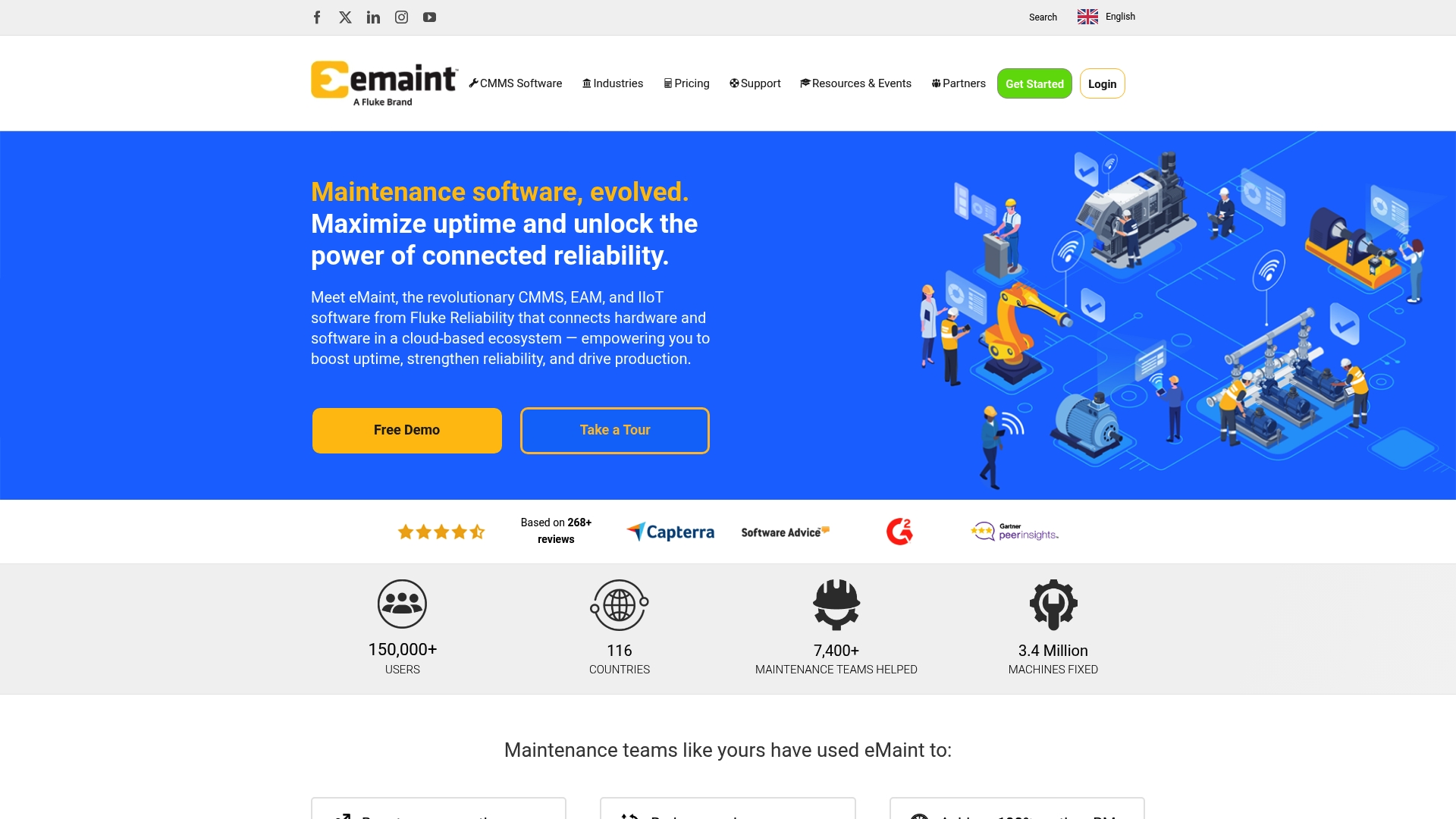
eMaint reports more than 150,000 users across 116 countries. That global adoption appears in configurable modules for asset tracking, work orders, inventory, and analytics. The vendor advertises mobile CMMS capabilities and AI features aimed at maintenance decision support.
Core Features
Asset lifecycle tracking ties equipment records, preventive schedules, and parts history into one searchable database. Work order automation routes requests, schedules technicians, and records labor and downtime for audits and KPI reporting. Mobile apps let field teams update work orders, capture photos, and close tasks without returning to an office.
Key Differentiator
eMaint AI trains on maintenance records and sensor streams so recommendations cite the specific assets and events behind them. That approach makes AI outputs reviewable and auditable inside work orders and asset histories.
Pros
The platform scales from single plants to enterprise operations and offers deep configuration for roles, workflows, and asset hierarchies. According to the company, it has a 4.5 star average from 268+ third party reviews, which supports its market reputation. Strong sensor and ERP integrations let maintenance teams ingest PLC data and trigger preventive actions.
Cons
- Initial configuration can be complex, and some teams report a steep learning curve for advanced features.
- Smaller operations may find licensing and deployment costs higher than simpler CMMS options.
- Trustpilot and other review sites contain user reports of setup friction during the early months.
When It May Not Fit
This product may not fit shops with very small maintenance staffs or limited IT support resources. Organizations seeking a minimal, low cost CMMS will likely find configuration time and price unfavorable. Teams without prior digital maintenance experience should budget for training and a longer onboarding period.
Notable Integrations
Integrates with the following systems and device families:
- Fluke sensors
- ERP systems
- SCADA and PLC data systems
- BI platforms
Who It’s For
Maintenance managers, reliability engineers, and operations directors at mid to large enterprises will get the most value. The product suits manufacturing, facilities, healthcare, and other asset intensive sectors that need audit trails and preventive scheduling. Teams that require sensor driven triggers and detailed asset hierarchies will benefit from its configurability.
Real World Use Case
The vendor reports a case where a plant achieved 95% uptime after digitizing its maintenance workflows and automating work orders from sensor alerts. That example shows how sensor triggers and automated orders reduce reactive work and improve preventive task completion.
Pricing
Pricing varies by deployment and selected features. See pricing details on their website.
Website: https://emaint.com
Megamation

At a Glance
Unlimited training, support, and software updates are bundled inside Megamation’s subscription. The company reports more than 40 years of experience designing maintenance systems. This makes the offer attractive where on-site training and long term vendor relationship matter.
Core Features
Megamation delivers a custom configured CMMS called DirectLine that adapts to client workflows and integrates with enterprise systems. The platform includes a mobile app for on-site data capture and inspection, plus AI-powered maintenance planning to help prioritize work. Subscription packages include unlimited training, support, and regular software updates.
Key Differentiator
Megamation focuses on deep customization and an ongoing support promise. The vendor emphasizes a predictable subscription model that covers training and updates. That combination targets organizations that prefer a hands-on vendor relationship and tailored workflows rather than one-size-fits-all setups.
Pros
Highly customizable implementations reduce friction by matching workflows to existing processes and reporting structures. Unlimited training and support lower the friction of user adoption and help teams maintain steady operations after go live. Mobile data capture improves field accuracy, while the AI planning tools assist with preventive and predictive maintenance decisions.
Cons
-
Premium level of service may not fit very small operations with tight budgets. The full support model carries higher ongoing cost.
-
Customization can extend implementation timelines when processes are complex. That can delay measurable operational gains.
-
The website does not list specific pricing tiers. Organizations will need to request a quote to assess total cost.
When It May Not Fit
Organizations that need a rapid, low cost out of the box solution will likely find Megamation too involved. Sites with simple maintenance needs and minimal integration requirements may prefer a lighter product. Very small teams with limited budgets may find the subscription and customization model difficult to justify.
Who It’s For
Maintenance managers and facilities teams at mid sized to large organizations will get the most value. Teams that require ERP integration, customized workflows, and on-site training match this offering well. Buyers who prioritize long vendor relationships and hands-on support should consider Megamation.
Real World Use Case
A manufacturing plant integrated DirectLine with its ERP to automate preventive maintenance triggers. Field technicians used the mobile app to record inspections and close work orders on the spot. The vendor provided on-site training and tailored workflows to align maintenance tasks with production windows.
Pricing
Pricing is handled via subscription and does not show public tiered rates. The subscription model includes unlimited training, support, and software updates. Prospective buyers must contact Megamation for a custom quote that reflects required configuration and scope.
Website: https://megamation.com
Click Maint CMMS
At a Glance
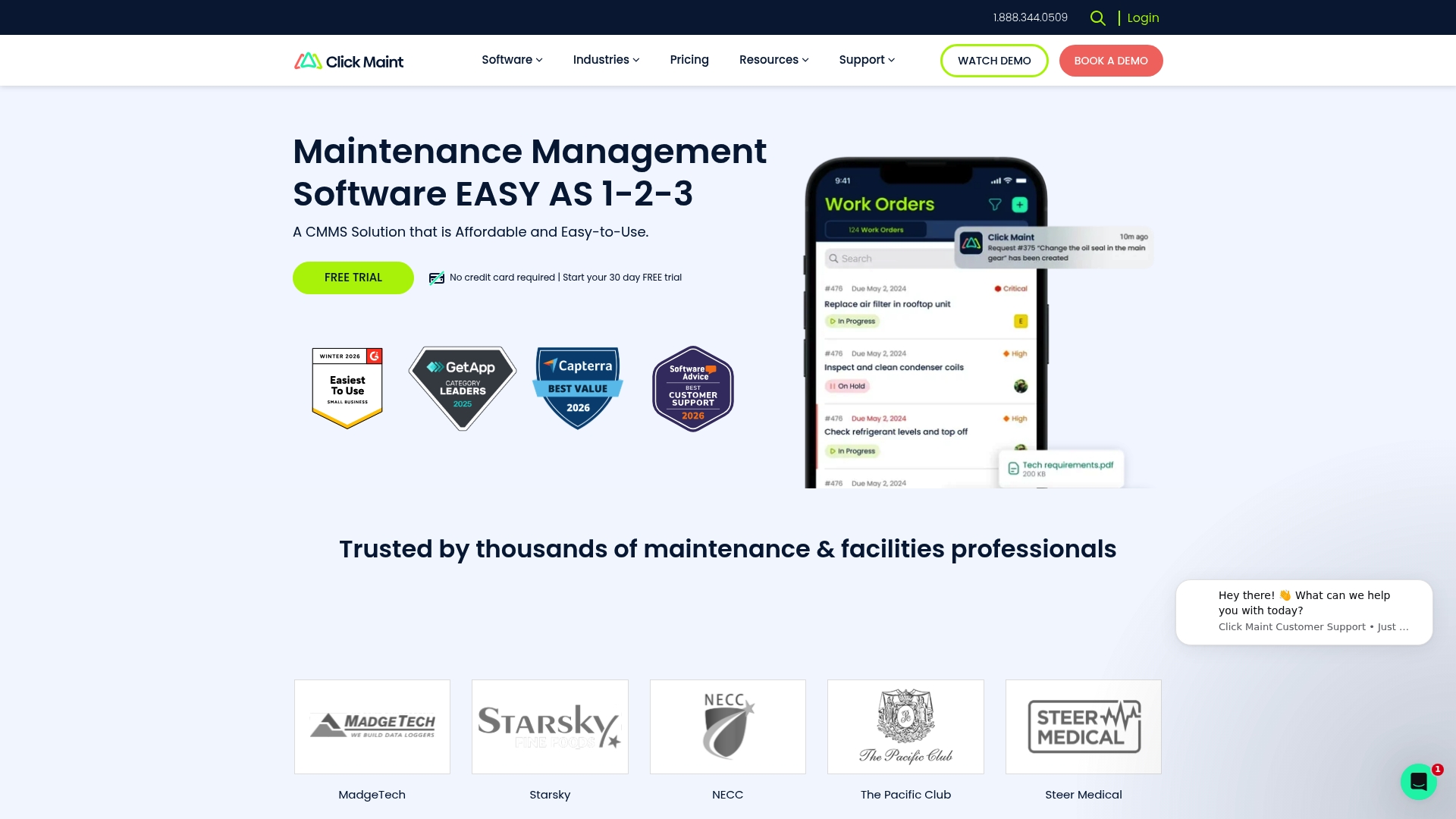
The published professional plan lists a starting price of $42 USD per user per month. The product advertises a free trial and fast implementation for maintenance teams. That combination aims to lower the time between purchase and practical use for small to mid sized operations.
Core Features
Click Maint provides work order requests with approval workflows and real time notifications, plus asset and location management with hierarchy tracking and downtime logging. The platform supports preventive maintenance scheduling and offers a mobile app with QR code scanning and file uploads for field technicians. Inventory, vendor management, and reporting tools supply KPIs, charts, and export options for maintenance and parts data.
Key Differentiator
Click Maint positions itself on simplicity and speed to value, pairing a clear per user price with a quick setup path. The product targets teams that need basic maintenance management without an extended implementation project. That focus often shortens delivery time for small facilities and maintenance groups.
Pros
The platform’s pricing model and free trial make cost comparisons straightforward for procurement and finance teams. The interface is clean and approachable, which reduces training time for technicians and supervisors. Mobile support with QR scanning and file uploads keeps field crews productive while the reporting suite helps managers track downtime and parts costs.
Cons
-
No detailed third party user reviews are available from the official source, which makes independent validation harder.
-
Complex data migrations or integrations for large enterprises may require paid professional services.
-
Training, update cadence, and support level details are not fully specified and may carry additional charges.
When It May Not Fit
Click Maint may not suit organizations that need deep enterprise integrations or extensive API ecosystems. Large maintenance organizations with custom ERP or purchasing workflows could find migration and customization costly. Buyers who require documented third party evaluations or strict SLA details will need to request that information before committing.
Who It’s For
Maintenance managers and facilities teams that need a cost conscious CMMS with quick implementation will find Click Maint relevant. Field crews that require mobile work order access and QR enabled asset checks benefit from the mobile features. Small to mid sized sites with limited IT resources match the product’s implementation profile.
Real World Use Case
A manufacturing facility used Click Maint to speed up work order processing and to track asset downtime across production lines. Technicians scanned QR codes to pull asset history and attach repair photos from the shop floor. The maintenance lead used exported reports to adjust preventive maintenance windows and to manage spare parts budgets.
Pricing
The professional plan starts at $42 USD per user per month with discounts for annual subscriptions. The vendor also accepts requests for custom quotes for larger teams or added features. A free trial is available for teams that want a hands on evaluation.
Website: https://clickmaint.com
Comparison of alternatives
Maintenance teams require a CMMS solution that integrates with existing workflows and IT constraints while maintaining audit trails for compliance. This comparison of Bluefolder.com alternatives focuses on critical dimensions such as adaptability, usability, training, and pricing among MPulse CMMS, eMaint CMMS, Megamation, and Click Maint CMMS.
Adaptability and deployment flexibilities
MPulse CMMS stands out for its flexible deployment across cloud-hosted and on-premises solutions, as well as its ERP integrations, which benefit organizations utilizing legacy systems and compliance environments. Conversely, Click Maint CMMS emphasizes rapid deployment and simplicity, making it suitable for smaller facilities needing basic implementations without extended setup periods.
Support and training provisions
Megamation highlights its all-inclusive subscription model encompassing unlimited support and training, tailored for detailed customizations found in larger organizations. In contrast, eMaint CMMS promotes enhanced functionality, leveraging AI-driven maintenance decision support to optimize complex workflows, which may require specialized initial configuration efforts to fully realize its potential.
Best fit
- Multi-site organizations with compliance requirements, ERP dependencies, and needs for on-premises options will find MPulse best addresses their operational complexities.
- Maintenance teams prioritizing affordability and speed of setup for small-scale operations will appreciate Click Maint’s practical pricing and straightforward onboarding.
- Teams valuing thorough onboarding and adaptability through extensive training resources should consider Megamation for its perpetual learning support.
- Enterprises benefiting from advanced insights for predictive maintenance workflows will find eMaint’s AI capabilities compelling.
Our pick
MPulse offers exceptional adaptability for regulated environments and multi-site operations, combining functionality with deployment flexibility. It is the prime recommendation for maintenance teams requiring both integration support and effective preventive maintenance scheduling. However, smaller teams with a focus on rapid implementation and cost-efficiency might explore alternatives such as Click Maint to best suit their scale and immediate needs.
When selecting a computerized maintenance management software (CMMS), comparing functionalities, adaptability, user-friendliness, and pricing can help identify the most suitable solution for your operations. For a side-by-side view of the market, see a comparison of CMMS platforms.
| Product | Key Differentiator | Best For | Pricing | Notable Limitation |
|---|---|---|---|---|
| MPulse Software | Flexible deployment options; strong integrations | Mid-to-large teams with compliance needs | Price not published | High cost for small operations due to advanced module licensing |
| eMaint CMMS | AI-driven maintenance recommendations tied to specific assets and events | Asset-intensive industries seeking advanced analytics | Price not published | Can require steep learning curve for advanced features |
| Megamation | Highly customizable subscription model including unlimited training and support | Organizations prioritizing vendor relationship and ERP integration | Price not published | Higher ongoing cost due to premium service level |
| Click Maint CMMS | Simplified and budget-conscious model with rapid implementation | Small to mid-sized sites needing quick setup | $42 USD/user/month (starting) | Limited advanced integration or customization for enterprises. |
How to Choose Among Bluefolder.com Alternatives for Maintenance Management
Maintenance managers and facilities teams often struggle with unplanned downtime and complex preventive schedules. Common challenges include integration with legacy ERP systems, compliance tracking, and reducing emergency repairs across multiple sites. MPulse Software addresses these issues with an intuitive calendar interface for preventive maintenance and flexible deployment options tailored for mid sized to large operations.
MPulse Software offers clear benefits including real-time equipment monitoring, customizable reporting, and strong support services. This platform helps teams reduce inefficient workflows and supports audit readiness to meet regulatory requirements. Learn how MPulse Software suits maintenance managers who need deeper integration and reliable preventive maintenance by visiting MPulse Software.
Evaluate your maintenance system options today and start reducing downtime with tailored preventive scheduling from MPulse Software.
FAQ
What is the efficiency improvement offered by MPulse Software?
MPulse Software claims to improve efficiency by up to 40 percent through its deployments. This metric reflects its focus on preventive maintenance and measurable uptime gains, making it a strong choice for maintenance teams aiming for high operational efficiency.
How does eMaint compare to MPulse Software in terms of user experience?
eMaint is known for its deep configuration capabilities and supports over 150,000 users, making it suitable for scaling from single plants to enterprise operations. MPulse Software excels in settings that prioritize intuitive scheduling and user-friendly interfaces, especially for organizations focused on preventive maintenance.
Which platform provides a better option for mobile access to work orders?
MPulse Software supports mobile and offline access, enabling field crews to manage work orders efficiently. This feature is crucial for teams that need real-time updates without needing to return to a central office, ensuring productivity even in remote or dynamic environments.
Can very small maintenance teams benefit from MPulse Software?
While MPulse Software is designed for mid-sized to large maintenance teams, small teams may find its pricing relatively higher due to advanced module costs. Organizations with a smaller scale may need to evaluate whether the modular features align with their specific needs before committing.
What is a unique feature of MPulse Software for scheduling?
MPulse Software includes an intuitive calendar interface for scheduling preventive maintenance, reducing conflicts and streamlining recurring tasks across sites. This feature is particularly beneficial for teams handling a high volume of preventive maintenance, facilitating efficient operations and compliance.