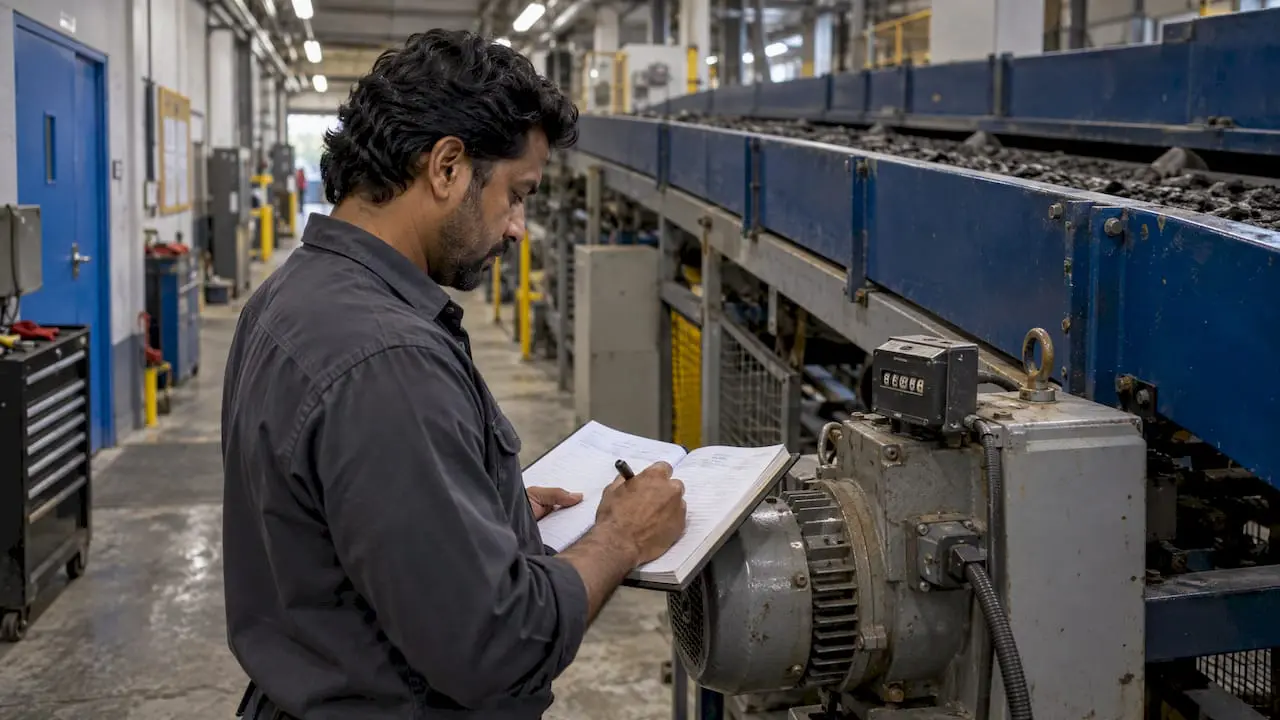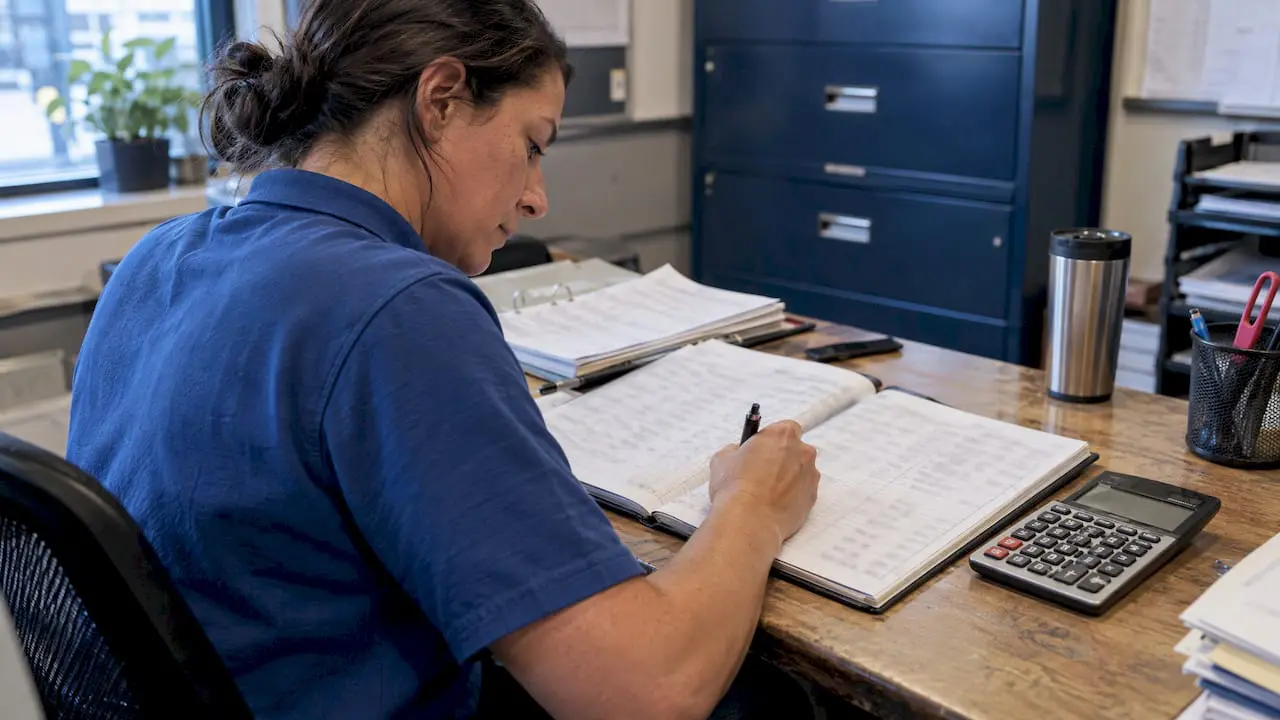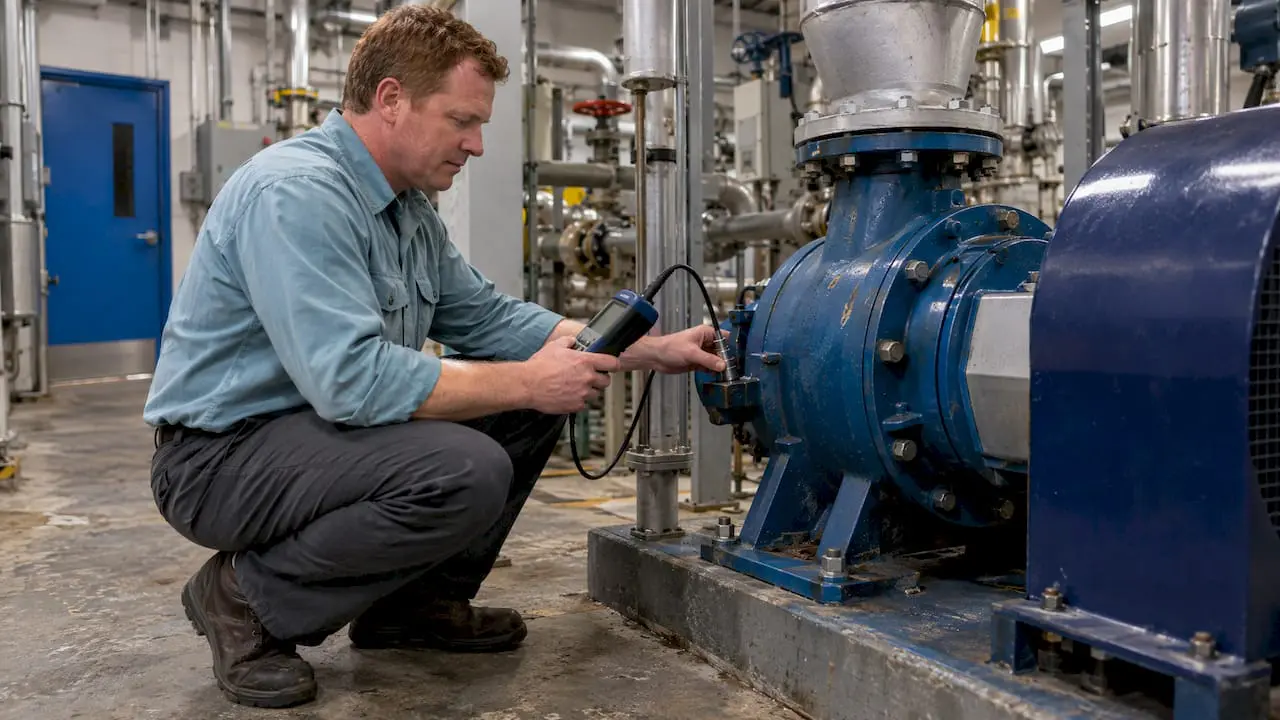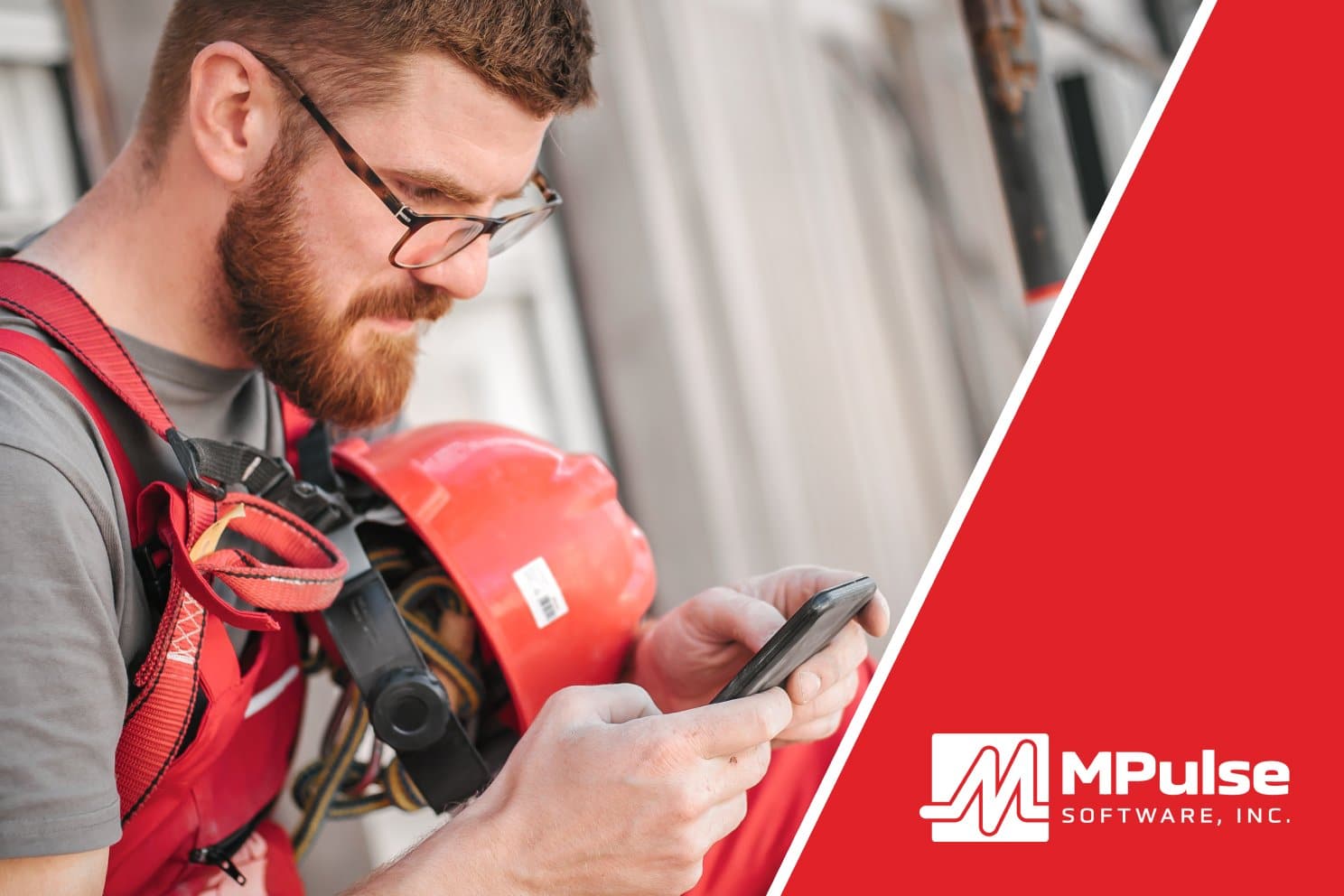
CMMS and mobile technology offer big benefits for maintainers. The ability to access information and record data on the spot—where maintenance happens, instead of in a plant or campus office—fits nicely into maintenance workflows. See also: Benefits of Mobile Maintenance Management Explained.
However, mobile app fatigue sets in when users feel overwhelmed by the number of apps on a device. But, you don’t need a mobile CMMS app to benefit from mobile technology. An adaptive interface will likely serve users well, no app required.
CMMS with Adaptive Interface
Software with tablet and smartphone compatibility will work on desktops, laptops, as well as Apple, Android, and other popular smartphones and tablets. Also called adaptive interface, this software works on any size display or device, whether it’s a desktop computer, tablet, or mobile phone.
At MPulse, we call this concept Adaptive “Any Device” Interface. That term means what it says—our CMMS software will work the same way across multiple devices. MPulse’s tablet and smartphone compatibility means your maintenance team will experience the same easy access no matter what device they use, making things easier to find and creating less confusion.
Benefits of Adaptive Interface for Maintenance Teams
For such an important component, the user interface gets very little thought from the actual users. That’s by design. A good user interface is instinctive, so you don’t need to think about it.
When your CMMS software has an intuitive, adaptive interface with tablet and smartphone compatibility, your maintenance team experiences some big benefits…
- Faster training because your maintenance techs will already know the basics
- Smoother software implementation with less help from expensive, outside consultants
- Quicker response and completion times because it’s easy to use
- Better user compliance the software is seamless and makes their work less complicated
- Easy access to work orders and the ability to make updates without stopping by the office or needing to find a computer.
The strongest user interfaces make using the software more intuitive and seamless, no matter what device you use. So, you don’t always need a mobile app to make CMMS easy to use on the go.
Access to real-time data is the best way to save time and help your maintenance staff boost productivity. And an adaptive interface means better acceptance from your workforce and a better way for maintainers to quickly enter data on the job. That helps your team spend less time on the computer and more time doing what you hired them for—maintenance.
Have questions? Want to see how MPulse works on your mobile device? Contact us. We can help.