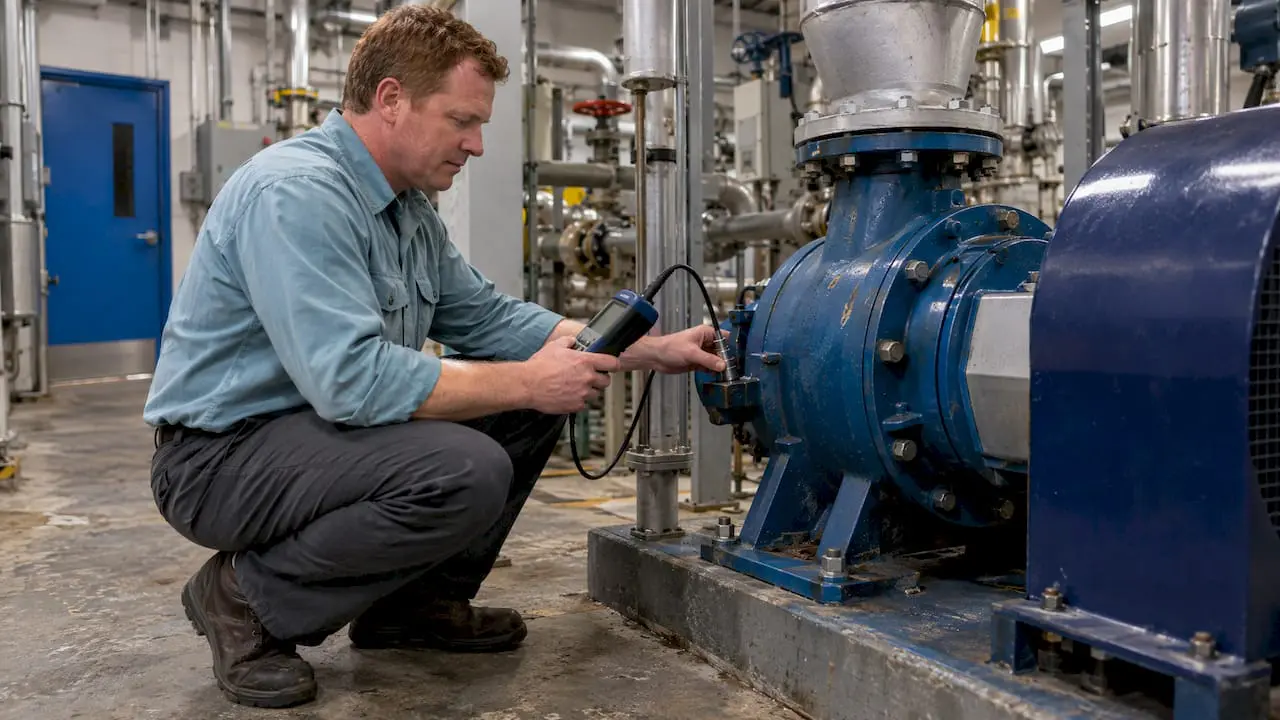
Maintenance workers are usually very familiar with Occupational Safety and Health Administration (OSHA) regulations because maintenance work affects the entire organization—whether it’s on a production line, a construction site, or in a building.
And while maintenance techs are responsible for their own safety on the job, they also contribute to the safety of building occupants and visitors.
That’s a lot of responsibility.
Safety in the workplace requires documentation, particularly for creating procedures and recording maintenance activities. The only way to prepare for the prospect of random inspections is with a proactive safety initiative supported by consistent documentation.
And there’s nothing better at documenting those tasks than CMMS software.
OSHA Maintenance Requirements
Inconsistent record-keeping procedures are a common cause of OSHA citations and fines.
CMMS data provides both the big picture and the little details, so your maintenance tasks are both visible and verifiable. And best of all, you can access the information in minutes, instead of spending hours or even days sorting through a paper filing system.
Our customers use MPulse CMMS software to…
- Update safety procedures
- Document safety training
- Publish safety data as a reminder to employees
- Standardize checklists for scheduled inspections
- Create a paper trail showing preventive measures
- Detail emergency procedures in case of a natural disaster or other incidents
And best of all, much of that documentation is automated. Once it’s set up, your maintenance team is ready to go. Your maintenance technicians have custom checklists, resources like repair and preventative maintenance manuals, asset history, and safety procedures right there with the work order.
Health & Safety
OSHA maintenance safety is not just about protecting your organization in an audit or inspection. It’s in everyone’s best interest to be proactive about your employees’ health and safety.
CMMS helps maintenance teams stay organized and in compliance by…
- Tracking employee health and safety information
- Documenting work procedures to make sure they are being followed
- Keeping equipment safe and reliable
- Ensuring all safety inspections and tests are done properly and on schedule
- Determining when it’s time to repair or replace malfunctioning equipment
- Documenting preventive maintenance on key assets
- Creating reports for audits
- Archiving work history
- Storing employee training and certifications
- Tracking incidents
Related Article: Top OSHA Violations You Should Avoid in 2021
You can use CMMS software to track healthy and safety data and resolve potential risks before outside auditors do. And that means your CMMS documentation can save your organization a lot of time, money, and worry.
How does your organization use CMMS software to meet OSHA maintenance requirements? Contact us today to learn more about how MPulse Software can assist with OSHA safety regulations for maintenance workers. Or get for a free trial!