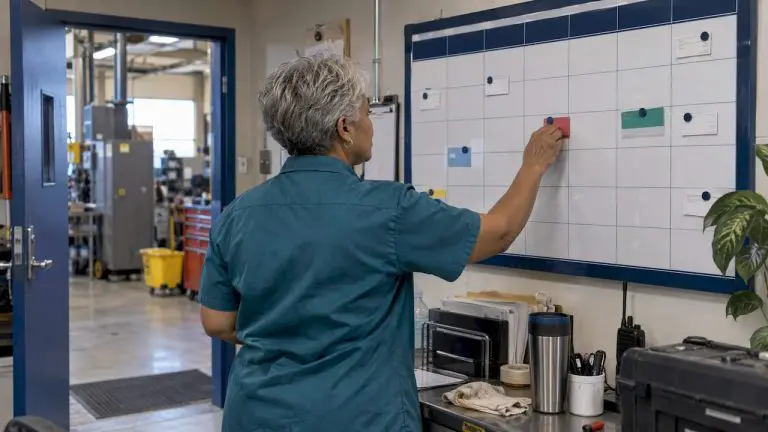
During a recent site visit with an MPulse customer, I had lunch with a group of the company’s maintenance techs. Their boss wasn’t around, so it was a great time to get their honest, uncensored opinions on almost any subject.
I asked them a question that seems simple, but reveals a lot: “What’s your least favorite part of the job?”
Their answer will not surprise you. Manual data entry ranked #1 for least favorite task.
I confess, data entry would be high on my list, and I bet it would be on your list too. Data entry isn’t just tedious. Your entire organization risks its financial viability when it relies on error-prone, manual data entry.
As a business owner, I’ve experienced first-hand how eliminating manual data entry frees up time and reduces errors that cost my company money.
The solution? Software integration.
Benefits of CMMS/EAM and Financial Application Integration
For the maintenance department, integrating your MPulse Software, Inc and your company’s accounting system offers two major benefits:
- Increasing financial visibility
- Decreasing time-consuming, error-prone, manual data entry.
How? Integrating your MPulse CMMS software and your financial application of choice keeps both applications in sync so users can be confident they are working with accurate and current information.
 Best Practices for CMMS/EAM and Financial Application Integration
Here’s a typical scenario. As new Inventory Items and Purchase Requisitions are entered in MPulse, that information flows automatically to the accounting system in a timely fashion. Then as transactions related to those records are created in the accounting system, they are synced back to MPulse to update relevant information and provide financial history for the Inventory Item or Purchase Requisition.
Imagine… up-to-date information right at your fingertips whenever you need it. Nice, huh?
Right now you may be grumbling about the time and cost to do that kind of integration. Not long ago, you would be right. But today’s maintenance manager has advanced tools like MPulse DataLink Integration Adapter to significantly reduce data sharing complexity.
Now there’s a lot of different ways to integrate your MPulse CMMS software and your financial application. So we’ve published Integration Best Practices to pass on the valuable information we’ve learned about data integration from first-hand experience. It’s a great resource for any maintenance manager thinking about streamlining maintenance workflows.
How could data integration between your CMMS software and your accounting system help your organization? Leave a comment or contact us.