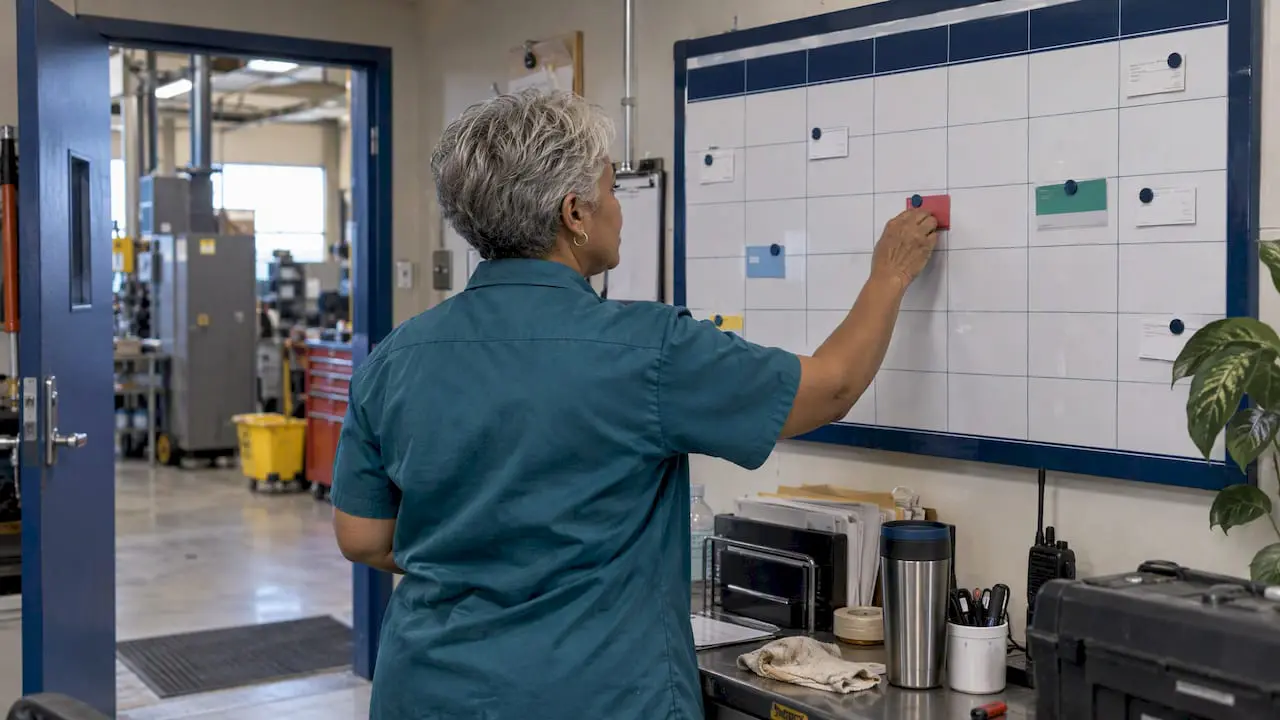
A preventive maintenance checklist standardizes inspections, tasks, and acceptance criteria for a piece of equipment, and it exists to catch failure signs before they cause downtime. The core elements are asset identification, safety steps like lockout/tagout, required tools and parts, the tasks themselves, pass/fail acceptance criteria, and fields to log what happened. Start by picking five Tier-1 critical assets, building those tasks into a CMMS or a downloadable template, and expanding from there.
TL;DR:
- Prioritize PMs for Tier-1 critical assets that can cause production stoppages or safety hazards, with tight intervals and condition monitoring.
- Use metadata like asset tags, location, and technician details to turn checklists into actionable datasets for long-term analysis and improvement.
- Adjust maintenance frequencies based on actual asset use and failure history instead of solely relying on manufacturer recommendations.
- Implement CMMS automation with calendar, meter, or condition-based triggers, linking parts and OEM documents for streamlined execution.
- Focus measurements and photos on Tier-1 assets, schedule PMs during planned downtime, and avoid rubber-stamping tasks that show repeated “no issues found.”
Table of Contents
- What Belongs in a Manufacturing PM Checklist
- How Do You Set PM Frequencies by Asset Criticality?
- How Do You Load a PM Checklist Into a CMMS?
- Building Templates for Different Asset Types
- What KPIs Show Whether Your PM Program Works?
- Common Pitfalls and Best Practices for PM Checklists
- Starting a PM Program Without Getting Overwhelmed
- Automating the Checklist With MPulse CMMS
- Primary Sources and Templates
- Sources
- FAQ
What Belongs in a Manufacturing PM Checklist
A checklist that actually gets used covers every system that touches production, not just the obvious machinery. Templates built around pre-shift checks, routine monitoring, and shift handover logs tend to hold up best across multiple crews because they standardize what each technician records, which keeps the audit trail intact even when staff rotates.
Break tasks out by system, and be specific enough that a technician doesn’t have to guess what “check it” means:
- Production equipment: guard integrity, lubrication levels, belt or chain tension, sensor calibration, and alignment on moving parts.
- Electrical panels: visual inspection for discoloration, thermal imaging on connections, terminal tightness, and grounding continuity.
- Hydraulic and pneumatic systems: fluid condition and contamination level, leak points, operating pressure against spec, and filter condition.
- Material handling: conveyor belt tracking, roller wear, chain elongation, and drive alignment.
- Utilities and HVAC: filter loading, coil cleanliness, refrigerant pressure, and condensate drain line clearance.
Every task needs metadata that turns a checklist from a form into a record: asset tag, location, date, technician name, time spent, a pass or fail result, and a linked follow-up work order when something fails. Skip the metadata and you have a piece of paper. Include it and you have a dataset you can act on six months later.
How Do You Set PM Frequencies by Asset Criticality?
Start with the manufacturer’s recommended interval, then adjust it against how the machine is actually used. A pump running three shifts a day in a dusty environment needs more frequent filter checks than the same pump idling in a climate-controlled room, regardless of what the manual says.
Frequency setting only works once assets are tiered by how much a failure would cost you:
- Tier 1 covers assets that stop production or create a safety risk if they fail. These get the tightest PM intervals and first claim on condition monitoring tools.
- Tier 2 covers assets with a workaround or backup. PM intervals can stretch, and failures are inconvenient rather than catastrophic.
- Tier 3 covers low-impact equipment where a run-to-failure approach may cost less than the maintenance itself.
Matching maintenance type to failure mode matters as much as tiering. Random, unpredictable failures respond better to condition-based or predictive monitoring, while wear-related, age-driven failures fit a time-based PM interval, since no single strategy outperforms the others across every failure mode. Three to five years of CMMS history is usually enough to see whether a task is set too tight, too loose, or on target using P-F interval thinking, which tracks how much warning time exists between a detectable failure signal and actual breakdown.
Pro Tip: If a PM task has run for a year with zero findings on a non-critical asset, that’s a signal to loosen the interval, not proof the machine is bulletproof. Iatrogenic maintenance, where the PM itself introduces wear through unnecessary disassembly, is a real cost most plants never measure.
How Do You Load a PM Checklist Into a CMMS?
A checklist on paper catches failures. A checklist in a CMMS catches failures and tells you which ones you’re catching. Deployment starts with a PM master task that includes step-by-step instructions, required tools and parts, the skill level needed, expected duration, and clear acceptance criteria so two different technicians reach the same conclusion on the same reading.
Trigger logic determines when a task fires, and picking the right type matters:
- Calendar-based triggers work for tasks tied to elapsed time, like quarterly filter swaps regardless of usage.
- Meter-based triggers work for usage-driven wear, firing a PM every 500 operating hours or every 10,000 cycles.
- Condition-based triggers fire off a sensor reading, like vibration crossing a threshold, and suit assets where failure patterns are unpredictable.
Parts and inventory should link directly to each PM, with critical spares reserved at the moment the task is created rather than discovered missing on the shop floor. Mobile work packets that require a photo and a specific measurement field, not a free-text box, keep data consistent across shifts.
A complete CMMS build also needs parent-child asset hierarchies and OEM document links so a technician working a conveyor sub-component can pull the parent asset’s history without leaving the app. Organizations running mature PM programs through a CMMS typically see failure rates drop 30 to 50 percent compared with reactive maintenance, though that number depends heavily on setting intervals correctly rather than just digitizing paper forms.
Building Templates for Different Asset Types
A good template header carries asset metadata, pre-check safety steps like LOTO verification, and a version number so technicians aren’t working from an outdated revision. The inspection body needs measurement specs with acceptable ranges, not vague language, since ambiguous checklist items produce ambiguous results that give you nothing to improve.
Asset-specific templates should reflect how that equipment actually fails:
- Pumps: seal leak inspection, coupling alignment, and suction/discharge pressure against baseline.
- Motors: bearing temperature against a set limit, vibration reading in mils or IPS, and insulation resistance testing on a rotating schedule.
- Conveyors: belt tracking within tolerance, tension check, and roller bearing condition.
Well-built PM checklists balance detail against usability: too many steps and technicians start skipping fields, too few and you miss the item that actually predicts failure. A five-minute shift check for a conveyor belt should look nothing like the monthly deep inspection on the same asset. Scale the depth to the interval, not the other way around.
What KPIs Show Whether Your PM Program Works?
PM compliance rate, the percentage of scheduled PMs completed on time, is the first number worth watching, since a program with 60 percent compliance is barely a program at all. Mean time between failures (MTBF) and mean time to repair (MTTR) round out the core set, alongside total unplanned downtime hours.
- PM compliance rate: scheduled versus completed on time, tracked monthly.
- MTBF: whether the interval between failures on a given asset is stretching or shrinking.
- MTTR: how long repairs take once a failure occurs, which flags parts or skill gaps.
- Unplanned downtime hours: the bottom-line number production leadership actually cares about.
A PM that repeatedly finds nothing wrong is a candidate for retirement or a longer interval. A failure that keeps recurring despite a completed PM points to the wrong frequency or the wrong maintenance type entirely, not a training issue. Comprehensive PM programs reduce failures 30 to 50 percent versus reactive approaches, but only when the KPI review actually drives interval changes rather than sitting in a report nobody reads.
Common Pitfalls and Best Practices for PM Checklists
Most PM programs don’t fail because the checklist was wrong. They fail because the checklist got treated as a compliance exercise instead of a reliability tool, which means measurements turn into checkmarks and nobody notices when a reading has been drifting for six months.
- Require actual measurements and photos on Tier-1 assets, not a checkbox marked “OK.”
- Focus condition monitoring and predictive tools on Tier-1 equipment first, since spreading thin resources evenly wastes both.
- Standardize acceptance criteria in writing so results don’t depend on which technician is on shift.
- Schedule PMs during planned downtime windows, and reserve parts in advance so a missing gasket doesn’t turn a 20-minute task into a missed one.
- Train operators on basic autonomous checks, freeing skilled technicians for the diagnostic work only they can do.
Pro Tip: If three consecutive PM cycles on the same asset produce identical “no issues found” results with no measurement recorded, that task is likely being rubber-stamped, not performed.
Starting a PM Program Without Getting Overwhelmed
Pick five Tier-1 assets and convert their maintenance tasks into structured PMs inside your CMMS, requiring a measurement or a photo on every step that matters. Give it three months and compare downtime hours before and after. That’s usually enough runway to see whether the pilot approach is paying off before you scale it plant-wide.
Take the early data to production leadership and ask for scheduled downtime windows instead of fighting for maintenance time reactively. Once technicians trust the process, train operators to handle basic autonomous PM tasks, like visual checks and lubrication, so your skilled staff can focus on the diagnostic work that actually needs their eyes.
— Mark
Automating the Checklist With MPulse CMMS
A spreadsheet checklist works until you have more than a handful of assets, at which point tracking frequencies, parts, and sign-offs by hand becomes its own maintenance burden. A CMMS can take the checklist structure covered above and run it automatically: calendar-based scheduling, task lists with built-in acceptance criteria, and parts reservation tied directly to each PM so a technician isn’t hunting for a filter mid-shift.

The mobile execution side matters just as much as the scheduling side. Technicians pull up task instructions, required measurements, and photo fields on a handheld device, and that data feeds directly into compliance, MTBF, and MTTR reporting without a second data-entry step. If your plant is still deciding how condition-based triggers fit into a manufacturing environment, or you want to see how PM scheduling for facilities works in practice, book a look at MPulse CMMS and see how the deployment steps above translate into an actual system.
Primary Sources and Templates

For deeper reading, ReliaMag’s Preventive Maintenance: A Complete Guide covers the eight-step methodology in full, SafetyCulture offers a ready-to-adapt checklist template, and Reliability Academy explains how to match maintenance type to failure mode.
Sources
- 9 types of maintenance: what’s the right maintenance strategy?
- Preventive Maintenance: A Complete Guide
- Industrial preventive maintenance checklist | SafetyCulture
- Maintenance Strategies Guide: Preventive, Predictive & More 2025 — PreventiveHQ
FAQ
What Are the Core Elements of a Preventive Maintenance Checklist?
A solid checklist includes asset identification, safety steps like lockout/tagout, required tools and parts, step-by-step tasks with acceptance criteria, and logging fields for the result and any follow-up work order.
What Is a Preventive Maintenance Checklist Used For?
It standardizes routine inspections and servicing on a set schedule so equipment wear gets caught and corrected before it causes an unplanned failure, and it creates an audit-ready record of what was checked and when.
What Is the 80/20 Rule in Maintenance?
Applied to maintenance, it generally means roughly 20 percent of your assets, the Tier-1 critical ones, drive the majority of your downtime risk, which is why criticality tiering should determine where PM and predictive resources go first.
What Do Regularly Scheduled Maintenance Checks Typically Cover?
Common items include lubrication levels, belt or chain tension, filter condition, electrical connection tightness, and calibration or alignment checks, though the exact list depends on the asset type and its failure history.
How Often Should a Manufacturing PM Checklist Be Updated?
Review it whenever KPI data shows a task consistently finds nothing (a candidate for retirement) or a failure keeps recurring despite completed PMs (a signal to change the frequency or the maintenance type), and revisit the full program at least annually.