
TL;DR:
- A field service management system streamlines scheduling, work order management, and communication to improve off-site operations. It offers real-time data, asset tracking, and integration with back-office systems, enhancing first-time fix rates and operational efficiency. Successful implementation depends on accurate asset data, technician adoption, and system support for both reactive and preventive maintenance.
A field service management system is software that coordinates off-site workers, schedules, work orders, and resources to execute service tasks efficiently and accurately. Known in the industry as FSM software, these platforms replace phone calls, paper forms, and disconnected spreadsheets with a single connected workflow. Solutions like Oracle FSM, Skedulo, and MPulse Software each address this need, though their depth and focus vary by industry. For facility and operations managers, the right FSM system is the difference between reactive chaos and controlled, cost-effective maintenance delivery.
What is a field service management system and what does it do?
A field service management system is defined as a software platform that manages schedules, work orders, customer records, inventory, and invoices while facilitating communication among technicians, office staff, and customers. That definition matters because it draws a clear line between FSM and simpler scheduling tools. FSM is not a calendar app. It is an end-to-end operational platform.

The core purpose is coordination. When a technician leaves your facility or travels to a customer site, the FSM system ensures they carry the right information, the right parts, and the right instructions. Without that coordination, technicians improvise. Improvisation wastes time, increases repeat visits, and drives up costs.
FSM platforms are also asset-centric by design, tracking service history, warranty status, and parts inventory for each piece of equipment. This makes them particularly valuable for facility managers overseeing large equipment portfolios across multiple locations.
What core features does FSM software provide?
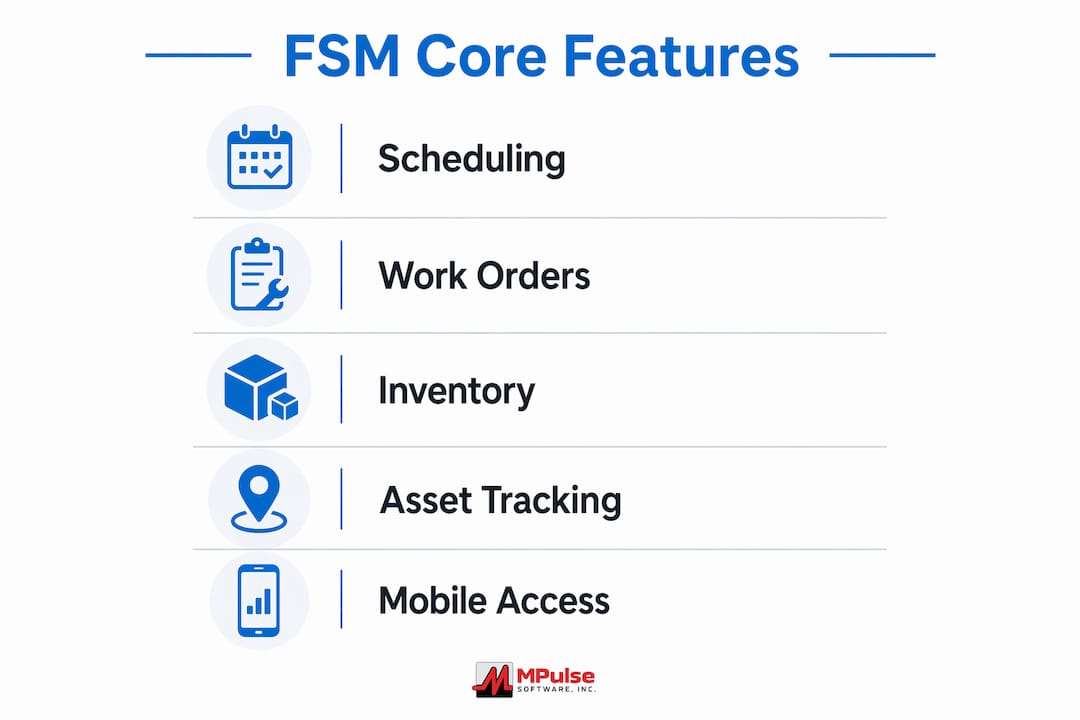
FSM core functions include scheduling and dispatching, work order management, mobile access, inventory control, route optimization, communication tools, and analytics. Each feature connects to the others, creating a workflow that moves a job from request to invoice without manual handoffs.
Here is what each capability delivers in practice:
- Scheduling and intelligent dispatching: Assigns the right technician based on skill, location, and availability. Route optimization reduces drive time and fuel costs across large service territories.
- Mobile worker enablement: Technicians update job status, view schedules and inventory, and communicate with the office in real time from a mobile device. No phone tag. No guesswork.
- Work order management: Creates, tracks, and closes work orders with full status visibility. Managers see exactly where every job stands at any moment.
- Inventory and parts management: Links parts availability directly to service tasks. Technicians know before they leave whether the required part is in stock.
- Back-office integration: FSM integrates with billing, accounting, inventory, and HR systems, eliminating manual data re-entry and reducing reporting errors.
- Customer portals and notifications: Customers track service progress and receive automated updates, reducing inbound status calls to your team.
Pro Tip: When evaluating FSM software, test the mobile interface with an actual technician before purchasing. A system your field staff finds difficult to use will not be adopted, regardless of its feature list.
How does a field service management system work in practice?
The operational workflow inside an FSM system follows a clear job lifecycle. Understanding each stage helps facility managers identify where their current process breaks down and where software delivers the most value.
- Service request intake: A request arrives through a customer portal, email, or internal ticket. The FSM system logs it, categorizes it, and routes it for scheduling.
- Scheduling and dispatch: The system matches the job to the best available technician based on skill set, location, and current workload. Oracle FSM treats scheduling and dispatch as mandatory core functions linked directly to performance monitoring.
- Work order execution: The technician receives a complete, field-ready work order on their mobile device. This includes asset history, required parts, safety instructions, and customer notes.
- Real-time updates: As the technician works, they update job status, log parts used, and record labor time. The office sees these updates immediately.
- Completion and proof of work: The technician captures photos, customer signatures, or inspection checklists to confirm job completion. This creates a verifiable record.
- Invoicing and reporting: Connected workflows reduce errors and improve cash flow by triggering invoicing automatically upon job closure.
The quality of data provided to technicians determines whether this process succeeds. Incomplete work orders force technicians to improvise, wasting time and reducing first-time fix rates. A technician who arrives without the correct asset history or part number will likely need a second visit.
FSM systems also support both reactive repairs and planned preventive maintenance cycles. Reactive work handles emergencies. Preventive maintenance scheduling reduces the frequency of those emergencies over time. The two workflows run in parallel inside a well-configured FSM platform.
Pro Tip: Before going live with any FSM system, audit your existing asset data. Technicians need accurate equipment records, not just a software platform. Garbage data in means wasted trips out. If the term is new to your team, the definition page covers the lifecycle and the fields a complete work order carries. See how a work order moves from request to closeout.
FSM software vs. traditional manual methods: a direct comparison
Manual FSM processes relying on phone and paper are error-prone, slow, and lack integration with other business systems. That is not an opinion. It is the operational reality for any team managing more than a handful of technicians without dedicated software.
The table below shows where the differences are sharpest:
| Capability | Manual Methods | FSM Software |
|---|---|---|
| Scheduling | Phone calls, whiteboards, spreadsheets | Automated assignment based on skill and location |
| Work order delivery | Paper forms or verbal instructions | Digital, field-ready orders on mobile devices |
| Inventory tracking | Manual counts, separate spreadsheets | Real-time parts availability linked to work orders |
| Back-office integration | Manual data re-entry across systems | Automated data exchange with billing, HR, and accounting |
| Audit trail | Incomplete or nonexistent | Full lifecycle records from request to invoice |
| Reporting | Delayed, manually compiled | Real-time dashboards and analytics |
One misconception worth addressing directly: FSM software is not just a scheduling tool. Managers who buy FSM for break/fix dispatch and ignore planned maintenance integration are using roughly half the system’s value. Neglecting planned maintenance within an FSM platform creates the same reactive cycle the software was meant to break.
The transition from manual to software-based FSM is fundamentally about reducing errors and improving data accuracy across every handoff point. When office staff, technicians, and customers all work from the same real-time data, confusion drops and throughput rises.
How to choose and implement the right FSM system
Selecting FSM software requires more than comparing feature lists. Facility managers need to assess their specific operational mix before evaluating vendors.
Key selection criteria to evaluate:
- Reactive vs. planned maintenance balance: If your operation runs 70% preventive maintenance, prioritize FSM platforms with strong scheduled maintenance capabilities and calendar-based planning tools. If you are mostly reactive, prioritize dispatch speed and mobile responsiveness.
- Integration requirements: Confirm the FSM system connects to your existing accounting, CRM, inventory, and HR platforms. Integration gaps create the same data silos you are trying to eliminate.
- Mobile usability: Field technicians are the primary users of the mobile interface. A system that works well on a desktop but poorly on a phone in a noisy facility will fail in practice.
- Scalability and analytics: As your operation grows, your FSM system should support more assets, more technicians, and more complex reporting without requiring a platform change.
- Compliance and audit readiness: Effective FSM implementations create audit trails throughout the service lifecycle, recording parts usage, labor, and completion data. This is non-negotiable for regulated industries.
Implementation challenges most often come from poor data preparation and low technician adoption. Both are preventable. Clean your asset data before migration. Train technicians on the mobile interface before go-live. Measure adoption rates in the first 30 days and address resistance early.
Pro Tip: Involve two or three of your most experienced technicians in the FSM selection process. They will identify usability problems that managers miss, and their buy-in accelerates adoption across the entire team.
Key takeaways
A field service management system delivers measurable operational value only when it covers the full job lifecycle, integrates with back-office systems, and provides technicians with complete, accurate data before every dispatch.
| Point | Details |
|---|---|
| FSM definition | FSM software coordinates scheduling, work orders, inventory, and invoicing in one connected platform. |
| Data quality drives results | Incomplete work orders reduce first-time fix rates; audit your asset data before go-live. |
| Planned maintenance matters | FSM must support both reactive repairs and preventive maintenance to deliver full value. |
| Integration is non-negotiable | Connecting FSM to billing, HR, and inventory eliminates data silos and manual re-entry. |
| Technician adoption is the real risk | Mobile usability and early technician involvement determine whether FSM succeeds in the field. |
Why FSM is more than a scheduling problem
I have spent years watching facility managers buy FSM software to solve a scheduling headache and then wonder why their costs did not drop. The scheduling problem was a symptom. The real issue was always data flow.
When technicians arrive at a job without complete asset history, the right parts, or clear instructions, no amount of dispatch efficiency saves the visit. The first-time fix rate stays low. Repeat visits accumulate. Costs climb. The FSM system gets blamed, but the system was never the problem. The data feeding it was.
The most effective FSM implementations I have seen share one characteristic: the operations team treated data readiness as a pre-launch requirement, not an afterthought. They cleaned equipment records, standardized work order templates, and mapped integration points before anyone touched the new software.
I also think the industry underestimates how much IoT integration will change FSM over the next few years. Platforms that connect to real-time asset monitoring will shift maintenance from scheduled intervals to condition-based triggers. That means fewer unnecessary PM visits and faster response to actual equipment degradation. Facility managers who choose FSM platforms with IoT readiness today will have a significant operational advantage within three years.
My advice: do not evaluate FSM vendors on features alone. Evaluate them on how well their platform handles your specific asset data, your compliance requirements, and your technicians’ daily workflow. Those three factors predict success more reliably than any feature comparison.
— Mark
How mpulse software supports your FSM strategy
MPulse Software delivers a CMMS platform built specifically for facility and operations managers who need more than basic scheduling. The platform combines work order management, preventive maintenance automation, inventory tracking, and real-time performance reporting in one connected system. Over 3,500 customers globally have used MPulse to achieve up to 40% efficiency improvements and measurable cost reductions.
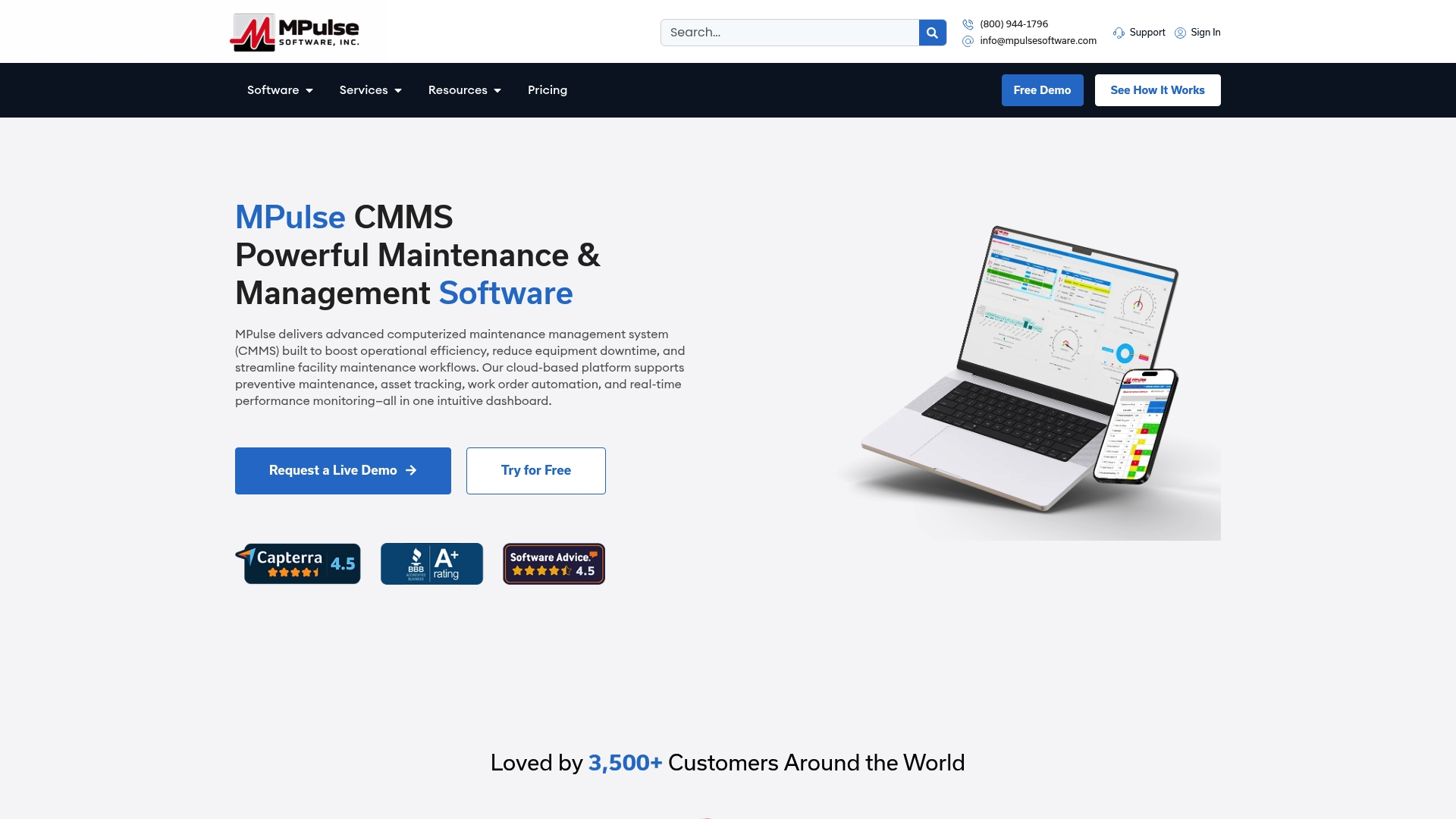
MPulse Software integrates with your existing accounting, HR, and inventory systems, eliminating the data gaps that slow maintenance teams down. The intuitive calendar interface makes planned maintenance scheduling straightforward for managers and technicians alike. If you are ready to move beyond manual processes and build a maintenance operation that scales, explore MPulse CMMS software and see what a fully integrated FSM platform can do for your facility.
FAQ
What is the field service management definition?
A field service management system is software that coordinates off-site workers, schedules, work orders, inventory, and customer communication in a single platform. It replaces manual phone and paper workflows with automated, connected processes.
How does field service management software improve first-time fix rates?
FSM software improves first-time fix rates by providing technicians with complete, field-ready work orders that include asset history, required parts, and job instructions before dispatch. Technicians who arrive prepared resolve issues on the first visit more often.
What are the main benefits of field service management?
The primary benefits include reduced scheduling errors, faster job completion, real-time operational visibility, lower administrative costs, and better compliance through complete audit trails from service request to invoice.
Does FSM software support preventive maintenance?
Yes. Effective FSM platforms manage both reactive break/fix repairs and planned preventive maintenance schedules. Neglecting the preventive maintenance side of FSM limits the system’s value and keeps operations in a reactive cycle.
How is FSM software different from a basic CMMS?
A CMMS focuses on internal asset and maintenance management, while FSM software extends that capability to coordinate off-site field workers, customer communication, and route optimization. Many modern platforms, including MPulse Software, combine both functions in a single system.