A good work order template captures six things: what is wrong, which asset and location, how urgent it is, who does the work, when it is due, and what was done and used. Add a defined status list and a closeout step, and the same form works for facilities, plants, hospitals, campuses and contractors. This guide gives you the fields, a ready-to-adapt layout, worked examples and the status codes that keep work moving. It also shows the point where a paper or spreadsheet form stops scaling and a CMMS (computerized maintenance management system) takes over, which is how we built MPulse to handle work orders.
TL;DR
- Every maintenance work order needs a unique number, asset and location, problem description, priority, assignee, start and due dates, and completion notes.
- Define a short status list (new, approved, in progress, on hold, complete, closed, canceled) and say who can move an order to each one.
- Preventive maintenance orders need a task list, tools, safety notes and a pass/fail result; repair orders need a symptom, cause and parts used.
- Forms in Word or Excel work for a handful of orders, but history, scheduling and reporting are where they break down.
- Adapt the template to your setting: compliance sign-offs for healthcare, parts and downtime for manufacturing, cost and authorization for contractors.
Table of Contents
- What a work order template is for
- The fields every maintenance work order template needs
- A simple work order template you can adapt
- Work order form examples by job type
- Work order statuses: define them before you need them
- Adapting the template to your setting
- Creating the form in Word or Excel
- What to look for in a work order app
- Where MPulse fits
- Our perspective
- FAQ
- Sources
What a work order template is for
A work order is the record that turns a request into authorized, assigned, trackable work. A template is the blank version of that record: the same fields every time, so nothing is forgotten and every job can be compared with the last one.
For a maintenance team, the template does three jobs:
- Communicates the job. The technician knows what to fix, where, how urgently and with what.
- Authorizes the work. Someone with budget or scheduling authority has approved it.
- Builds history. The U.S. Army Corps of Engineers’ maintenance guidance says that capturing maintenance history is the primary value gained from each maintenance effort, second only to the quality of the job itself.
That third job is the one most templates fail at. A form that is filled in at the start and never completed gives you no history, no cost per asset and no way to see which equipment keeps failing.
The fields every maintenance work order template needs
NASA’s facilities maintenance standard, NPR 8831.2F, Appendix D, is a useful public reference. It recommends a generic work order form with fields such as work order number, priority, required start and completion dates, work type, facility number, accounting data and a point of contact. It also notes that forms should be tailored to your needs and your CMMS, and that bar codes speed processing and reduce data-entry errors.
Turning that into a practical layout, group the fields into five blocks.
1. Identification
- Work order number (unique, never reused)
- Date and time requested
- Requester name and contact
- Work type: corrective repair, preventive maintenance, inspection, project or emergency
2. Asset and location
- Asset name and ID or tag number
- Building, floor, room or production line
- Relevant history: last service date, previous failures
3. The work
- Problem description or task list, written so someone who did not take the call can act on it
- Priority: low, medium, high or critical, each with a response-time definition
- Safety notes, such as lockout/tagout, permits or hazards
- Tools and parts required
4. Scheduling and assignment
- Assigned technician or crew
- Required start date and required completion date
- Estimated labor hours
5. Completion and closeout
- Actual start and finish
- Actual labor hours and parts used
- Work performed, cause found, and any follow-up needed
- Technician sign-off and supervisor approval
- Accounting or cost center data, if you charge back work
A useful rule: if a field is never read by anyone, remove it. If a field is read in every audit or budget meeting, make it required.
A simple work order template you can adapt
Here is a layout in table form. Copy it into Word, Excel or Google Docs and keep the order of the blocks.
| Block | Field | Example entry |
|---|---|---|
| Identification | WO number | WO-2026-0457 |
| Identification | Requested by / date | J. Alvarez, Facilities, 11/09/2026 |
| Identification | Work type | Corrective repair |
| Asset | Asset ID and location | AHU-12, Building 2 roof |
| Work | Problem description | Supply fan trips breaker after 10 minutes of operation |
| Work | Priority | High: occupied space affected |
| Work | Safety notes | Lock out and tag out at disconnect before opening panel |
| Schedule | Assigned to | HVAC crew B |
| Schedule | Required start / due | Within 24 hours / 3 days |
| Schedule | Estimated hours | 4 |
| Closeout | Work performed and cause | Replaced worn fan motor bearing; belt re-tensioned |
| Closeout | Parts and actual hours | 1 bearing set, 1 belt, 3.5 hours |
| Closeout | Sign-off | Technician and supervisor, with dates |
Notice that the “Closeout” rows are as detailed as the request rows. That is deliberate. The completion data is what later tells you whether AHU-12 is a repair problem or a replacement problem.
Work order form examples by job type
The same template flexes in different directions depending on the job.
Preventive maintenance work order
A preventive maintenance (PM) order is scheduled in advance and repeats on a calendar or meter reading. It replaces the problem description with a task list. A typical example for a passenger elevator in a hospital or office building:
- Asset: Elevator 3, Building 4
- Frequency: Monthly
- Tasks: inspect door operation, check cab leveling, test emergency phone and lighting, lubricate per schedule, review the fault log
- Tools and safety: lockout procedure, fall-protection requirements, access notification to occupants
- Result per task: pass, fail or not applicable, with notes
- Completion: technician signature, date and any follow-up work order raised
Cornell University’s Maximo status reference includes a “Not Performed” status that is typically used on preventive maintenance work orders. That is a good idea to borrow: a PM that was skipped should be recorded as skipped, with a reason, not silently deleted.
Corrective repair work order
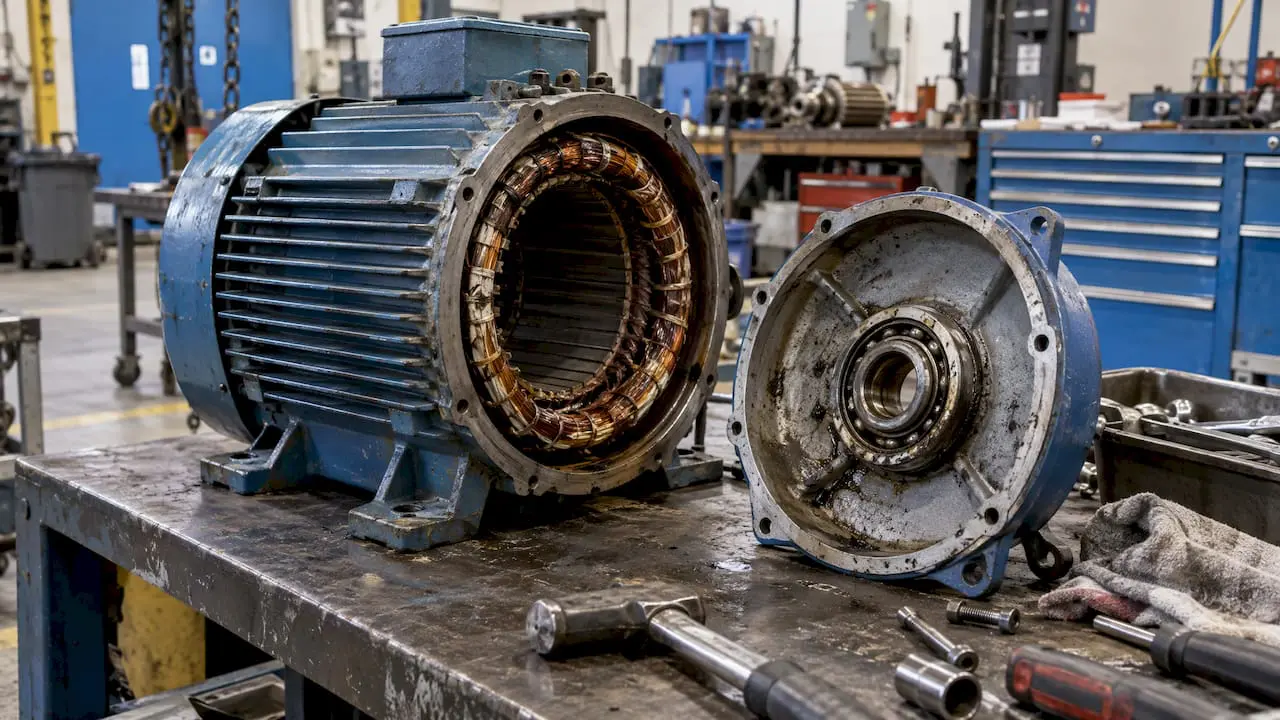
A repair order starts with a symptom, not a task list. Capture what the requester saw, when it started and what has been tried. At closeout, record the cause and the fix separately. “Replaced motor” tells you what was done; “bearing failure from lack of lubrication” tells you what to prevent.
Emergency work order
Emergency orders are often opened after the work starts. Keep a short form: asset, location, hazard, who was called, time started. Then complete the full fields once the situation is stable, so the record still reaches your history.
Contractor work order
When the work order is also a customer or vendor agreement, it needs more than a maintenance record. Docusign’s work order guidance lists identifying information, scope of work, schedule, itemized cost and payment terms, terms and conditions such as permits and change procedures, and signatures from both parties. If you are a contractor, add those blocks to the base template. If you are a facility, ask your contractors for them before work begins.
Work order statuses: define them before you need them
Statuses answer one question at a glance: where is this job right now? Without a defined list, one person’s “pending” is another person’s “waiting on parts” and your backlog report becomes unreliable.
Public institutions show how much detail can be useful. Virginia Tech’s facilities department groups its statuses into Open, Closed and Canceled. Under Open it uses New (created, approved and assigned), Open (acknowledged and underway), Hold (temporarily paused), Budget Update or Revision, and Reopen. Under Closed it separates Work Complete (final processes pending) from Closed (everything finished).
A small team can start with this set:
| Status | Meaning | Who moves it here |
|---|---|---|
| New / Requested | Submitted, not yet reviewed | Requester |
| Approved | Authorized and ready to assign | Supervisor |
| Scheduled | Assigned with a date | Planner or supervisor |
| In progress | Technician has started | Technician |
| On hold | Paused: parts, access, budget or contractor | Technician or supervisor |
| Work complete | Work done, paperwork pending | Technician |
| Closed | Actuals verified, record locked | Supervisor |
| Canceled | Will not be done | Supervisor |
Status codes for larger operations
If you track statuses by short code, the federal examples are instructive. The Army Corps of Engineers’ workflow standard EP 1130-2-557 uses pre-start codes such as WSCH (waiting to be scheduled) and WCONT (waiting on contracting), in-progress codes INPRG, WREV and COMP, and closed codes that carry a reason, for example NOFUNDS, NOTOOL, SAFETY or SKIPPED. It also stresses using In Progress properly because that status identifies current workload, and notes that closeout requires verifying actuals and documentation before the order can no longer be edited.
Cornell’s reference defines codes such as APPR, INPRG, COMP, CLOSE, CAN and NOT_PERF, and notes that a completed order still accepts transactions for 90 days for non-project work and 14 days for project work so billing can catch up.
Three takeaways for your own list:
- Separate “complete” from “closed.” Complete means the technician finished. Closed means labor, parts and notes have been checked.
- Record why work did not happen. A closed code with a reason (no funds, no access, no tool, skipped) is data you can act on.
- Keep the list short enough to remember. Eight to ten statuses is plenty for most teams.
Adapting the template to your setting
The core fields stay the same. What changes is the emphasis.
- Facilities teams: add room-level location, requester contact and a priority definition tied to occupancy impact. Requests come from many non-maintenance people, so the request portion must be simple.
- Manufacturing: add line or machine ID, downtime start and end, lockout/tagout steps, parts consumed and whether the order is condition-based or calendar-based.
- Healthcare: add the compliance elements your accreditor or regulator expects, such as inspection type, signature and date, and a link to the standard being met. Keep records retrievable by asset. Our piece on CMMS and compliance covers how to merge software and practice for audit readiness.
- Schools and universities: add campus building, room, the requesting department and seasonal scheduling windows. Large campuses also need a way to take requests from many staff members. See education maintenance software for what that involves.
- Contractors: add customer, site, quote or cost estimate, materials with markups, change-order procedure and customer signature.
Creating the form in Word or Excel
For a first version, a spreadsheet or document is a reasonable starting point.
- List your fields using the five blocks above.
- Set up the layout. In Word, a table with one row per field keeps things aligned. In Excel, put fields in column A and entries in column B, or use one row per work order with fields as columns.
- Add drop-downs for priority, work type and status using data validation, so entries are consistent.
- Number orders automatically. In Excel, a simple formula that adds one to the last number prevents duplicates. In Word, use a pre-printed or manually incremented number.
- Save a blank master and work only from copies.
- Define who fills which block, and who can close.
This works while you have dozens of orders a month. Problems appear as volume grows:
- Several people editing one file overwrite each other.
- A technician in a mechanical room cannot fill in a spreadsheet from a phone.
- Recurring PMs have to be created by hand each cycle, so they get missed.
- Finding every repair on one asset means searching through many files.
- Reporting on backlog, cost or downtime requires rebuilding the data every time.
What to look for in a work order app
When the template becomes the bottleneck, the next step is software that runs the template for you. Evaluate any work order app against the way your technicians actually work:
- Mobile access so technicians can open, update and close orders at the asset.
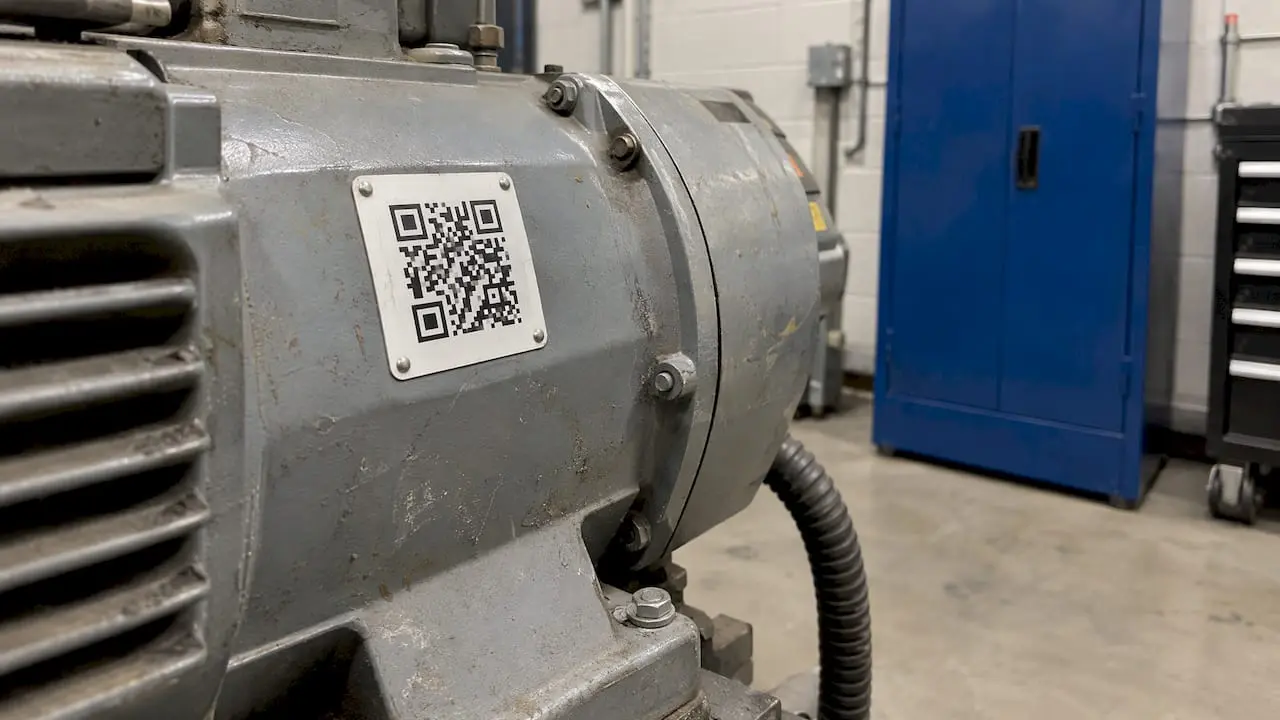
- Barcode scanning to pull up the right asset without typing, the same data-entry benefit NASA’s guidance describes for bar codes.
- Automated preventive maintenance that generates orders on a calendar or meter schedule.
- Configurable statuses and required fields, so your closeout rules are enforced, not suggested.
- Parts and inventory linkage so parts used on a work order reduce stock automatically.
- Requester access that lets any staff member submit a request without a paid license.
- Reporting that shows backlog, completion rates, labor and cost by asset.
- Integration with ERP and sensor systems so work orders reflect real equipment condition and purchasing.
Our article on streamlining your work order management system goes deeper on workflow design once you have the app in place.
Where MPulse fits
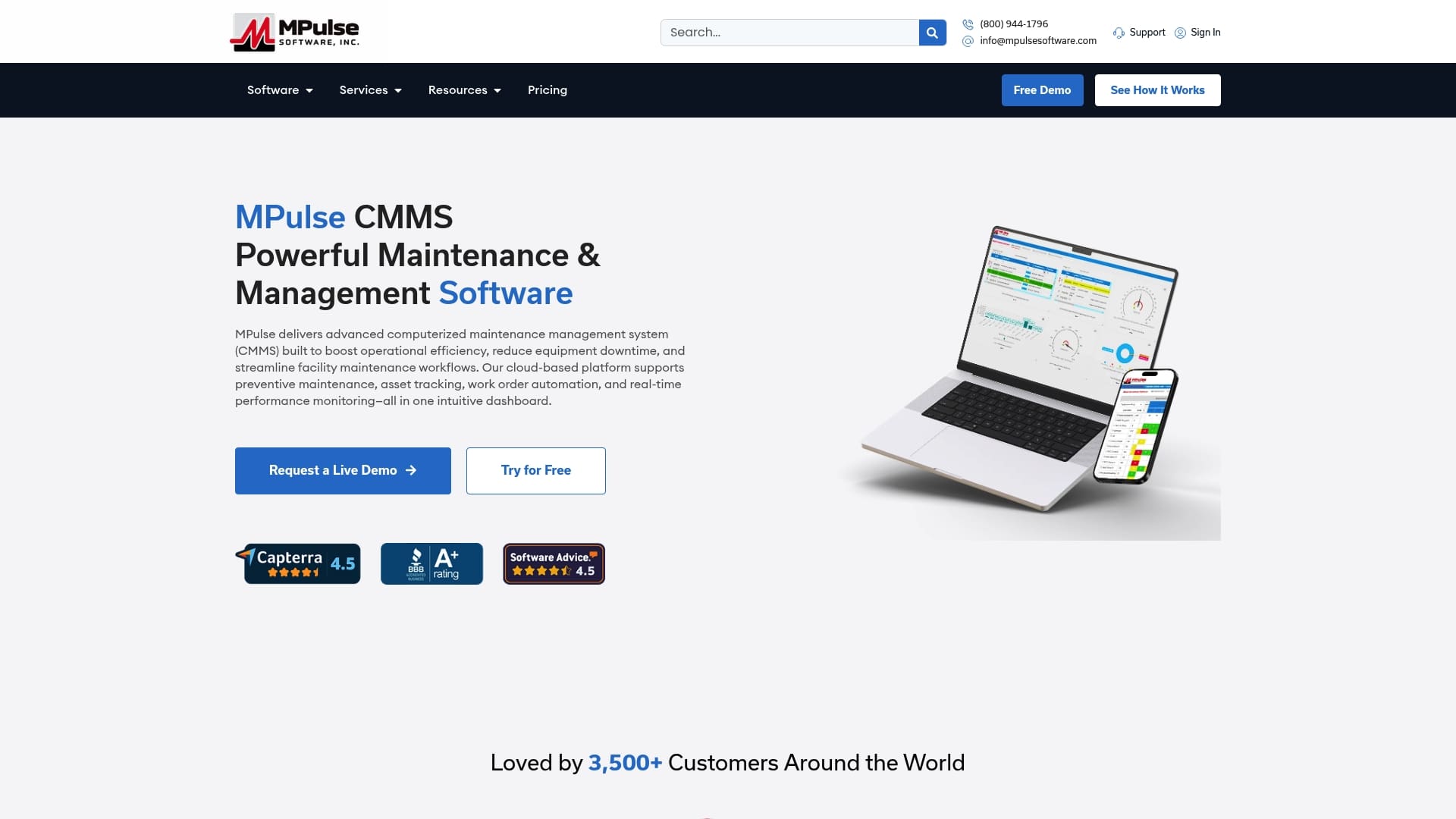
MPulse CMMS takes the work order template described above and makes it a live workflow. It provides preventive maintenance automation, work order management, asset tracking, calendar scheduling, parts and supplies inventory, barcode scanning, mobile device compatibility, graphical reporting, condition-based maintenance and customizable workflows with support for compliance and regulatory recordkeeping. The calendar interface shows scheduled work at a glance, and unlimited free requesters can submit requests.
Plans are published on the pricing page: Professional is $29 per month per user and Advanced is $79 per month per user. Implementation, training, hosting and consulting are listed on the services page, and labor resource management helps you plan who is available for which job.
Teams with a spreadsheet full of templates can bring their field list, priority definitions and status codes into MPulse as the starting design for their workflows. If you want help setting that up, see our services.
Our perspective
Most teams we talk to do not have a template problem. They have a follow-through problem: the form is good, but PMs are not generated on time, closeout notes are thin and nobody can pull up the history of an asset when it matters.
That is why we build MPulse around the work order lifecycle, from request to closed record. Preventive maintenance automation creates the work, the calendar shows who is doing what, and mobile access with barcode scanning lets technicians record what happened at the asset. Reporting then turns those records into decisions about repair versus replacement.
For compliance-heavy settings, the value is the same: records are complete, consistent and easy to retrieve. Our customers, more than 3,500 of them worldwide, use MPulse to reduce unplanned downtime and keep maintenance organized. We design the software so a good template becomes a habit, not a document that sits in a folder.
Mark
FAQ
What should be included in a work order?
At minimum: a unique number, the asset and location, a clear description of the work, a priority, the assigned technician, start and due dates, and completion notes with labor and parts. Contractor work orders also need cost, payment terms and signatures from both parties.
How do you create a simple work order?
Start with the five blocks: identification, asset and location, the work, scheduling and closeout. Add drop-downs for priority and status, number each order uniquely, and make completion fields required before an order can be closed.
What are common work order statuses?
Most teams use New, Approved, Scheduled, In Progress, On Hold, Work Complete, Closed and Canceled. Larger organizations add short codes and closure reasons, such as no access, no funds or skipped, so they can see why work did not happen.
When should we move from a template to a CMMS?
When preventive maintenance is being missed, several people need to update orders at once, or you cannot quickly see the history and cost of an asset. At that point software that automates scheduling and tracks every order saves more time than any form can.
Sources
- NASA NPR 8831.2F, Appendix D: facilities maintenance forms
- U.S. Army Corps of Engineers EP 1130-2-557: workflow and work order requirements
- Cornell Facilities and Campus Services: Maximo work order status definitions
- Virginia Tech HokieServ Reference Manual 2023
- Docusign: work order template and job order sample