
Yes, your CMMS can securely integrate with other systems through APIs to automate work orders, sync assets, and reduce manual data entry. The technical path runs through five stages: gathering credentials, choosing an authentication method, mapping fields between systems, testing in a sandbox and a parallel environment, and monitoring the connection once it goes live. Some vendors offer built-in API integration paths for teams pursuing this.
TL;DR:
- Secure API integration requires proper credentials, resource scope definition, and setting clear success and rollback criteria before configuration.
- Proper field mapping and normalization, especially for IDs and units, are crucial to prevent common integration failures.
- Authentication methods should match use cases, with OAuth 2.0 preferred for multiple users and tokens rotated regularly for security.
- Webhooks should include unique IDs for deduplication, and testing in sandboxes or parallel runs helps catch errors before going live.
- Starting with read-only asset sync and gradually enabling writebacks minimizes risk, with normalization of identifiers across systems being essential.
Table of Contents
- Prepare: Gather Credentials and Define Integration Goals
- API Fundamentals for CMMS: Endpoints, Resources, and Mapping Strategy
- Authentication and Secure Access: Choosing and Implementing Auth
- Webhooks, Event Handling, and Implementing Idempotency
- Testing, Sandboxing, and Rollout: A Safe Path to Production
- Security, Runtime Protections, and Operational Controls
- Common Integration Targets and Practical Automation Examples
- MPulse Implementation Guidance and a Practical Checklist
- Implementer Lessons: What Speeds Up an Integration Project
- How MPulse Can Help with Your Integration Project
- Sources
- FAQ
Prepare: Gather Credentials and Define Integration Goals
Before opening any API documentation, collect the technical prerequisites your CMMS vendor requires. Most platforms ask for a combination of identifiers and secrets that authorize the connection.
- API key or application key, often paired with an access key
- Client ID and client secret for OAuth-based systems
- Environment URL pointing to the correct sandbox or production instance
This pattern shows up across vendor documentation. Rockwell Automation’s integration setup guide lists an API Application Key, Access Key, and API Secret as prerequisites, along with a test connection step before go-live.
Alongside credentials, define the scope. Decide which resources you need (assets, locations, work orders, inventory) and whether data should flow one way or both. Set success criteria and a rollback trigger before you write a line of configuration, so the team has a clear standard for calling the project done or pulling back.
API Fundamentals for CMMS: Endpoints, Resources, and Mapping Strategy
A CMMS API is built around resource types that mirror the objects inside the software. Understanding these resources, and how they connect to your other systems, determines how clean the integration turns out.
- Review the core resources. Assets, asset tags, locations, work orders, parts, technicians, and purchase orders each carry their own fields and relationships; a work order, for example, typically references an asset, a technician, and one or more parts.
- Read the API specification. An OpenAPI or Swagger document tells you which operations each resource supports (read, create, update, delete) and which fields are required versus optional.
- Build a field-mapping spreadsheet. List every source field and its destination equivalent, then flag mismatches in ID formats, timestamp conventions, and units of measure before they become runtime errors.
- Set normalization rules. Decide on a single source of truth for asset IDs and a consistent time zone and unit standard across every connected system.
This mapping work is unglamorous, but it prevents the most common integration failures: mismatched IDs and silently dropped fields.
Authentication and Secure Access: Choosing and Implementing Auth
Your authentication method depends on who, or what, is calling the API. API keys are simple to implement and fine for low-risk, single-system connections. OAuth 2.0 supports fine-grained identity and refresh tokens, making it a better fit when multiple users or systems need distinct permissions. Service accounts using JWTs suit machine-to-machine connections where no human is present to log in.
- Apply least privilege: scope each credential to only the resources it needs
- Rotate tokens on a defined schedule rather than leaving them valid indefinitely
- Store secrets in a dedicated vault or secret manager, never in plain configuration files
- Connect to your identity provider for single sign-on when users, not just systems, trigger API calls
NIST’s guidance on protecting tokens and assertions recommends lifecycle controls for token management and points to standards like OIDC and OAuth for API access scenarios, rather than treating a token as a set-and-forget credential.
Pro Tip: Set refresh tokens to expire faster than access tokens and log every rotation event so a compromised credential has a short useful life.
Webhooks, Event Handling, and Implementing Idempotency
Webhooks push data to your CMMS the moment an event occurs, which suits time-sensitive triggers like a sensor alert creating a work order. Polling works better for lower-priority syncs where a delay of a few minutes changes nothing.
Whichever method you choose, build for duplicate events. Vendors generally assume at-least-once delivery, meaning your receiver may get the same event twice.
- Use a unique event ID on every incoming webhook to deduplicate before processing
- Return a 200 OK response within the vendor’s timeout window to confirm receipt
- Design retry and backoff behavior so a slow response does not trigger a flood of repeated attempts
Pro Tip: Log every event ID you process for a sufficient period so you can trace a duplicate work order back to its source webhook.
Testing, Sandboxing, and Rollout: A Safe Path to Production
A staged rollout catches errors before they touch live maintenance data.
- Start in a sandbox. Use dev credentials and synthetic test data to confirm the connection authenticates and returns expected fields.
- Run a parallel period. Sync both systems side by side and compare records manually before switching on any automated writeback, since industry practitioners consistently flag this step as where most mapping errors surface.
- Enable limited writebacks. Turn on automation for one resource type, such as read-only asset sync, before expanding to work orders or inventory.
- Confirm the go-live checklist. Back up both systems, set up monitoring, document a rollback plan, and notify stakeholders of the cutover window.
Security, Runtime Protections, and Operational Controls
Treat API security as a lifecycle responsibility, not a one-time setup task. NIST’s guidance on RESTful web APIs recommends defining an API contract with OpenAPI and applying schema validation, since REST APIs carry threats specific to their resource-oriented, stateless design.
- Encrypt all traffic with TLS and route requests through an API gateway
- Enforce rate limiting and a web application firewall at the gateway layer
- Apply field-level and semantic validation to catch malformed or out-of-range writes before they reach the database
- Maintain a central inventory of every API spec in use across your integrations
- Rotate tokens on a schedule and keep refresh token lifetimes short
NIST’s cloud-native API protection guidance frames these controls as split between pre-runtime work (specs, schema definitions) and runtime enforcement (gateways, rate limits, validation), a distinction worth building into your own integration checklist.
When integrating a legacy ERP with a modern RESTful CMMS, add a translation layer, but treat that layer itself as a security boundary requiring the same validation as any other endpoint.

Common Integration Targets and Practical Automation Examples
Most CMMS API projects connect to a small set of recurring targets, and the order you tackle them in matters.
- ERP systems for syncing parts inventory and procurement data, explored in more depth here
- IoT sensors that trigger automatic work orders based on meter readings or condition thresholds
- Identity providers for single sign-on and centralized user authorization
Start with read-only asset sync, since it carries the lowest risk of a bad write. Move to inventory sync next, then automated work-order creation once the mapping has proven itself in parallel testing. Normalize identifiers across every system before enabling any writeback that can delete or overwrite records; an unresolved ID mismatch is the most common cause of a failed automated integration.
MPulse Implementation Guidance and a Practical Checklist
MPulse CMMS supports API-based integration through its DataLink Integration Adapter, along with implementation services and training for teams building these connections for the first time. Readers evaluating MPulse’s integration components can review how the adapter fits alongside asset tracking and work order modules.
A practical one-page checklist for most integration projects looks like this:
- Confirm API credentials and environment URLs are documented and stored securely
- Complete the field-mapping spreadsheet before writing any configuration
- Run sandbox tests, then a parallel period comparing both systems
- Set monitoring, backups, and a rollback plan before go-live
Teams supporting regulated environments should also review 21 CFR Part 11 compliance requirements before enabling automated writebacks to audit-tracked records.
Implementer Lessons: What Speeds Up an Integration Project
Discovery workshops that map data models and assign field owners early save weeks later, since most delays trace back to unclear ownership rather than technical limits. Parallel runs and active monitoring catch mapping errors before they reach production. Watch for hardcoded credentials left in old scripts and inconsistent asset IDs carried over from spreadsheets. Both are quiet, common causes of integration failure.
— Mark
How MPulse Can Help with Your Integration Project
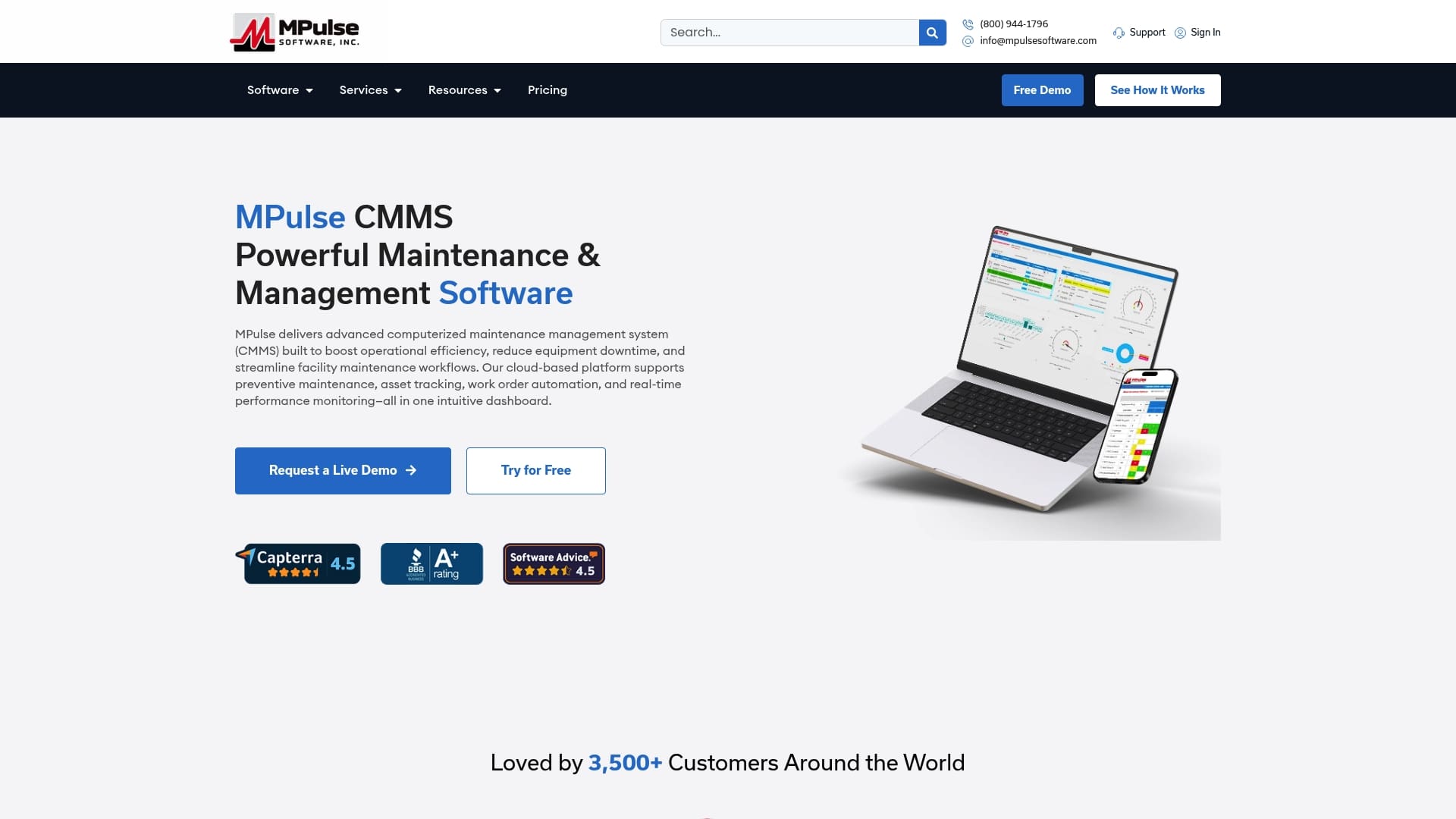
Teams that would rather not build every mapping and testing step from scratch can work directly with MPulse. The DataLink Integration Adapter, along with implementation services and training, gives maintenance and IT teams a supported path from credentials to go-live. Add-ons like Single Sign On and the Resource Planning Dashboard are detailed on the add-on product page. Review current pricing or request a demo to discuss your integration scope.
Sources
- Protecting Tokens and Assertions from Forgery, Theft, and Misuse (NIST IR 8587)
- Guidelines for API Protection for Cloud-Native Systems
- Integration Setup — Rockwell Automation (example integration doc)
FAQ
What is the most common CMMS software?
There is no single dominant CMMS platform tracked by an independent, published market share figure. Popular options include MPulse and several other established vendors, with the right choice depending on facility size, industry compliance needs, and integration requirements.
Is SAP a CMMS or an ERP?
SAP is primarily an ERP platform that includes maintenance management modules, rather than a dedicated CMMS. Many organizations run a standalone CMMS alongside SAP and integrate the two so work order and asset data sync with procurement and finance records.
What are the 5 stages of API integration?
A typical CMMS API integration moves through preparation and credentials, authentication setup, field mapping, testing in a sandbox and parallel run, and finally monitored go-live. Definitions vary slightly by vendor, but this sequence covers the core technical path described throughout this guide.
How do I do API integration?
Start by gathering your CMMS API credentials, such as an API key or client ID and secret, then choose an authentication method like OAuth 2.0. From there, map your data fields between systems, test the connection in a sandbox and parallel environment, and monitor the integration closely once it goes live.
Does MPulse support API integration with other systems?
Yes, MPulse CMMS supports API-based integration through its DataLink Integration Adapter, and offers implementation services and training for teams setting up connections to ERP, IoT, or identity provider systems. Pricing and service details are available on MPulse’s services page.