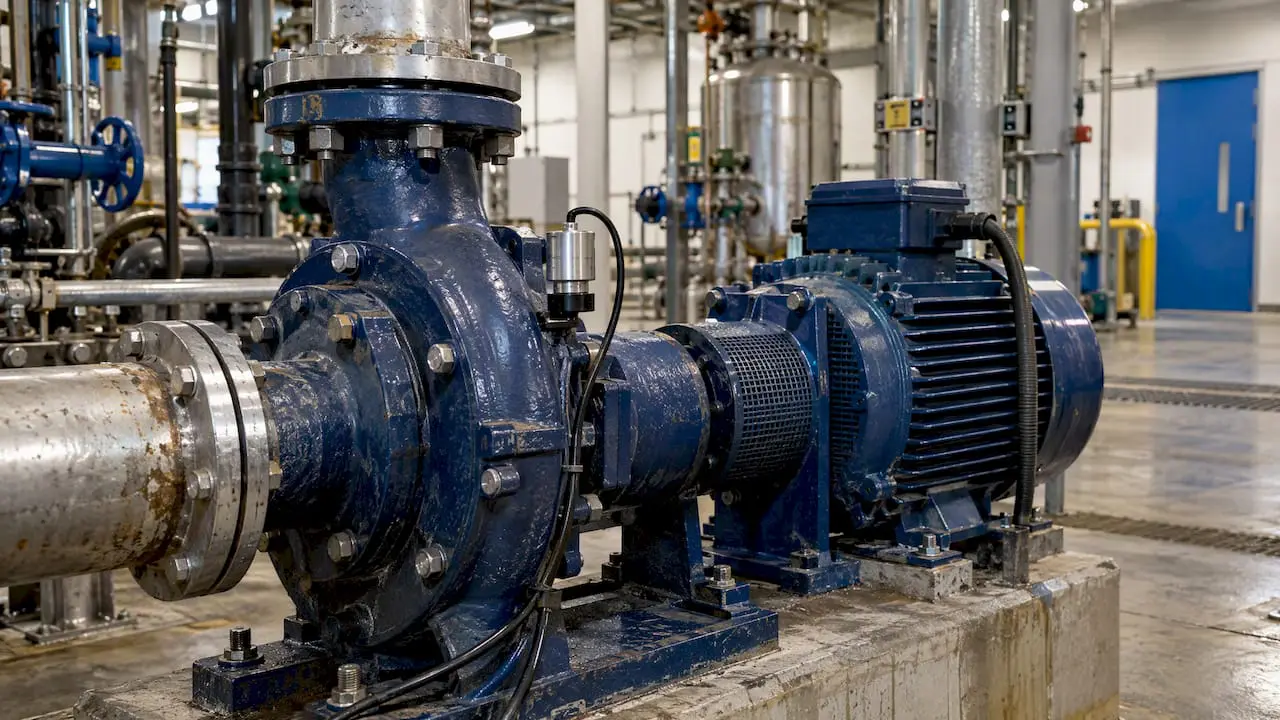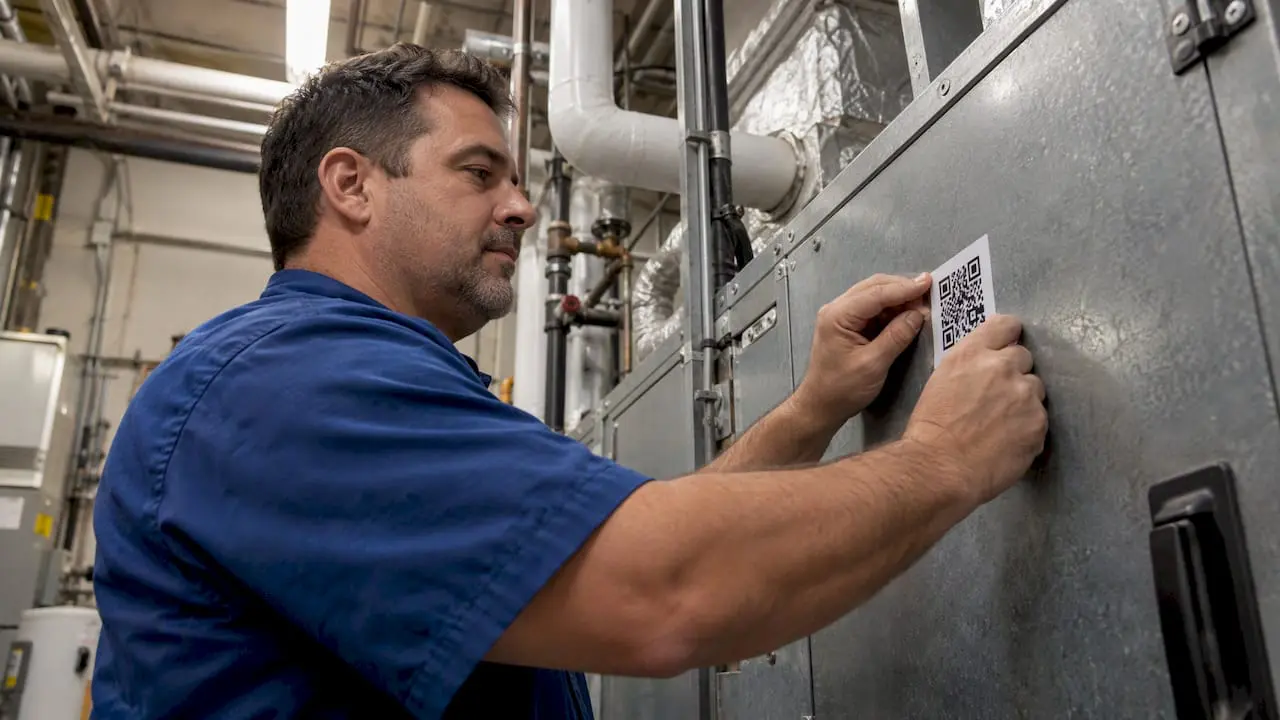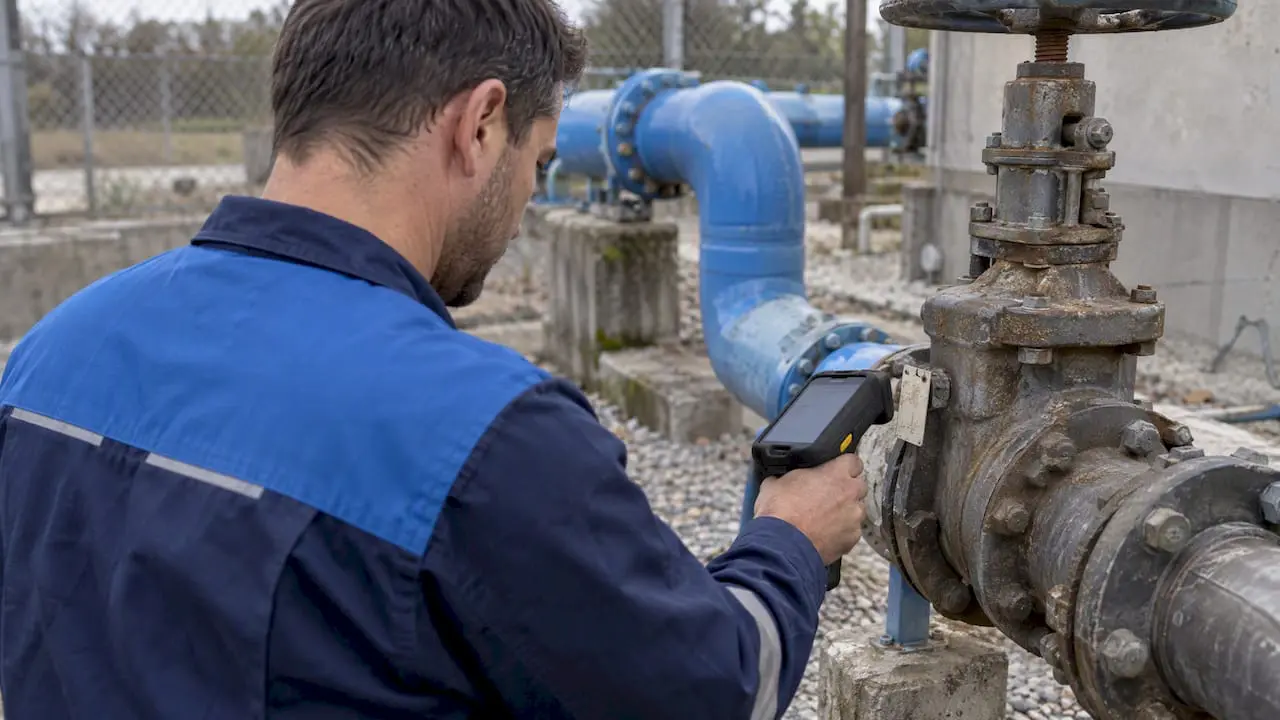
The strongest CMMS integration strategy centers on an authoritative asset master connected through orchestration middleware, rolled out through a phased pilot rather than a single big-bang launch. The first concrete step is an asset-discovery and data-mapping sprint, which typically produces better asset visibility and fewer emergency work orders within the first few months.
TL;DR:
- Asset discovery and data cleansing are critical first steps, requiring explicit mapping of identifiers, units, and timestamps before integration begins.
- Orchestration architecture enhances reliability by sequencing checks and updates centrally, reducing race conditions compared to choreography models.
- Connecting OT sensors to CMMS demands safeguards like debounce logic and contextual enrichment to prevent duplicate work orders and ensure accurate triggers.
- Data ownership must be clear, with the CMMS holding asset and work order data, while ERP manages procurement and costs, to prevent data drift during synchronization.
- Implementing technical controls such as network segmentation, credential rotation, and anomaly detection reduces cybersecurity risks associated with OT/IT integration.
Table of Contents
- A practical roadmap for phased CMMS implementation
- Technical architecture and data model mapping that works in practice
- How IoT, SCADA, and condition monitoring feed your CMMS
- Keeping ERP, planning, and scheduling systems in sync
- Cybersecurity and OT/IT risk controls you need before going live
- Governance, roles, and change management that make integrations stick
- Measuring success with the right KPIs and timeline
- Why a CMMS alone isn’t enough, and how MPulse supports integration
- Where integration projects actually go wrong
- Getting help executing your integration strategy
- Sources
- FAQ
A practical roadmap for phased CMMS implementation
A successful rollout moves through five phases, each with its own deliverables and decision points. Skipping a phase to save time is the most common reason integration projects stall or get rebuilt a year later.
Phase 0: Align on KPIs and success criteria. Before any technical work starts, maintenance leadership, IT, and operations need to agree on what success looks like. This usually means defining target metrics for preventive maintenance (PM) compliance, mean time to repair (MTTR), and emergency work-order volume.
Phase 1: Build the authoritative asset master. Combine automated discovery tools with manual walkdowns to create a single source of truth for every asset, location, and piece of equipment. This asset master becomes the reference point every other system syncs against.
Phase 2: Map and clean data at the field level. This is where most projects either gain traction or lose months. Composite keys like SITEID plus ASSETNUM in a CMMS rarely match the serial numbers or UUIDs used by telemetry and predictive systems, and that mismatch has to be resolved before any code gets written.
Phase 3: Choose an orchestration architecture and pilot one use case. Rather than integrating everything at once, pick a single workflow, such as triggering a work order from a vibration alert, and prove it end to end.
Phase 4: Validate, measure, and scale with governance. Once the pilot demonstrates value, formalize training, documentation, and support before expanding to additional sites or asset classes.
The phases break down into concrete actions:
- Interview stakeholders from maintenance, IT, and operations to set shared KPIs.
- Run automated network and asset discovery alongside physical walkdowns.
- Consolidate findings into a single asset register with unique identifiers.
- Map CMMS fields against source systems, documenting every mismatch found.
- Cleanse duplicate or incomplete records before any sync goes live.
- Select and configure middleware for the orchestration layer.
- Launch a single-use-case pilot and measure results against Phase 0 targets.
- Expand scope, train additional users, and document the rollout as a repeatable playbook.
Several practical checks keep this roadmap on schedule:
- Confirm every asset has one unique identifier recognized across all connected systems.
- Set a realistic data-cleansing budget before the project starts, since this step is routinely underestimated.
- Define rollback procedures before the pilot goes live, not after something breaks.
- Document every field mapping decision so later integrations do not repeat the same research.
For teams building asset records for the first time, guidance on building authoritative asset records walks through the structure that makes Phase 1 easier to execute.
Technical architecture and data model mapping that works in practice
Two architectural patterns dominate CMMS integration: orchestration and choreography. Orchestration uses a central hub to sequence actions, checking data quality and business rules before anything commits. Choreography lets systems react to events independently, with no central coordinator.
For most maintenance environments, orchestration is the safer choice. Choreography can work for simple, low-stakes notifications, but in production maintenance workflows it tends to produce race conditions and synchronization failures when two systems try to update the same work order at once. An orchestration hub sequences checks and enrichments before committing an action like creating a work order, which removes that risk.
Before building any integration, standardize these CMMS data objects across every connected system:
- Assets and their hierarchy (parent equipment, child components, locations)
- Parts and bills of materials (BOM) tied to specific asset models
- Work orders, including status codes and priority definitions
- Preventive maintenance (PM) templates and their triggering logic
- Locations and site structures that match how operations actually organize facilities
A field-mapping checklist catches the errors that usually surface only after go-live:
- Confirm whether asset identifiers are composite keys (like SITEID plus ASSETNUM) or single UUIDs, and translate between them explicitly.
- Check date and time zone formats, since a maintenance log timestamped in UTC can misalign with shift-based reporting.
- Verify units of measure match across systems, particularly for sensor data feeding condition-based triggers.
- Map status codes individually. “Closed” in one system does not always mean the same thing as “Completed” in another.
Pro Tip: Build a translation table for every identifier mismatch before writing a single line of integration code; it is far cheaper to fix on paper than in production.
Integration options generally fall into four categories: REST APIs for straightforward request-response syncing, message buses for high-volume event streams, IIoT gateways for shop-floor sensor data, and middleware adapters purpose-built for CMMS-to-ERP connections, such as the DataLink Integration Adapter. For background on asset records and the workflows they support, see practical CMMS workflow examples.
How IoT, SCADA, and condition monitoring feed your CMMS
Telemetry only has value when it turns into a maintenance action. Vibration sensors should feed condition logs that trigger inspection work orders when thresholds are crossed. Power meters can trigger energy-driven work orders when consumption patterns suggest a motor or bearing is degrading. SCADA alarms, when properly filtered, can auto-generate work orders without a technician manually logging the event.
The event-to-work-order flow needs two safeguards most teams overlook at first: debounce logic and enrichment. Debounce logic prevents a single sensor flicker from generating ten duplicate work orders in a minute. Enrichment adds context, like asset history and spare-parts availability, before the work order reaches a technician’s queue.
Common Industry 4.0 use cases for this pattern include:
- Energy-driven work orders triggered when a machine’s power draw exceeds its baseline for a sustained period.
- Predictive alerts generated from vibration or temperature trends rather than single readings.
- Condition-based PM templates that adjust service intervals based on actual run hours instead of a fixed calendar.
- Automated downtime logging when SCADA detects an unplanned stop.
Data volume and sampling rate matter more than most teams expect. Streaming every sensor reading into the CMMS overwhelms the system and buries technicians in noise. A better approach samples at a rate appropriate to the failure mode being tracked (vibration might need frequent sampling, while energy trends can be averaged hourly) and lets the orchestration layer filter before anything reaches a work order queue. Condition-based maintenance capabilities illustrate how this filtering typically works in practice.
Keeping ERP, planning, and scheduling systems in sync
A work order rarely stays inside the CMMS. It typically flows into a purchase requisition when parts are needed, draws from inventory, and eventually reconciles against finance for cost tracking. Each handoff is a place where data can drift out of sync if the integration isn’t built carefully.
Master-data synchronization needs a clear reconciliation strategy: decide which system owns each data type (the CMMS usually owns asset and work-order data, while the ERP owns financial and procurement data) and build the sync to respect that ownership rather than letting both systems edit the same record.
A few patterns make this sync more reliable:
- Treat the CMMS as the system of record for asset and maintenance data, and the ERP as the system of record for cost and procurement data.
- Reconcile inventory counts on a scheduled basis rather than relying solely on real-time sync, which can drift under high transaction volume.
- Sync technician skills and availability with planning and scheduling tools so work orders are assigned to qualified, available staff.
- Build offline-capable mobile apps for field teams, with sync-on-reconnect logic for technicians working in areas with weak connectivity.
Planning and scheduling add-ons layered onto an ERP’s maintenance module can meaningfully cut administrative time. Reliabilityweb has documented planner time savings from scheduling add-ons, with some organizations reporting weekly planning work dropping from two days to roughly two hours after adoption. For teams building this connection from the CMMS side, practical ERP integration guidance covers the handoffs in more detail.
Cybersecurity and OT/IT risk controls you need before going live
Connecting OT systems to enterprise IT widens the attack surface, and NIST guidance on OT asset management treats asset visibility as the foundational control. You cannot secure what you cannot see, and NIST’s National Cybersecurity Center of Excellence recommends continuous, automated asset discovery as the starting point for any OT/IT integration project.
From there, a layered set of controls keeps the integration from becoming a liability:
- Segment OT and IT networks so a breach in one does not automatically expose the other.
- Apply least-privilege access to every integration account, limiting what each system can read or write.
- Rotate and vault credentials used by middleware and API connections rather than hardcoding them.
- Use application allowlisting to block unauthorized software from running on OT-connected devices.
- Monitor for behavioral anomalies, since unusual data patterns often signal a compromised connection before a full outage does.
NIST SP 1800-10 provides example architectures for manufacturing-sector ICS protection, including allowlisting and anomaly detection, that translate directly to CMMS-connected OT environments. Practical gaps in this area are common. OT penetration testing gaps that security teams frequently miss are worth reviewing before any integration goes live.
Pro Tip: Test every integration in a staging environment first, and write the rollback procedure before you need it, not after an incident forces you to improvise one.
Governance, roles, and change management that make integrations stick
Technology alone does not sustain an integration. Clear ownership does. Four roles typically need to be defined before a pilot launches: an integration owner who makes final calls on scope and timeline, a CMMS administrator who manages the platform day to day, an OT lead who understands the sensor and control-system side, and a data steward who owns ongoing data quality.
A short rollout sequence keeps training and documentation from becoming an afterthought:
- Document the integration’s scope and acceptance criteria in writing before development starts.
- Build runbooks that describe what to do when an integration fails, not just how it works when it succeeds.
- Define a service-level agreement (SLA) for integration uptime and data-sync latency.
- Train CMMS administrators and technicians separately, since their daily use of the system differs significantly.
- Set data-quality expectations explicitly, including how exceptions and mismatches get flagged and resolved.
Scope creep is the most common way governance breaks down. A pilot that starts as “connect vibration sensors to one production line” can quietly expand to “connect every sensor across the facility” without anyone formally approving the change. Written acceptance criteria, reviewed before each expansion, keep that from happening unnoticed. For compliance-heavy environments, how CMMS software supports audit readiness is a useful reference for aligning governance with regulatory recordkeeping requirements.
Measuring success with the right KPIs and timeline
A pilot needs a small set of KPIs tracked consistently from day one: PM compliance rate, MTTR, emergency work-order rate, and the percentage of work orders generated automatically from telemetry rather than manual entry. Watching all four together shows whether the integration is actually changing behavior or just adding data.
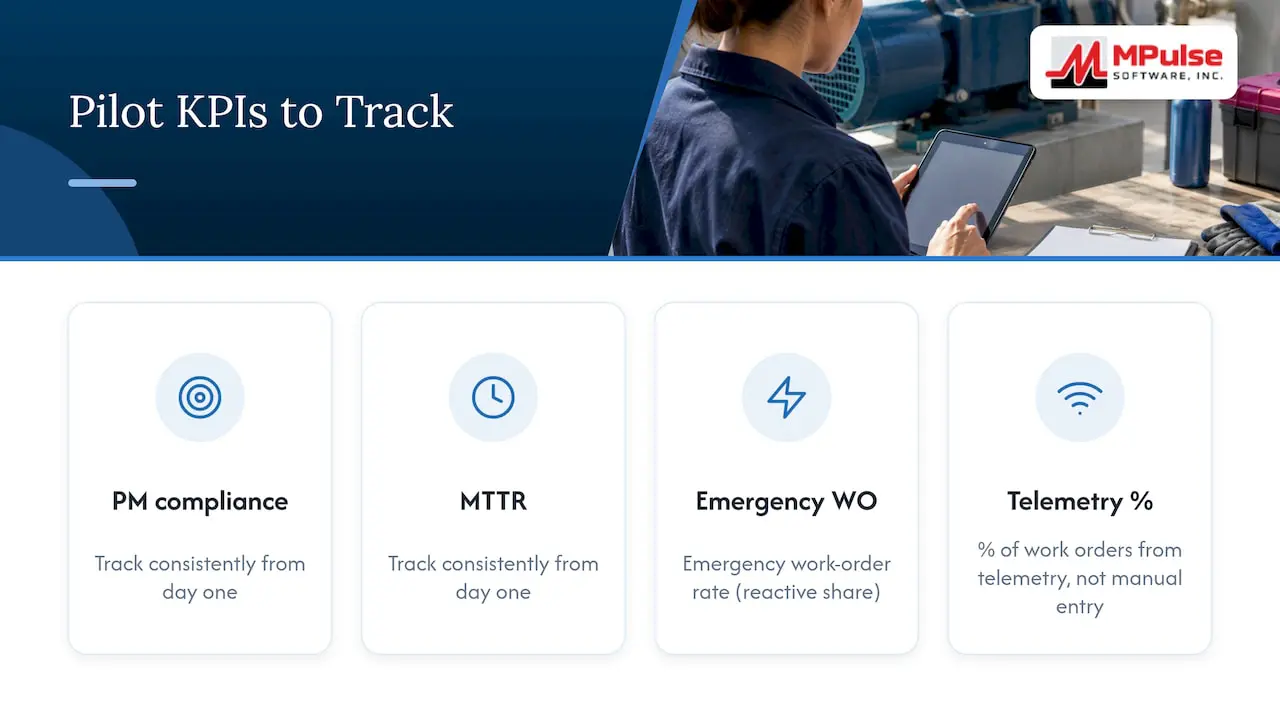
A realistic pilot timeline runs through stages of discovery and mapping, pilot execution, and validation, each lasting several weeks to a few months to complete.
Reliability experts note that a CMMS alone is primarily transactional and often needs an added analytics layer to move from compliance tracking to genuine reliability improvement. That distinction matters when setting pilot expectations.
Common cost drivers to budget for include data cleansing and migration, field-mapping labor, middleware licensing, and gateway hardware for sensor connectivity. A simple ROI framing compares the hours saved in manual data entry and planning against these setup costs over the first year, adjusted for the specific scope of the pilot.
Why a CMMS alone isn’t enough, and how MPulse supports integration
A CMMS tracks what happened: work orders completed, parts consumed, hours logged. Predicting what will happen next usually requires pairing it with an Asset Performance Management (APM) or analytics layer, since reliability-focused forecasting sits outside what a transactional system is built to do.
MPulse supports the integration work this requires through several specific capabilities:
- The DataLink Integration Adapter connects MPulse CMMS to ERP systems and sensor feeds without custom middleware development.
- CMMS Implementation Services help teams through the asset-discovery and data-mapping phases described above.
- MPulse CMMS Training brings administrators and technicians up to speed on the platform’s calendar-based scheduling interface.
- An intuitive calendar dashboard gives maintenance teams a visual view of PM schedules alongside integrated work orders.
For teams wanting more detail, MPulse’s implementation and best-practice articles cover specific integration scenarios in depth.
Where integration projects actually go wrong
Semantic mismatches, not missing features, derail most CMMS integration projects. A SITEID-ASSETNUM pair in the CMMS and a UUID in a predictive maintenance tool look like they should map cleanly, and they rarely do without manual translation work done up front.
Teams that succeed pick one pilot use case, prove its return, and only then scale. Trying to connect every system at once before any single connection has proven value is the fastest way to lose stakeholder confidence. Getting IT and OT aligned on shared KPIs before the first line of integration code is written saves months of rework later.
— Mark
Getting help executing your integration strategy
Running the roadmap above internally takes time most maintenance teams do not have to spare, and that is where a vendor built around CMMS implementation can shorten the path. MPulse offers several services aimed specifically at this stage of the project.
- Implementation services to guide asset discovery, data mapping, and the pilot rollout.
- An integration adapter to connect a CMMS directly to ERP systems and sensor feeds.
- Training services to prepare administrators and technicians before go-live.
- A maintenance and support program for ongoing help once the integration is live.
If you are ready to scope what an integration pilot would look like for your facility, review MPulse pricing plans or request a consultation through the MPulse services page to start the conversation.
Sources
For deeper reading on the controls and frameworks referenced above, consult NIST’s OT asset management guidance, NIST SP 1800-10 on ICS integrity, and Reliabilityweb’s analysis of CMMS versus APM and SAP PM ROI.
- Maximize the ROI of your SAP PM — Reliabilityweb
- Asset management as a foundation for operational technology cybersecurity — NIST CSRC
- Protecting information and system integrity in industrial control system environments: Cybersecurity for the manufacturing sector — NIST SP 1800-10
FAQ
Is SAP a CMMS or an ERP?
SAP is primarily an ERP system, with SAP Plant Maintenance (SAP PM) functioning as its maintenance management module. Organizations often add planning and scheduling tools on top of SAP PM to get functionality closer to a dedicated CMMS, and Reliabilityweb has documented planner time savings from doing so.
What are examples of CMMS?
CMMS platforms generally handle preventive maintenance scheduling, work order management, asset tracking, and inventory control for spare parts. MPulse CMMS is one example built around these core functions, with calendar-based scheduling and integration options for ERP and sensor data.
What are the most popular CMMS platforms?
Popular CMMS platforms vary by industry and facility size, and no single published ranking covers every market. Evaluation typically centers on ease of use, integration capabilities, and support for compliance-heavy workflows rather than name recognition alone.
Is Excel a CMMS?
Excel is not a CMMS. It lacks automated scheduling, work order routing, audit trails, and integration capabilities that a dedicated CMMS provides, and most teams outgrow spreadsheet tracking once asset counts or compliance requirements increase.