MPACT CMMS Features
Every tool your maintenance team needs to plan work, complete work, and understand the results. MPACT CMMS by MPulse Software connects work orders, preventive maintenance, assets, parts, people, and reporting in one platform.
What CMMS Features Does MPACT Include?
Explore Our CMMS Features
Every Tool Your Maintenance Teams Needs
Work Order
Management
Create, assign, prioritize, and complete work orders from one system. Unlimited work orders and task records, checklists with required fields, failure and repair codes, attachments, and time and cost tracking on every job.
Maintenance
Requests
Give everyone in your organization a way to report problems. Requesters are free and unlimited in MPACT, and they can submit issues by scanning an asset QR code or through a simple web form, then track status without chasing your team.
Preventive and Scheduled
Maintenance
Put recurring work on autopilot. Time, calendar, and meter-based schedules generate work orders automatically, with notifications and escalations when something needs attention.
Asset
Management
Build a complete record for every piece of equipment, building, room, and vehicle: maintenance history, documents, meters, criticality, downtime, and cost metrics you can view at the enterprise level or drill into by location.
Parts and Inventory
Management
Know what parts you have, where they are, and which assets they went to. Real-time inventory, vendor records, and purchasing workflows keep jobs moving without emergency orders.
Planning, Dashboards,
and Reporting
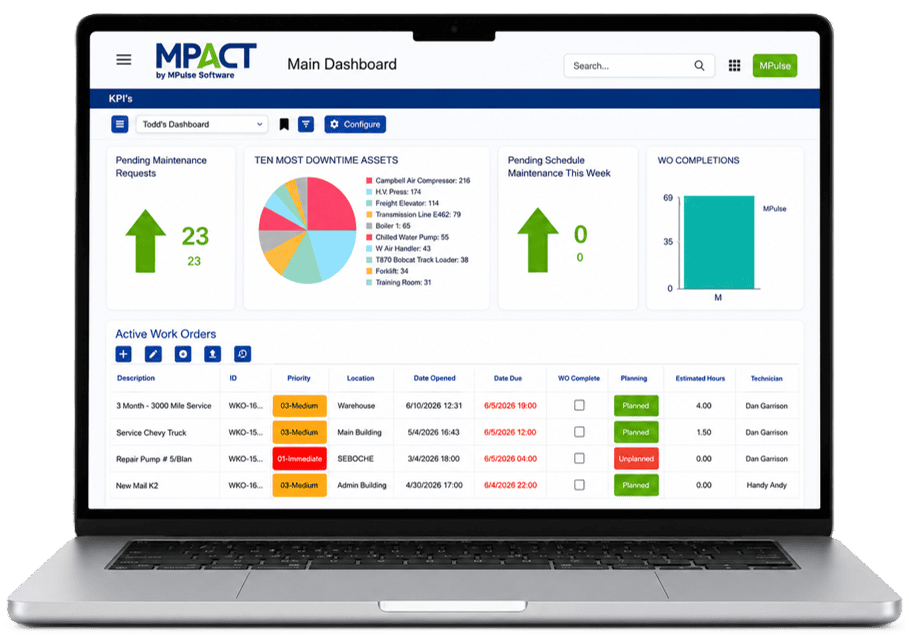
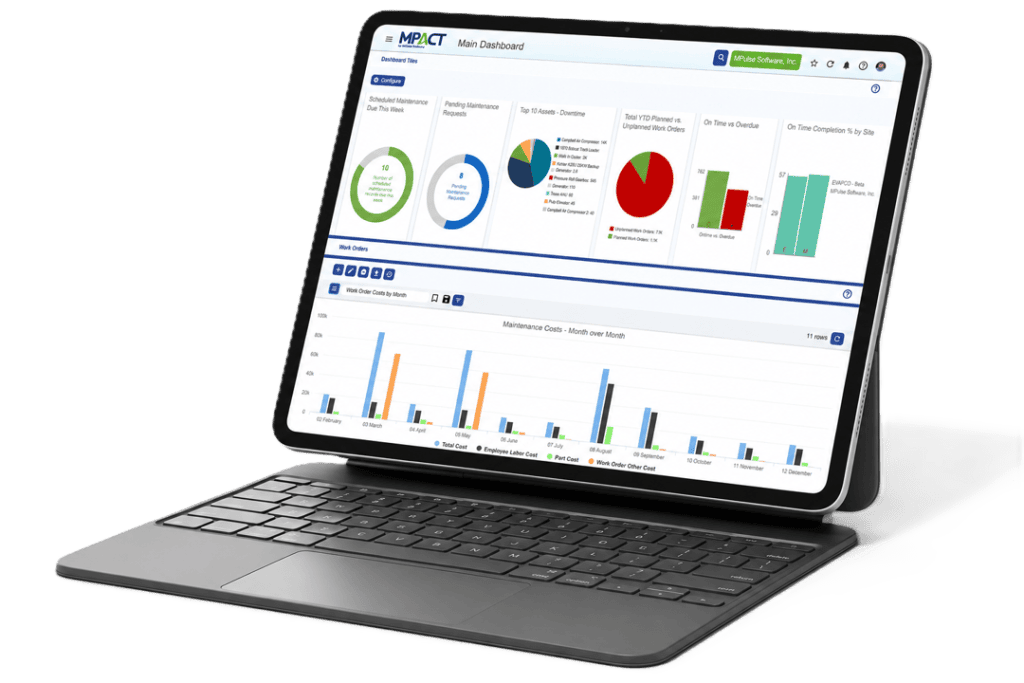
See workload, performance, and cost without building spreadsheets. Every user gets a configurable dashboard, and unlimited custom reports export to PDF, XLS, or CSV.
Mobile
Access
Technicians work from an adaptive web app on any device, or from the offline technician mobile app when connectivity is weak. Grid, form, and card views adjust to the screen in hand.
Security, Administration,
and Integrations
Fit MPACT into your organization’s standards. Custom and location-based permissions come standard, and Enterprise Add-Ons extend the platform with SAML SSO, MFA, and API integrations with ERP, sensor, and smart building systems
Editions That Match
Your Operation
MPACT is sold in editions so you pay for the depth you need. Professional covers core work orders, preventive maintenance, requests, dashboards, and notifications. Advanced adds inventory, time and cost tracking, failure analysis, downtime, and meters. Enterprise Add-Ons bring procurement approvals, APIs, integrations, SSO, and MFA.
All CMMS Product Features
Frequently Asked Questions About MPACT Features
A capable CMMS needs work order management, preventive maintenance scheduling, asset records with history, parts inventory tracking, maintenance requests, reporting, and mobile access for technicians. MPACT includes all seven, plus dashboards, permissions, and integration add-ons for complex operations.
Professional covers the core maintenance workflow. Advanced adds operational depth like inventory, costs, downtime, and meters. Enterprise Add-Ons handle integrations, procurement, and security requirements. The pricing page shows the full comparison.
Yes. Requester accounts are free and unlimited, so anyone in your organization can report a maintenance issue and track its status without a paid license.
Yes. The adaptive web app runs in any browser on desktop, tablet, or phone, and technicians can use the offline mobile app (an add-on) to complete work where connectivity is limited, syncing when they reconnect.
Ready to Get Started?
See why teams trust MPACT CMMS to manage maintenance smarter.
Book a live demo today.